Under the Hood of a Timelapse System: How Buildcam Works
A technical deep-dive into how the Buildcam TL system captures, stores, transmits, and assembles construction timelapse: from hardware to cloud platform.
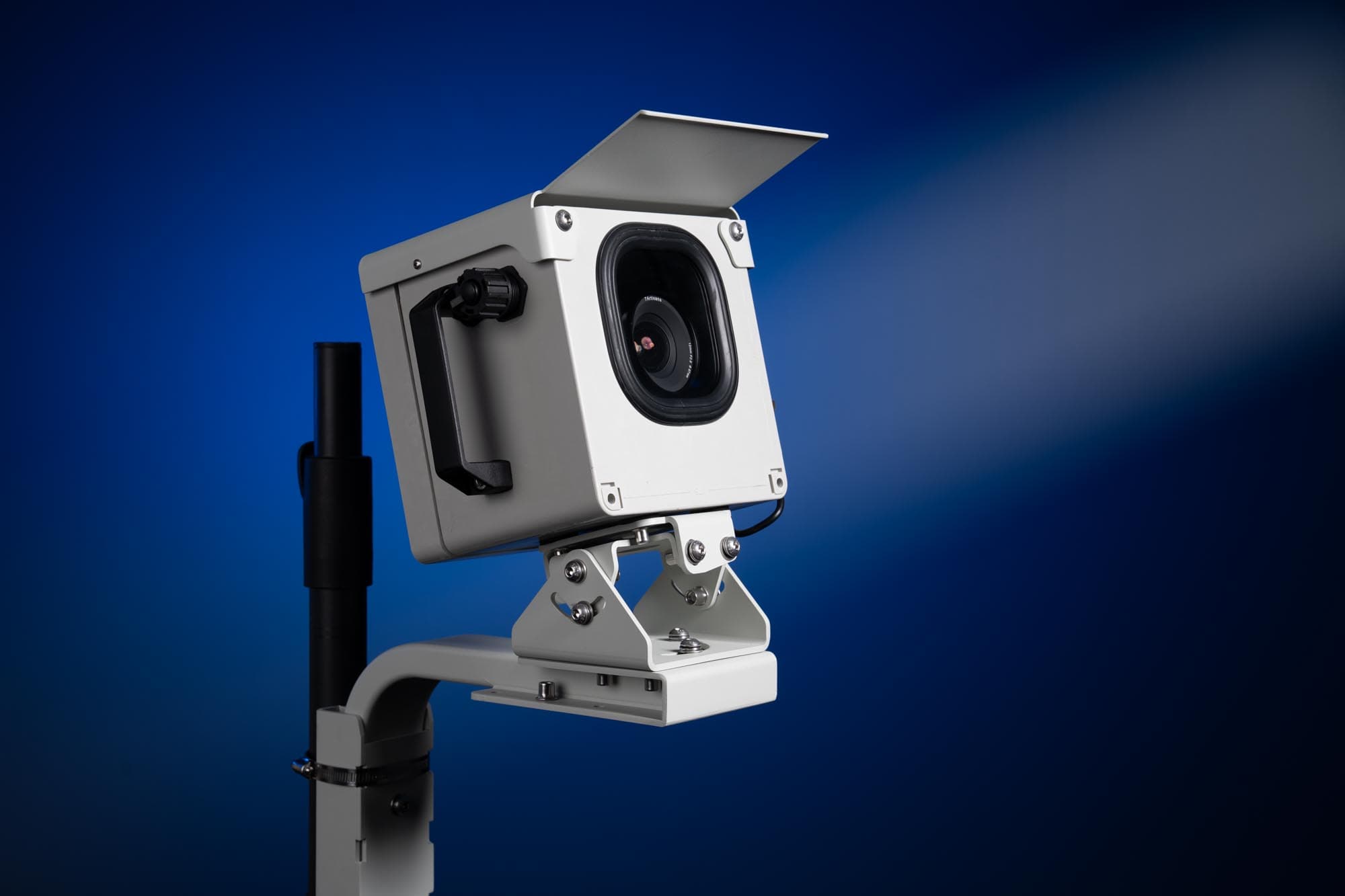
For project managers and photographers working on multi-year construction builds, timelapse documentation is far more complex than placing a camera on a tripod. A system that misses documentation days, corrupts files, or loses power in week three is not just an inconvenience. It is a failure that cannot be undone.
The Buildcam TL was built to solve this problem. Here is what is inside it, and how all the pieces work together.
The Hardware: The Foundation of Reliability
Camera and Lens
Every Buildcam TL uses a professional DSLR or mirrorless camera body, the kind that produces images suitable for billboards and boardroom presentations. Image quality is not a compromise.
Consistency is equally important. Lenses are locked in place and manual controls are set at the start of a project. This ensures every frame has the same sharpness, exposure baseline, and focal length, regardless of what changes on site or what the weather does. Thousands of frames shot over two years need to cut together seamlessly; that only works if the settings never drift.
Autonomous Controller
The custom-built controller transforms the professional camera into a self-operating system. Users configure the capture schedule, including intervals, active hours, and days of the week, and the controller executes reliably without any on-site interaction. No one needs to be present to trigger a capture, adjust settings, or restart the system.
Power Management
Solar panels charge deep-cycle batteries that sustain operation through extended cloudy periods. Between captures, the controller enters ultra-low-power sleep modes, significantly extending the system's autonomy. A properly installed Buildcam TL does not need a power-related site visit for the duration of most projects.
Weather-Resistant Enclosure
The IP66-rated housing protects against dust ingress and water jets from any direction. Integrated heating and cooling systems manage internal temperature across the extremes a construction site presents: desert heat, high-altitude cold, coastal humidity, and everything in between.
The Data Flow: From Capture to Cloud
When the controller triggers a capture, the camera fires and the image is written to the on-board storage, either internal camera memory or a connected SSD, depending on the configuration.
Images are then compressed and tagged with metadata (timestamp, system ID, site reference) before transmission. The system connects to the cloud via 4G LTE cellular. For sites with unreliable signal, a queue-and-retry system ensures nothing is lost: images upload as soon as connectivity allows.
Cloud storage makes the complete image archive available to all authorized project stakeholders without requiring anyone to visit the site or retrieve a card.
Intelligent Features
Image Quality Management
Built-in algorithms flag compromised frames: images affected by lens contamination, insufficient light, or other anomalies. These are surfaced for review rather than silently polluting the archive.
Automated Video Generation
The platform can transform months of captures into a smooth, professional timelapse at the click of a button. Customizable overlays support project branding, milestone labels, and stakeholder information. What would take hours of manual editing is handled automatically.
Real-Time Monitoring
A live dashboard displays battery level, signal strength, and capture status at all times. Automated alerts notify the responsible team when something needs attention, before it becomes a problem that interrupts the record.
The Complete System
The value of the Buildcam TL is not in any single component. It is in the integration: hardware, software, and cloud infrastructure working together to document a project lifecycle reliably, from day one to final handover.
The output is not just a timelapse video. It is a time-indexed visual archive of everything that happened on site: a project management tool, a dispute resolution resource, and a marketing asset, all in one.