Industries · Infrastructure
Infrastructure construction cameras, from first dig to ribbon cut.
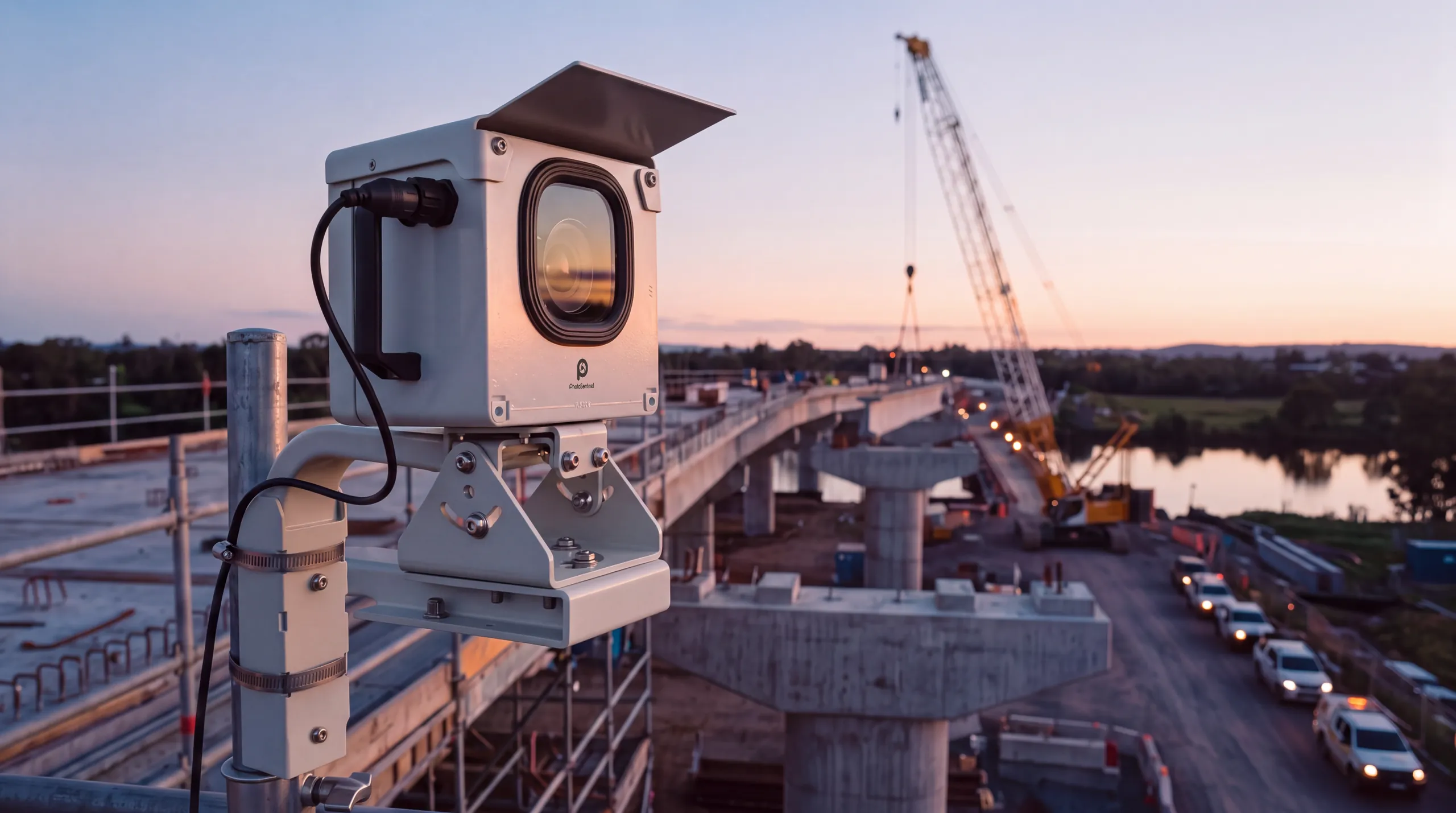
Roads, bridges, rail and water projects run for years and stretch for kilometers. Our Buildcam cameras run on solar power, connect over 4G and record the whole program without mains power or a fixed line.
- Solar + 4G
- No mains required
- Multi-year
- Continuous capture
- IP66
- Weatherproof housing
- 55 countries
- Deployed globally













Remote site monitoring for projects that take years.
Infrastructure is built in the open, far from the office and under public scrutiny. Our Buildcam cameras, fixed to the site, photograph it on a set schedule, every day, for as long as the program runs. What you get is a continuous, dated record of every phase of a road, bridge, tunnel or rail project, viewable from anywhere and managed in Sentinel OS, the intelligent software platform behind every Buildcam camera.
Funding is released against milestones, and every release needs evidence. Funding bodies, oversight agencies and community liaisons can follow progress through a shared link, without a site visit. At commissioning, the record becomes part of the handover and the historical account of a public asset.
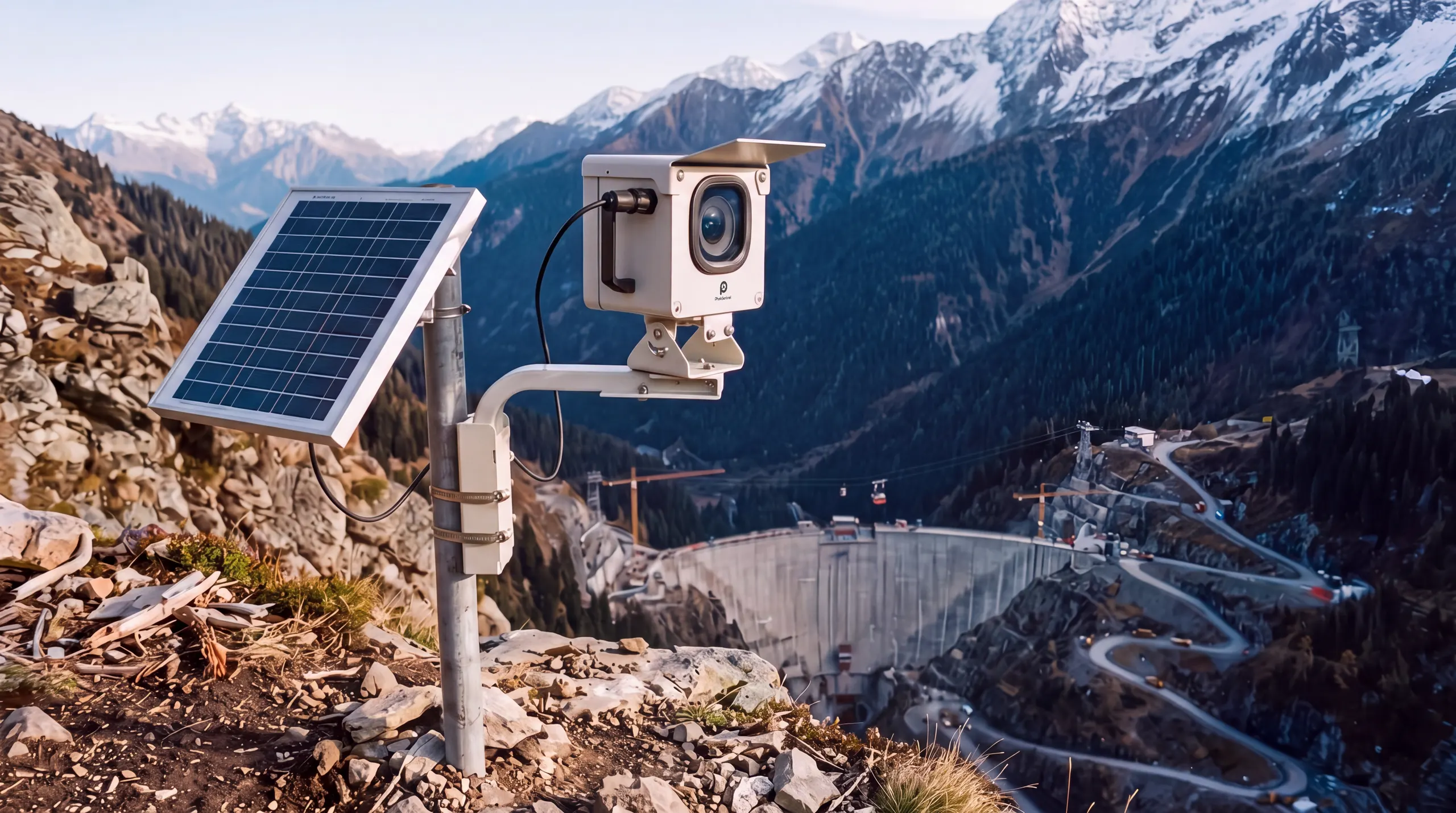
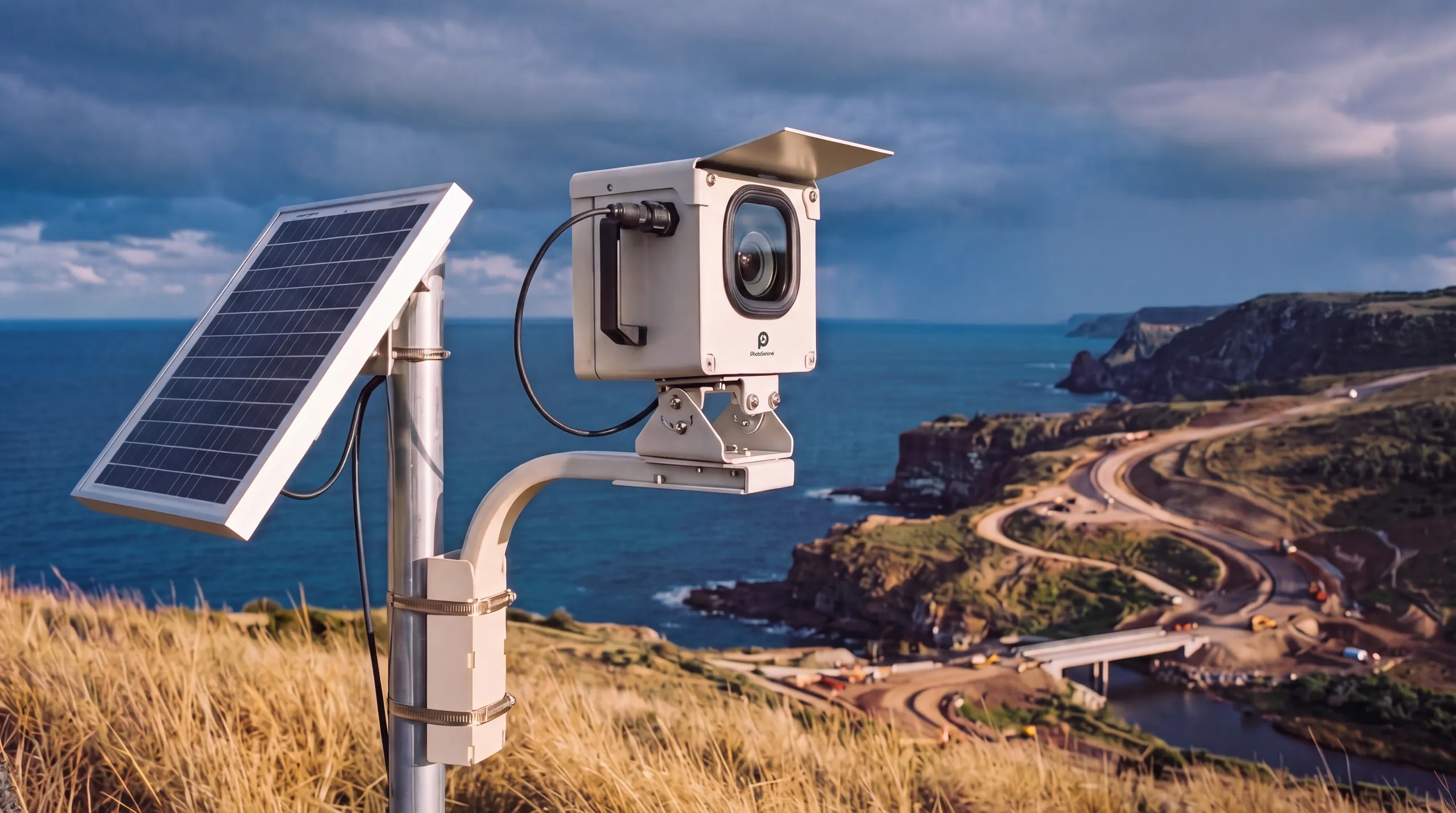
How it works
How a construction camera works on an infrastructure project
Mount it where the work is
Each camera goes on a pole, a gantry or an existing structure with a clear view of the work front. It carries its own solar panel and battery, so there is no trenching for power and no fixed line to run along the corridor.
It records on schedule, for years
The camera photographs the site on a set schedule every day and sends each frame over 4G. It keeps going through weather, shutdowns and changes of contractor, for as long as the program runs.
Everyone sees the same record
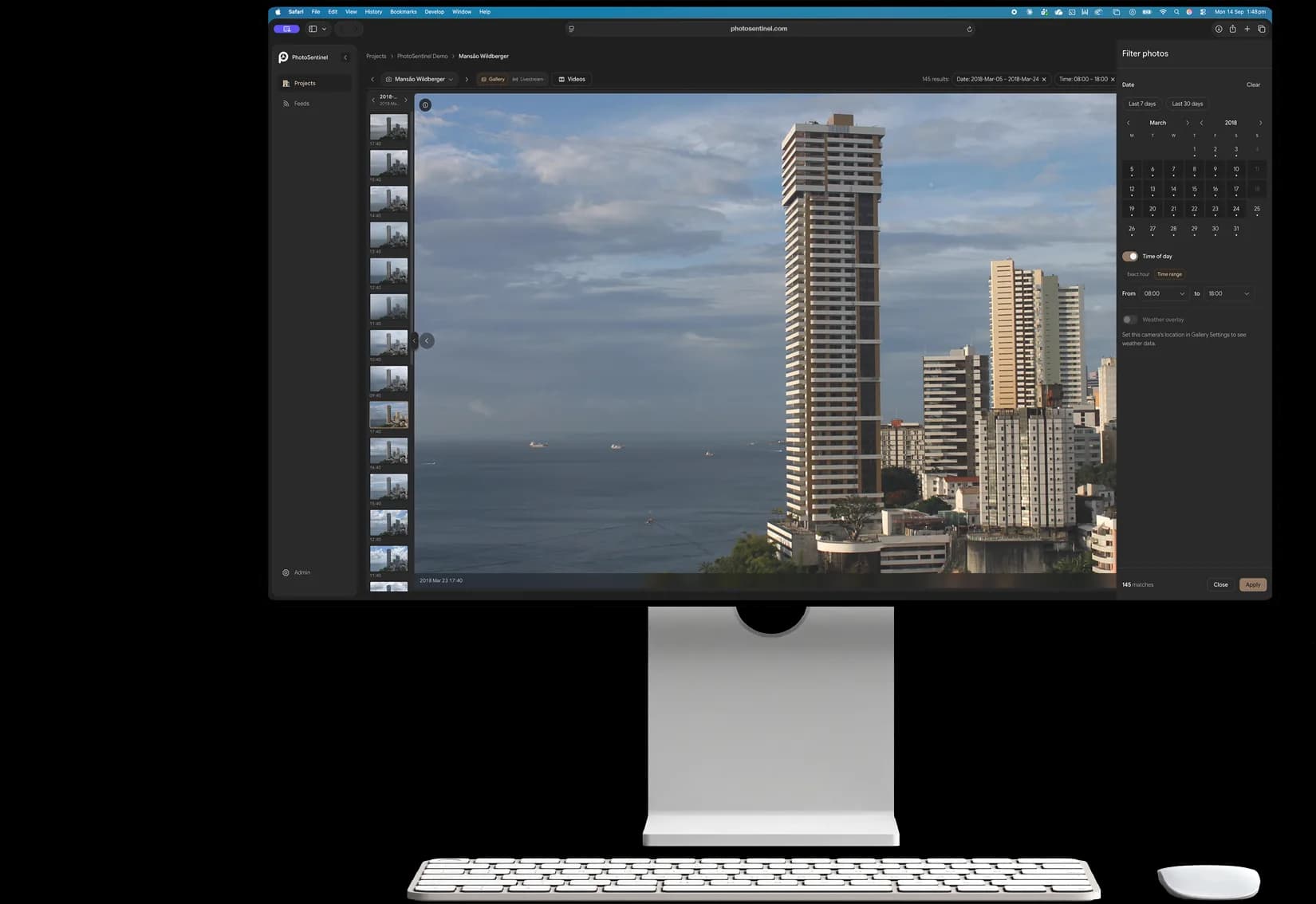
Every frame lands in Sentinel OS with a date and time. Project teams check progress, funding bodies see milestones through a shared link, and the full record is ready to export at handover.
On your project
Built for long, remote, public projects
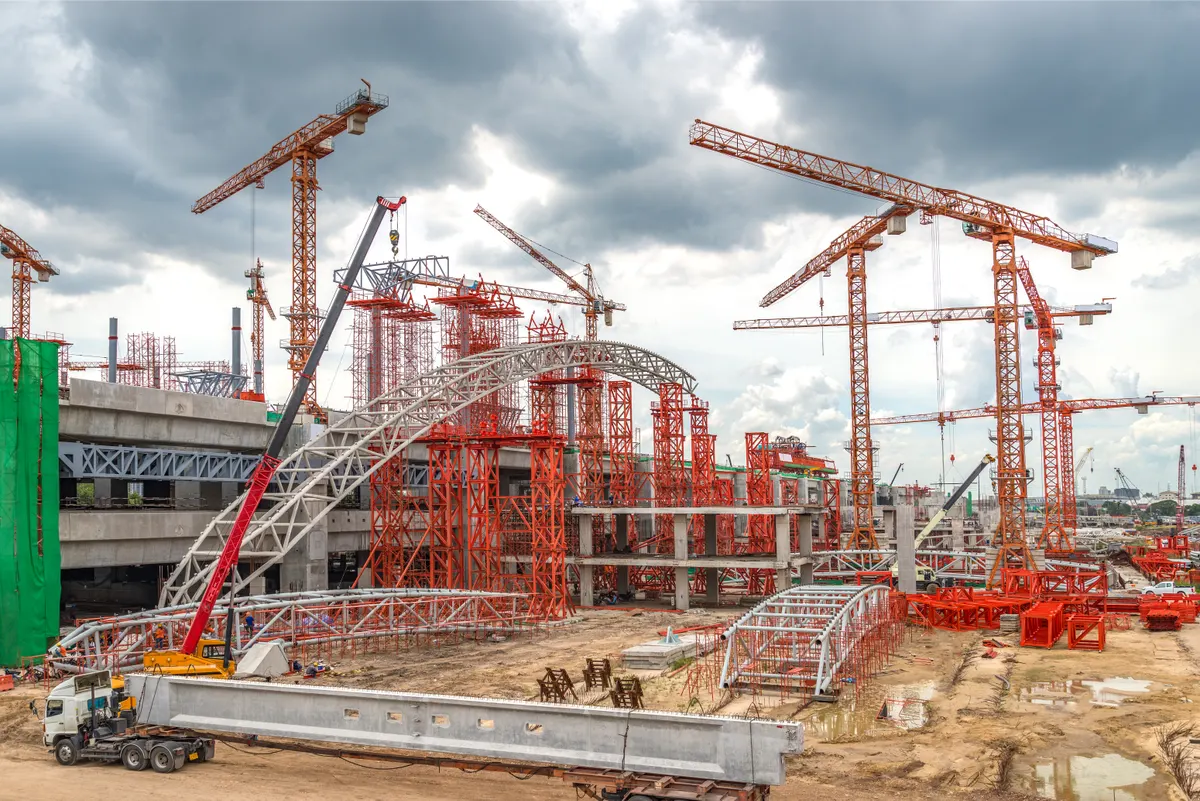
Milestone evidence for funding bodies
An automatic, dated record at every milestone, with no photographers to chase and no documentation done after the fact.
Learn more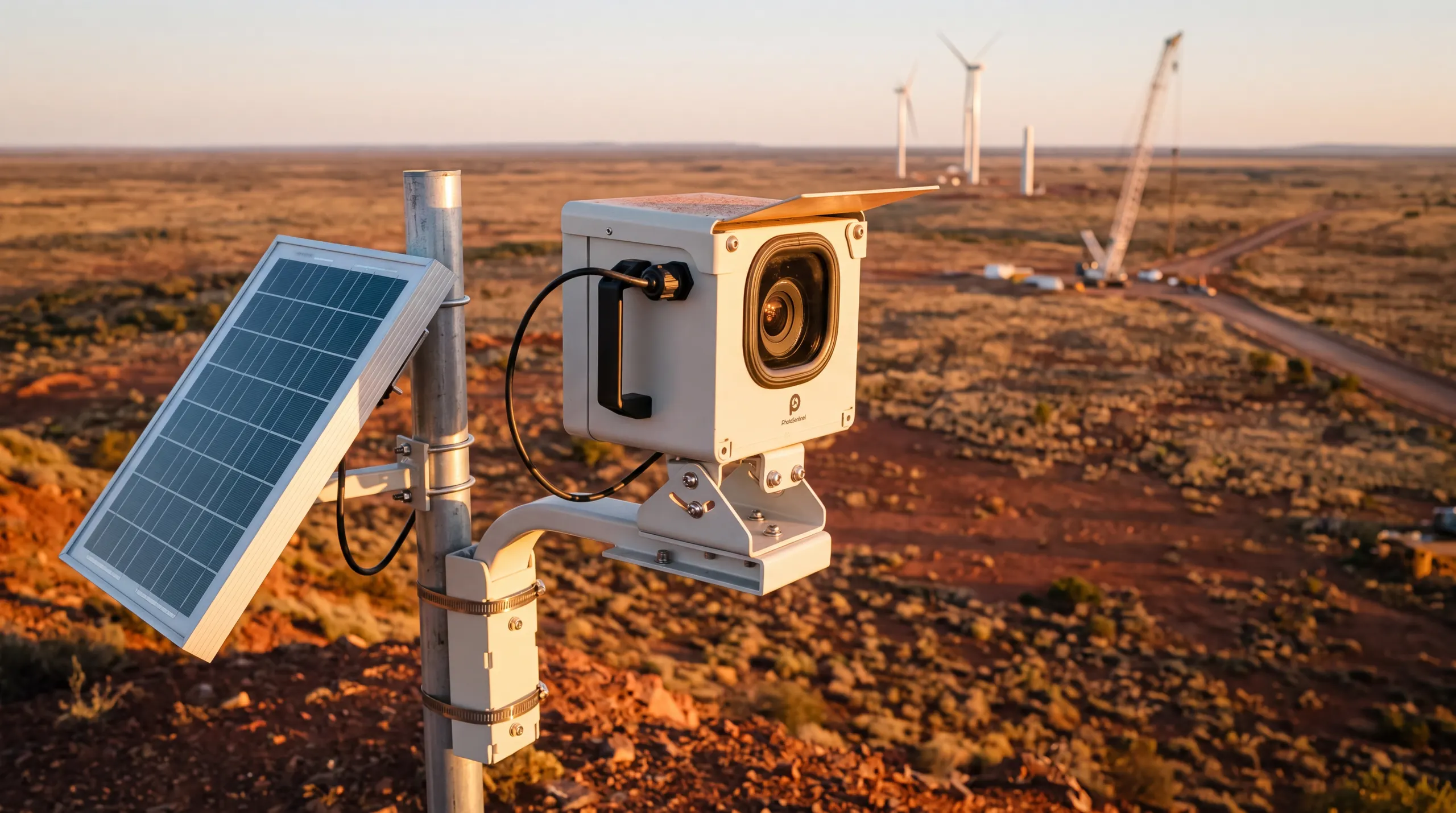
Remote site monitoring along the corridor
Place cameras along a road or rail alignment and see every work front from one dashboard.
Learn more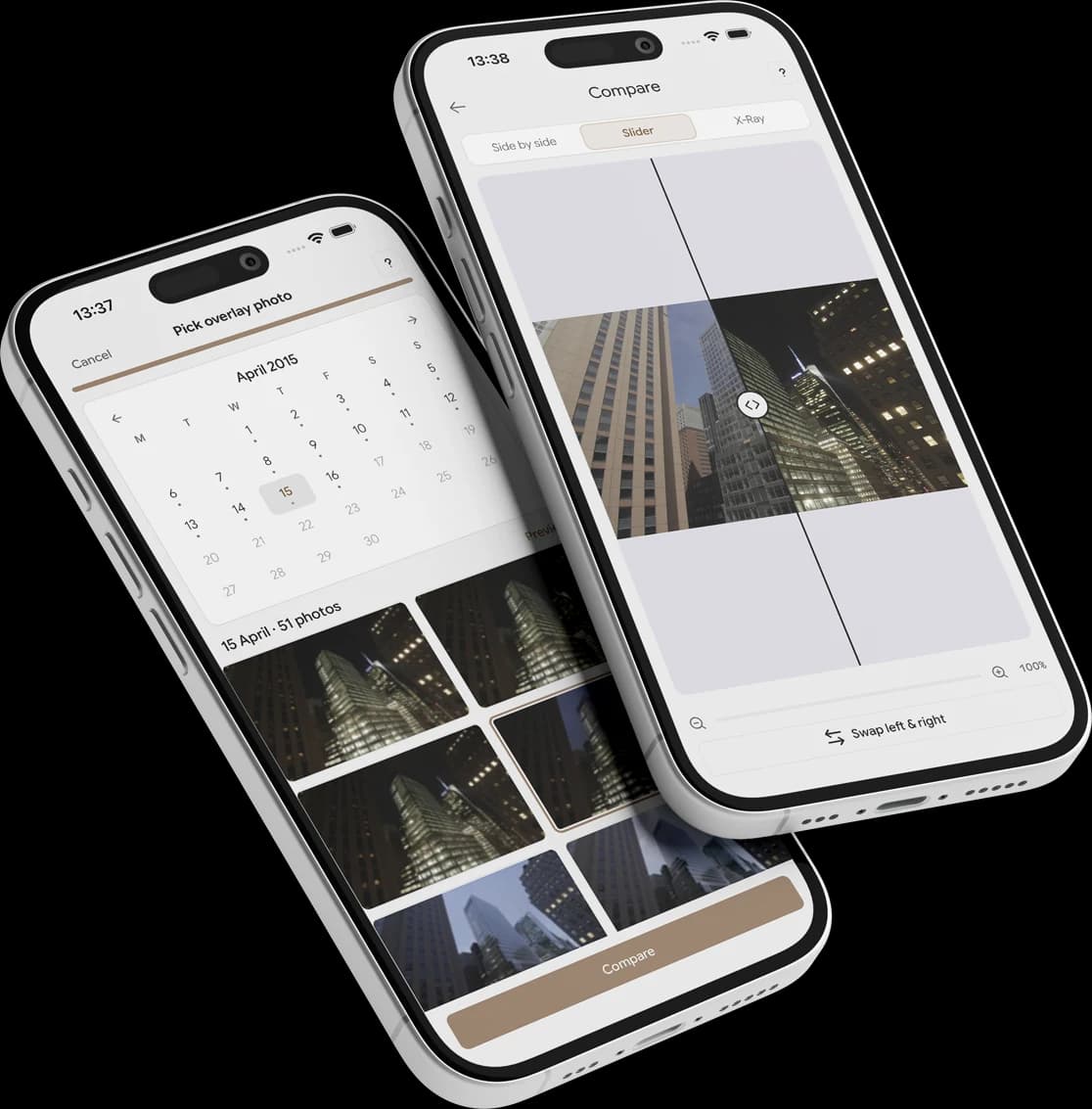
Stakeholder and community updates
Share a project link with a council, a funding body or the public, and control what each one sees.
Learn more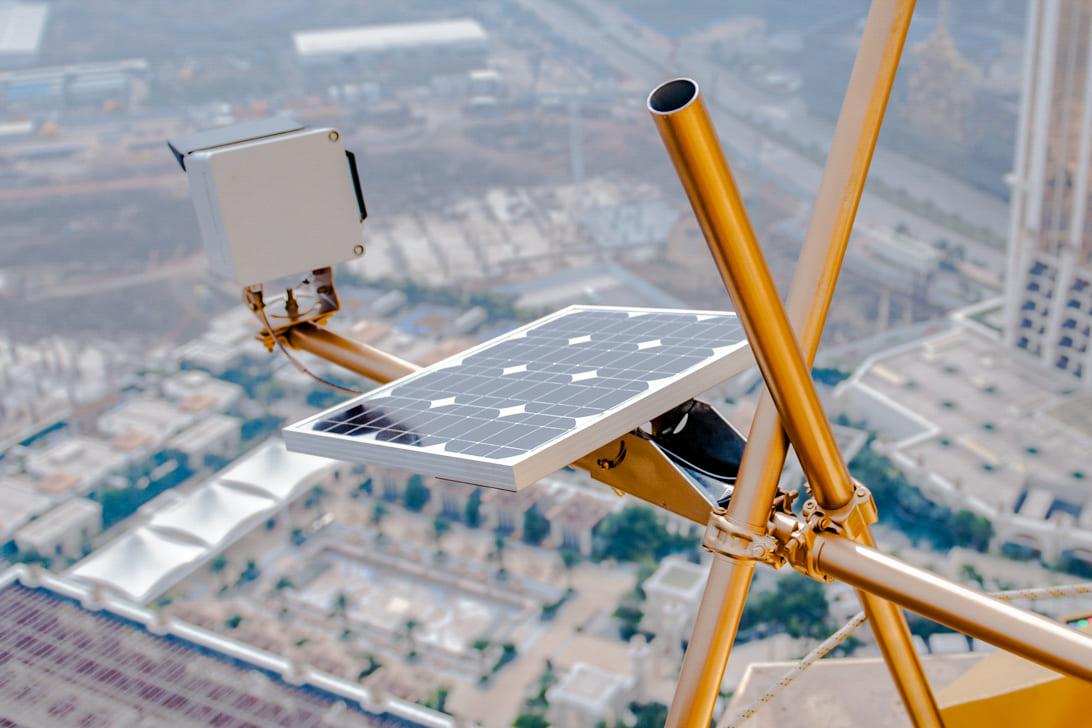
Off-grid deployment
Solar power and 4G make our Buildcam cameras work where there is no mains power and no fixed internet. Most infrastructure sites qualify.
Learn more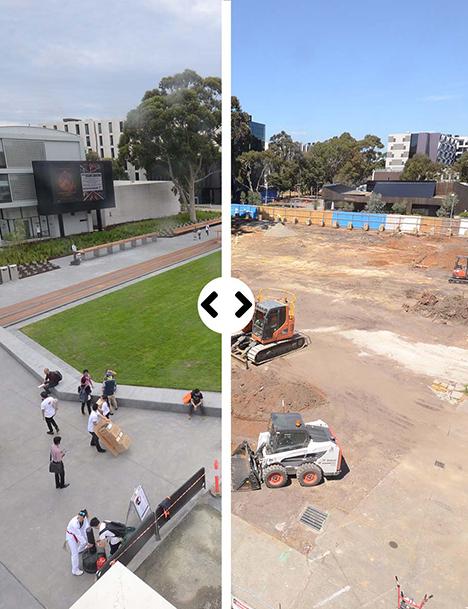
Bridge and structural works
Record every pour, segment and lift on a bridge or overpass, and go back to the exact day any element went in.
Learn more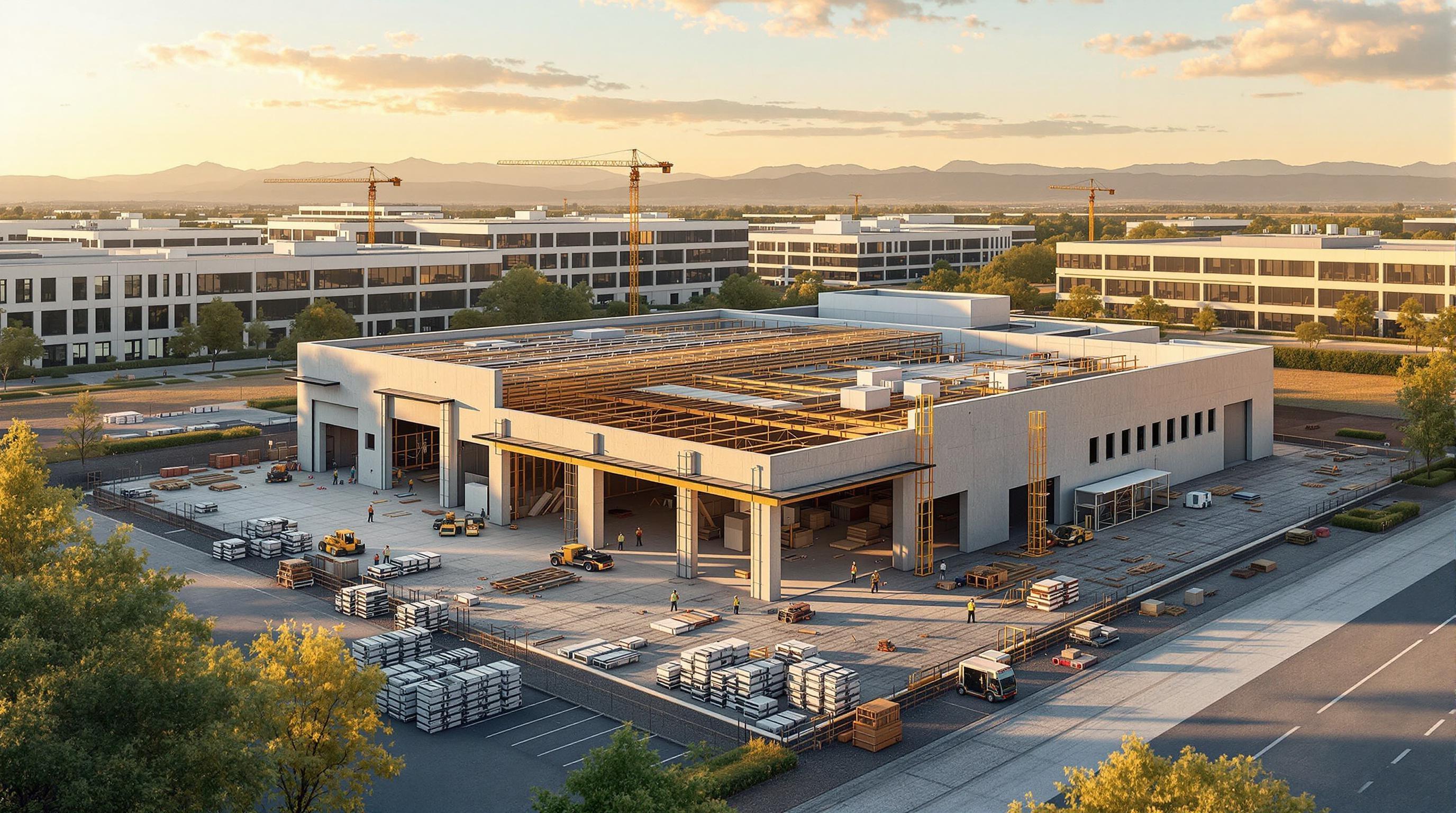
Contractor and program accountability
When packages overlap along a corridor, a dated record shows who was working where, and when, without relying on diaries or memory.
Learn morePowered by Sentinel OS
Prove the milestone with two dates side by side.
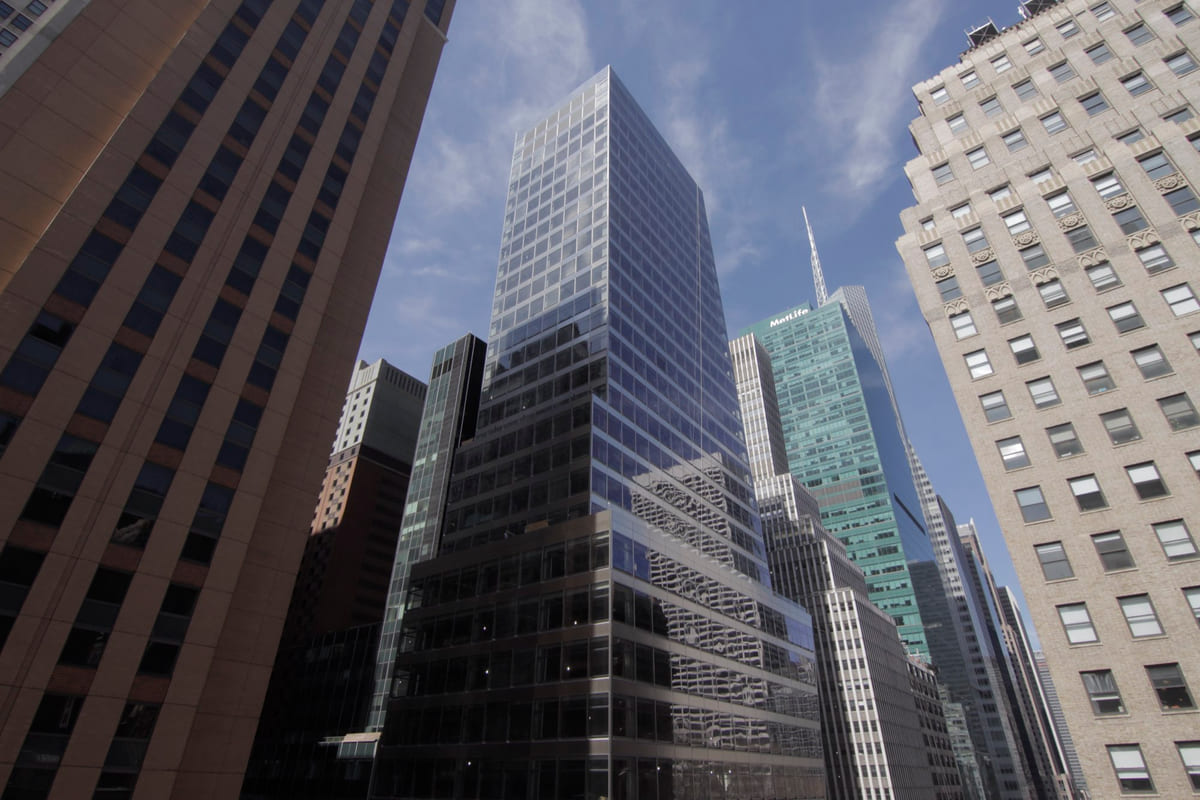
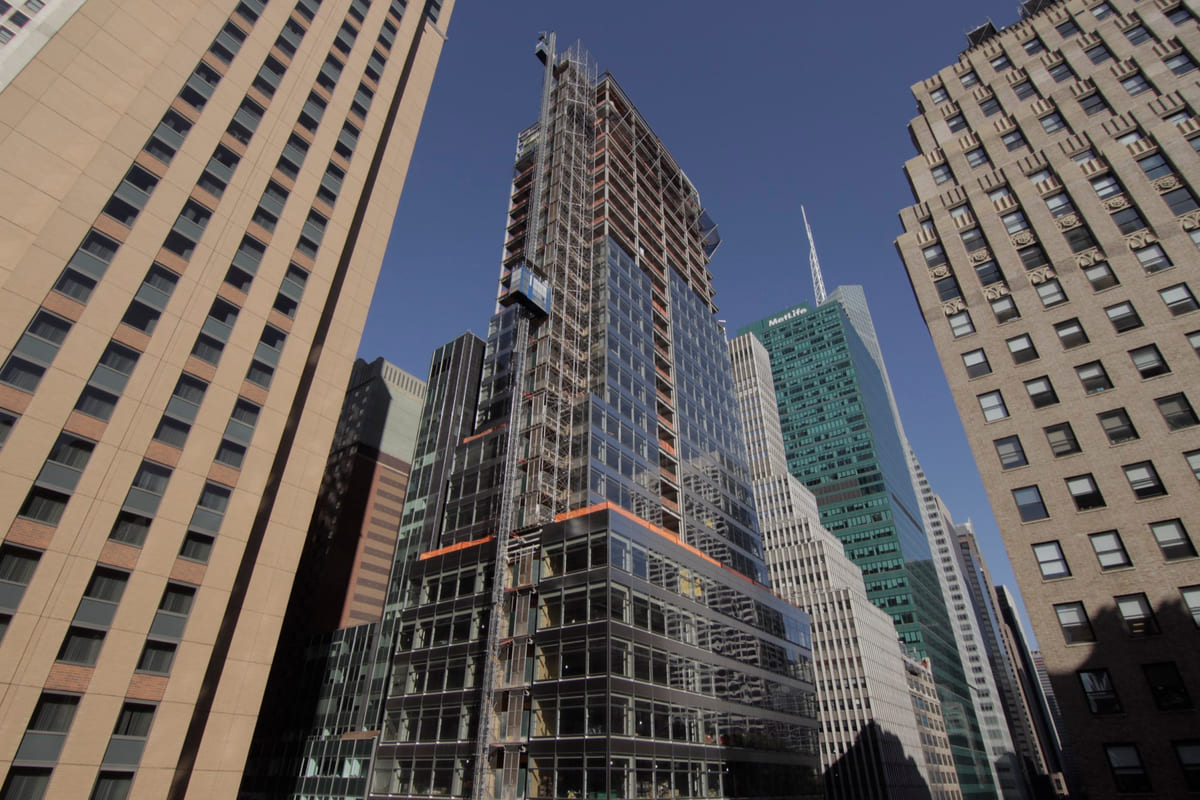
Time Portal lets you drag a window across the frame to reveal an earlier date underneath. Site Comparison sets any two dates across the full frame. Together they turn a progress claim into something anyone can see.
- Compare any two dates in the project's history
- Mask in on a single structure or work front
- Export the frames in full resolution for the report
Slider mode. Drag the handle left or right to wipe between now and then.
 NowThen

Powered by
Sentinel OS
Sentinel OS, the intelligent software platform behind every Buildcam camera, turns your footage into searchable evidence, compliance, intel, and story.
Explore Sentinel OS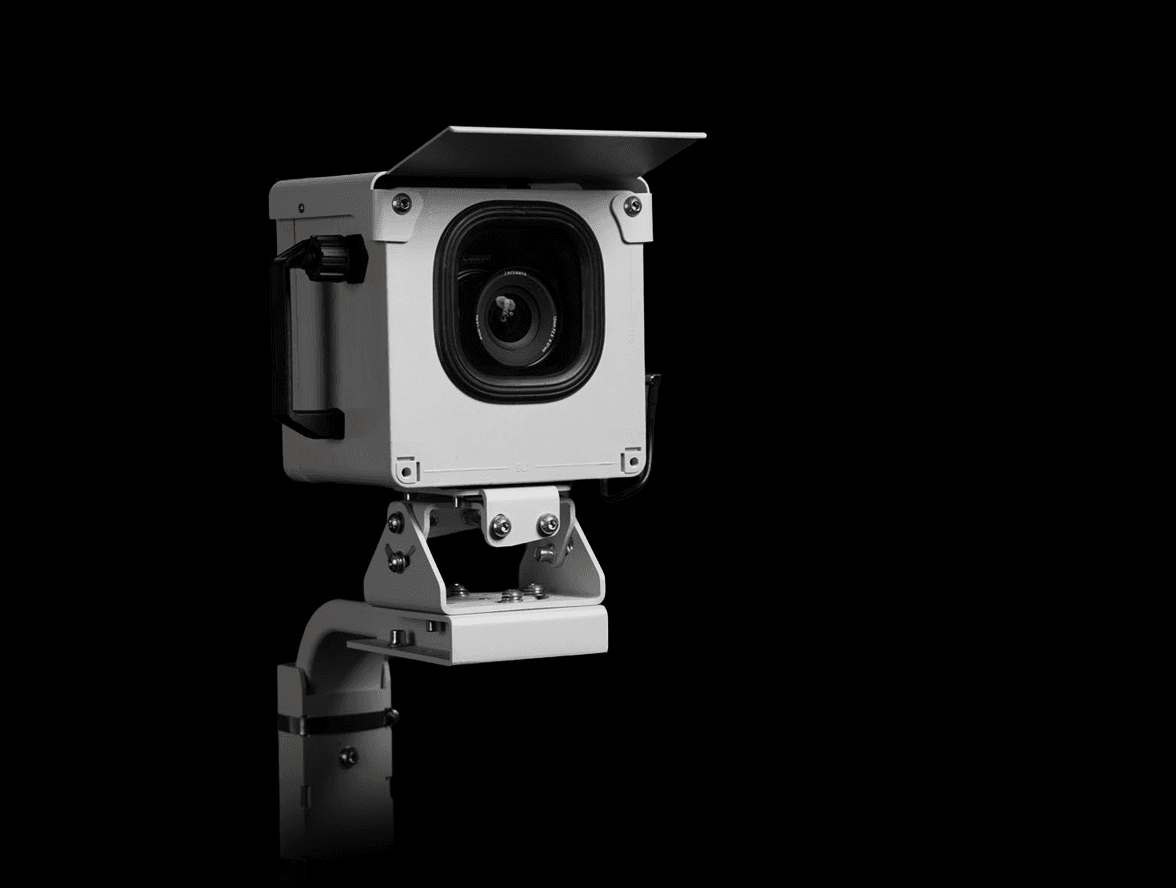
Recommended hardware
Buildcam TL with solar
Built for long, unattended programs. Weatherproof to IP66, solar powered, and on 4G from day one.

Industry: Infrastructure
Questions about cameras on infrastructure projects.
The ones that come up most on roads, bridges, rail and water projects. The full FAQ lives in Resources.
Different question?
The full FAQ covers hardware, platform, security, and billing. Or skip the search: talk to a real person on the callback.
Put a permanent record on your next public project.
Tell us about the site, the power and the program length, and we'll match the right camera.
We'll call you back within the hour.