We really loved the movie-quality timelapse. It was a steal for the production value and the number of videos we asked for on the project. Highly recommend [PhotoSentinel] and hope to use them again.”
Matt Williams
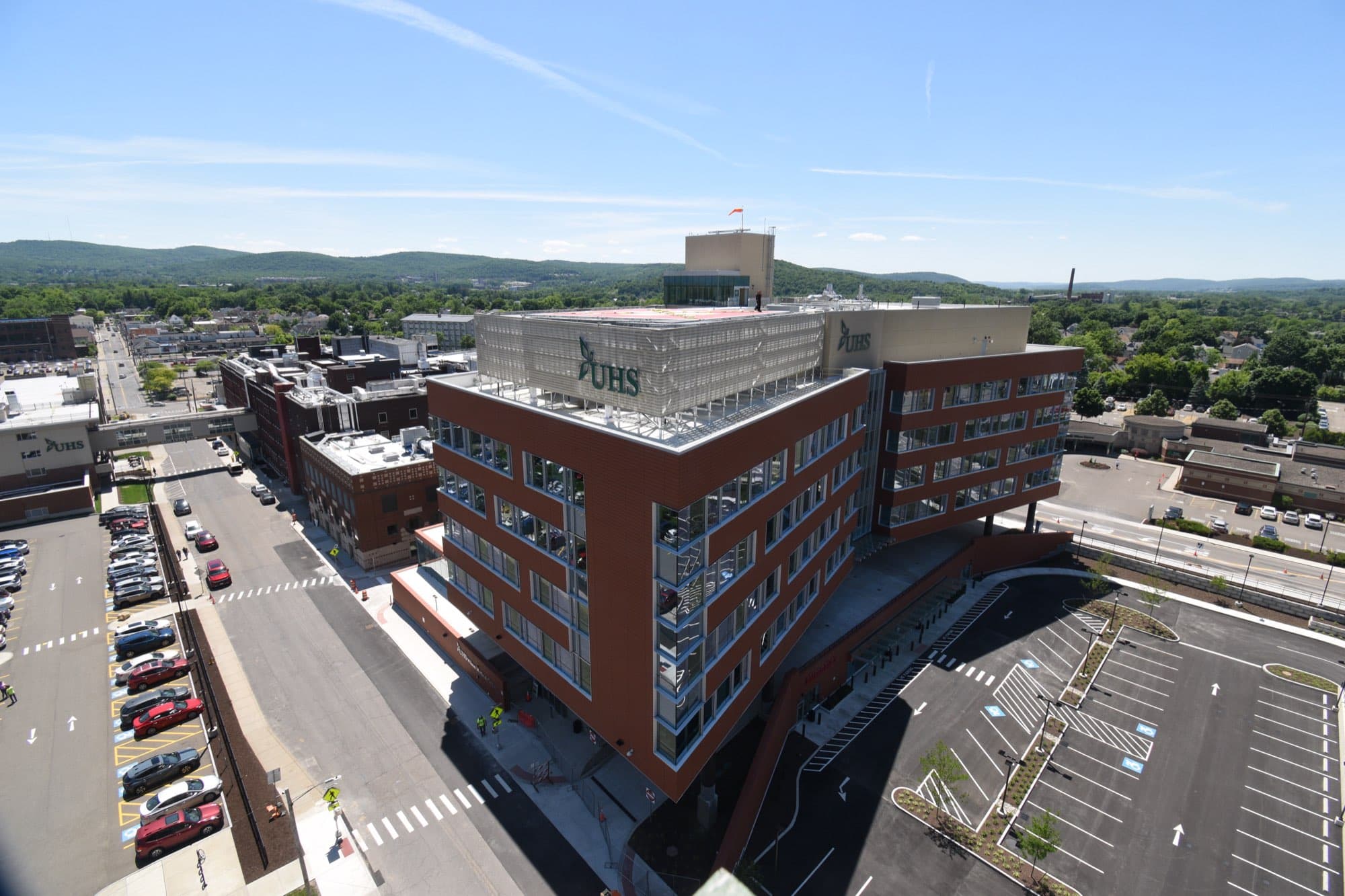
See every site, every moment, from anywhere. PhotoSentinel's 24MP cameras deliver professional documentation and real-time oversight, cutting travel time while improving project control and accountability.
Get an Instant QuoteFrom the office, the beach, the mountains, or anywhere, from any device. See your site in real time.
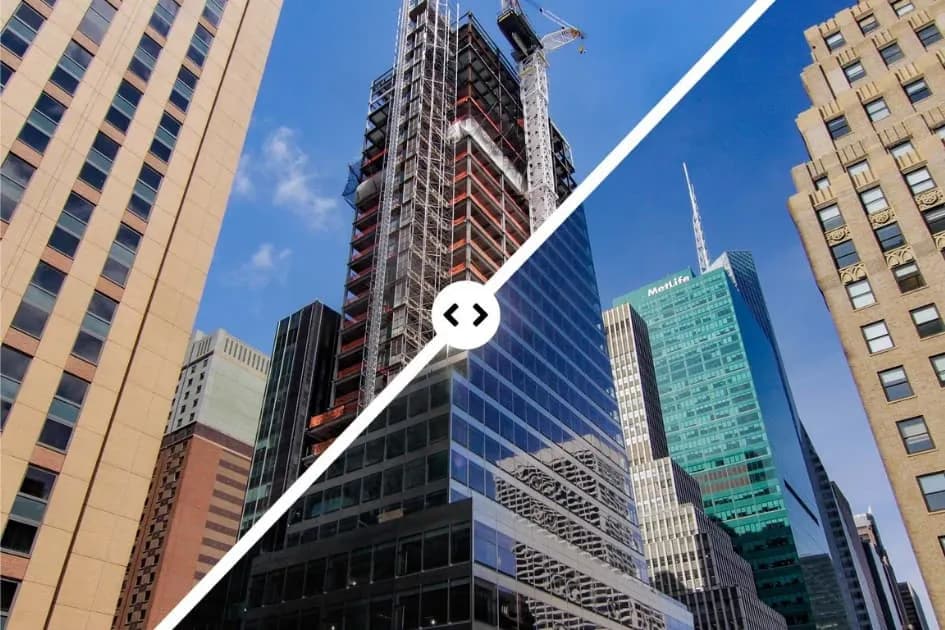
Visualize any two dates over each other to verify progress and settle questions in seconds. Compress weeks of work into a quick video.
From the C-suite to the public and every stakeholder in between, create videos and share pictures with the click of a button.
















Track your progress
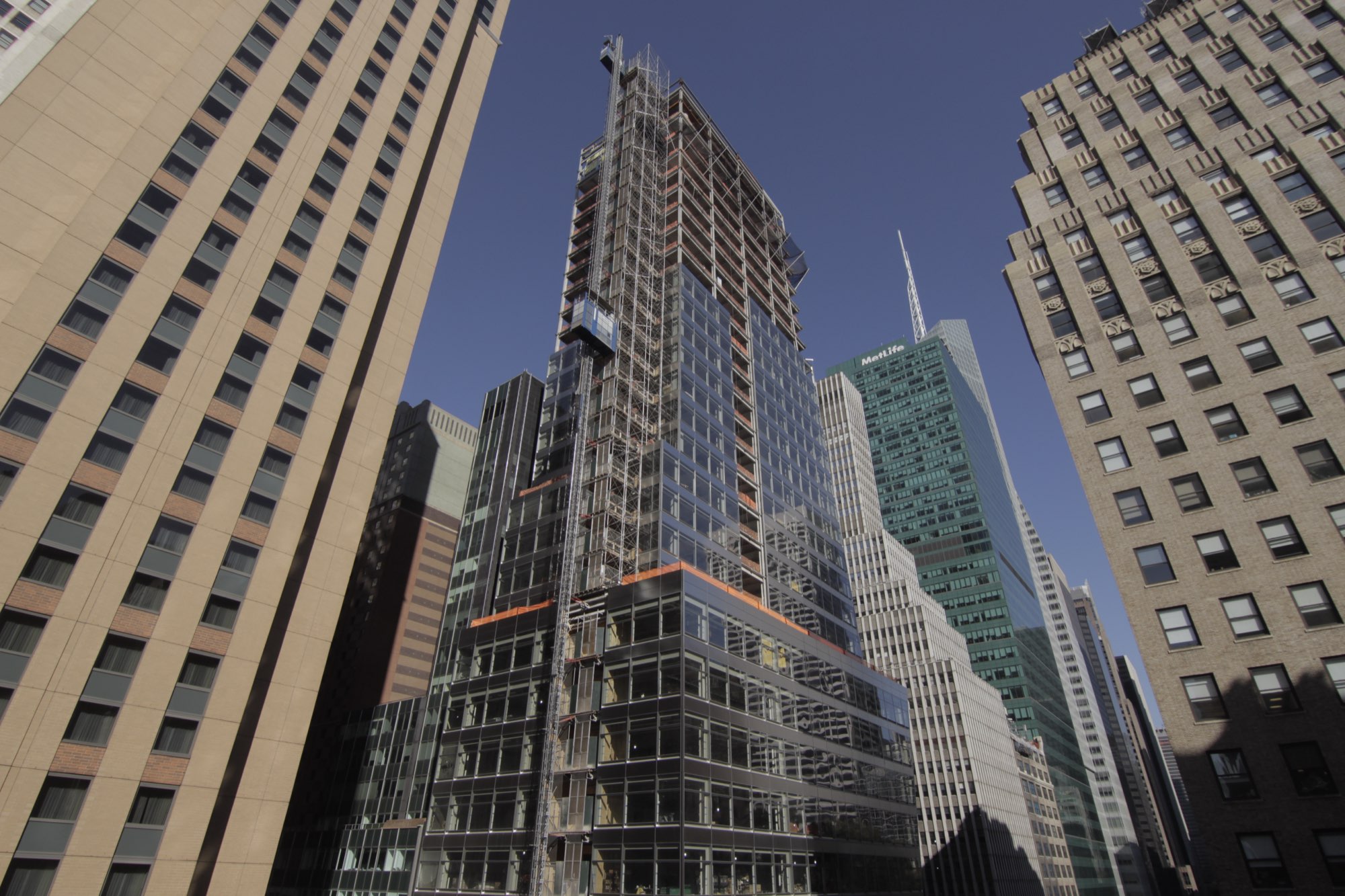
Compare any two dates across the frame in sharp 4K, or reveal an earlier state beneath the present with an X-ray-style overlay. Weeks of work compress into a short, shareable video that keeps every stakeholder current.
Explore Time Portal in Sentinel OSSlider mode. Drag the handle left or right to wipe between now and then.

 NowThen
Capabilities
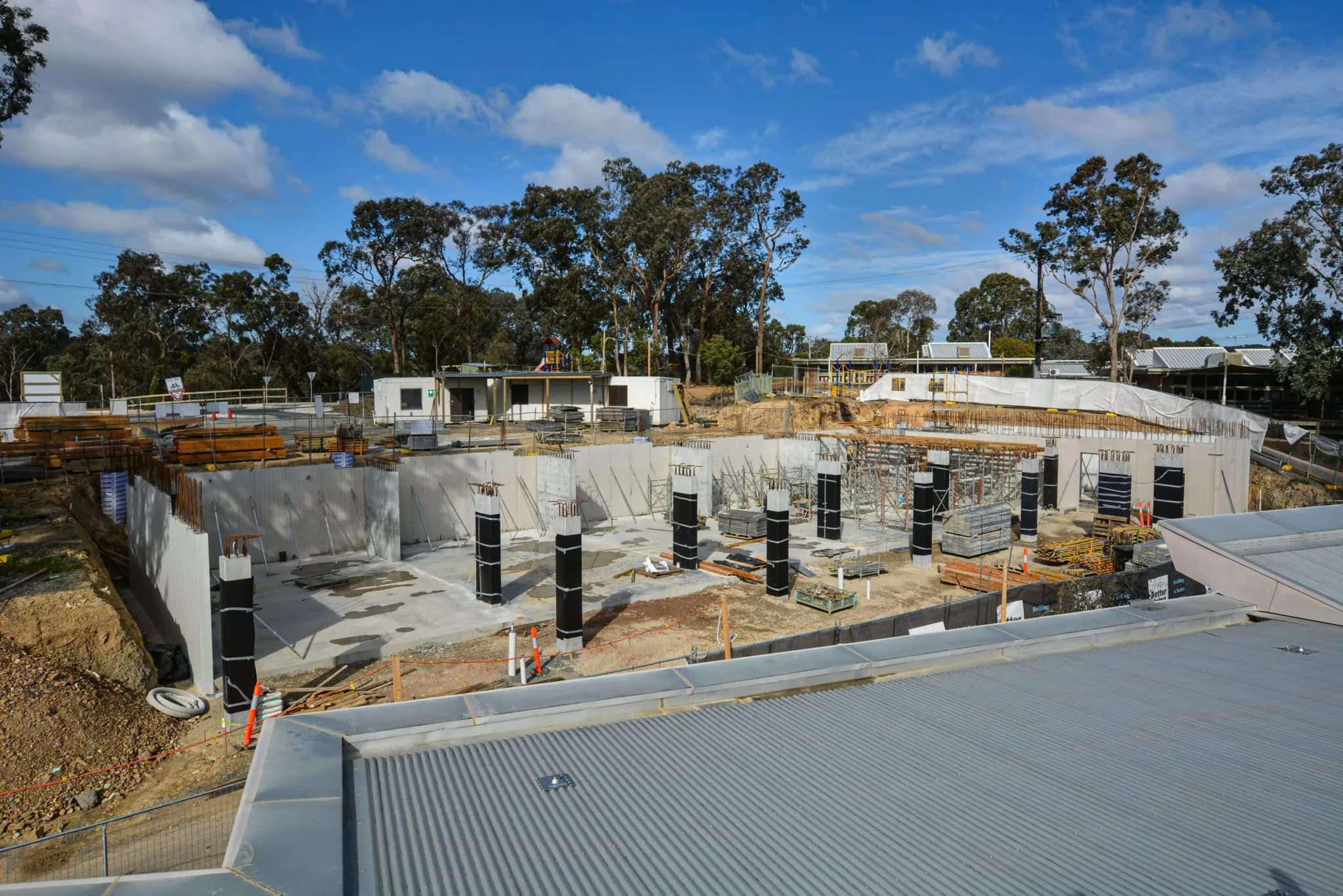
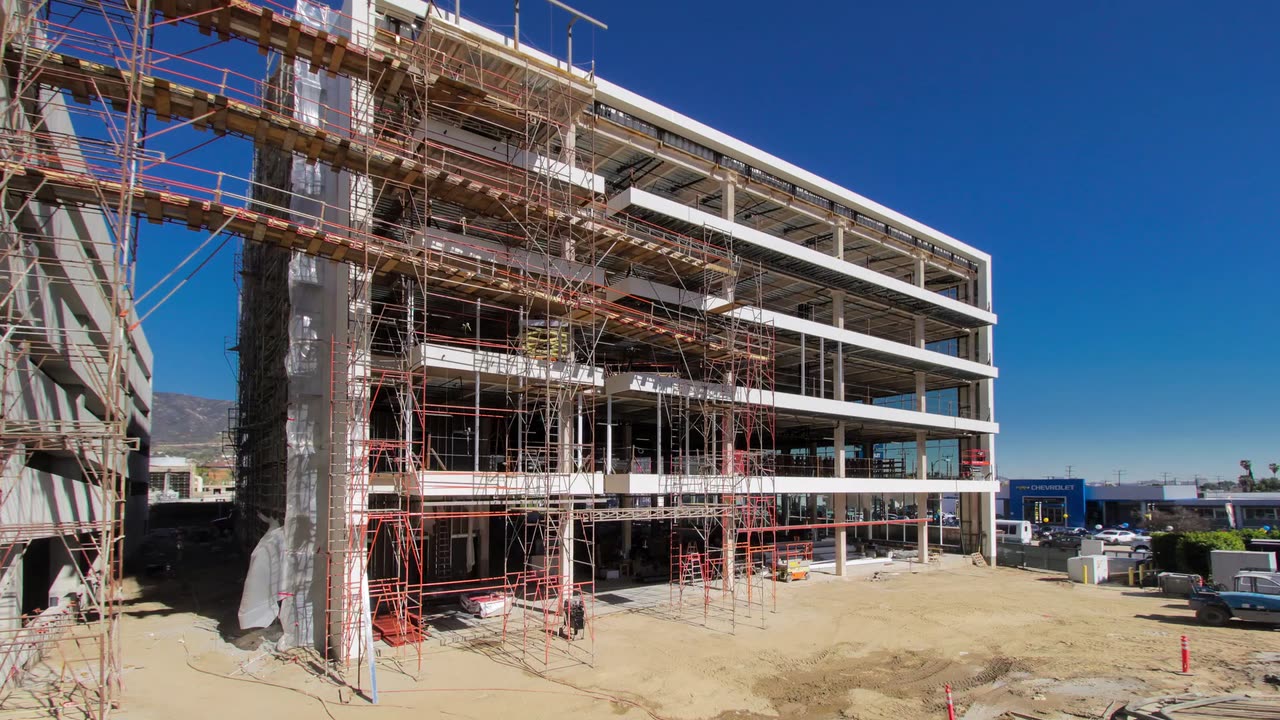
Capture razor-sharp 24MP timelapse sequences that reveal intricate construction details, ensuring clear visual timelines without requiring technical expertise.

Automated 10-minute interval captures create a high-resolution visual timeline, enabling rapid verification of daily progress and streamlined stakeholder communication.
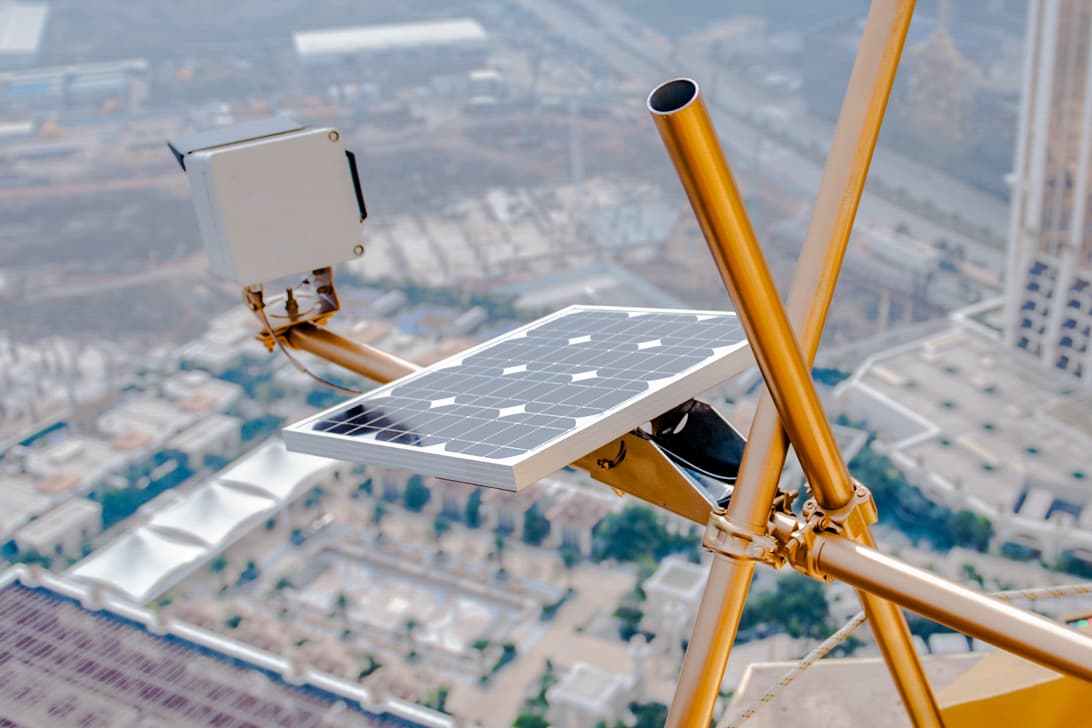
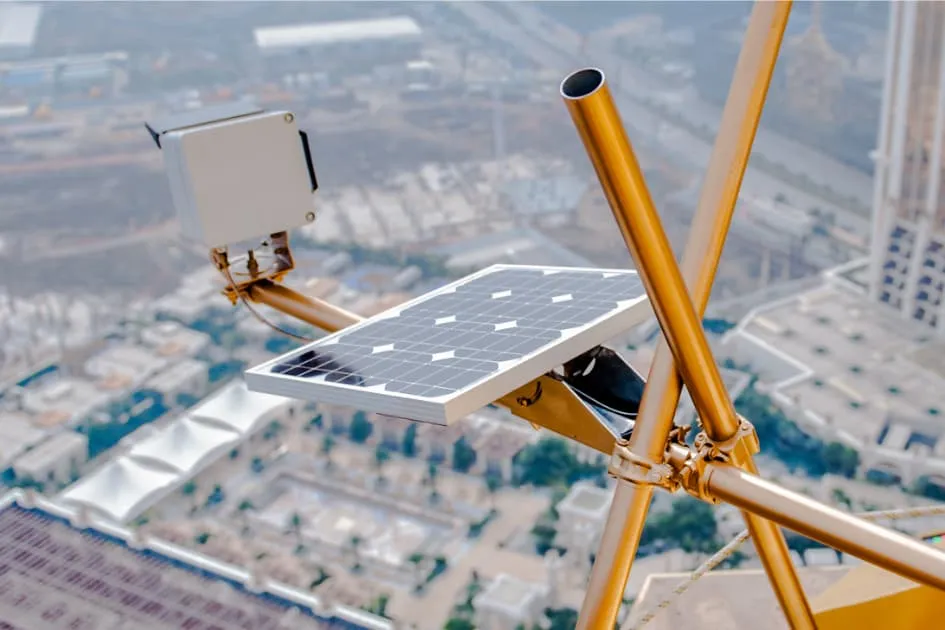
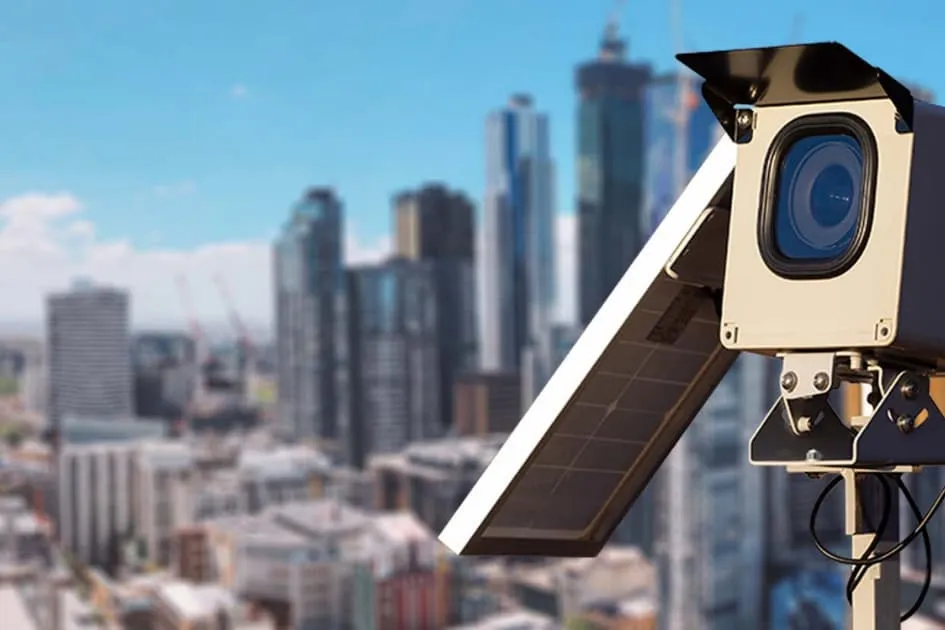
Simplify site power setup with a lightweight solar solution enabling one-person installation and consistent, weatherproof performance for uninterrupted visual project capture.
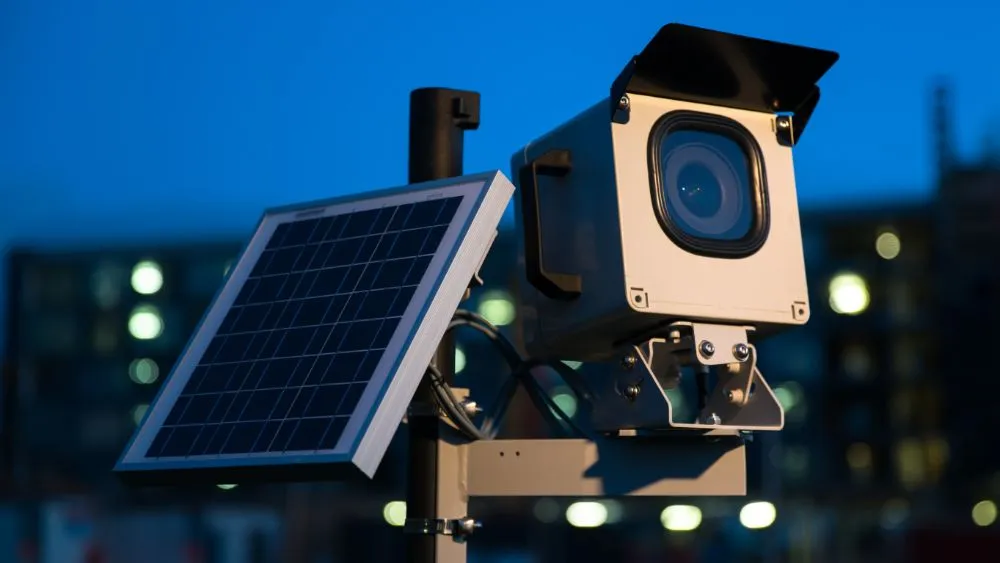
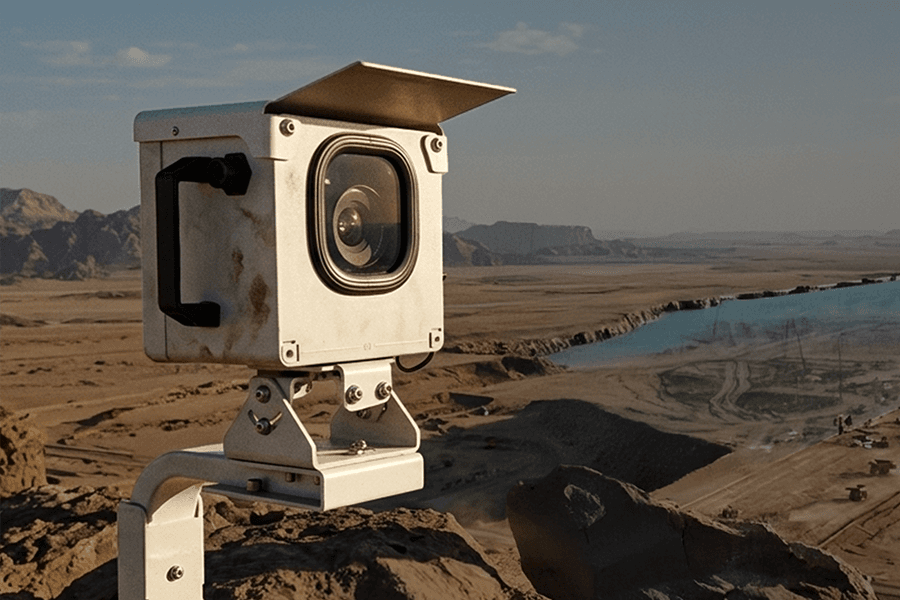
Instantly gain remote project visibility through cellular-enabled timelapse cameras that work out of the box, streamlining progress oversight without complex IT setup.
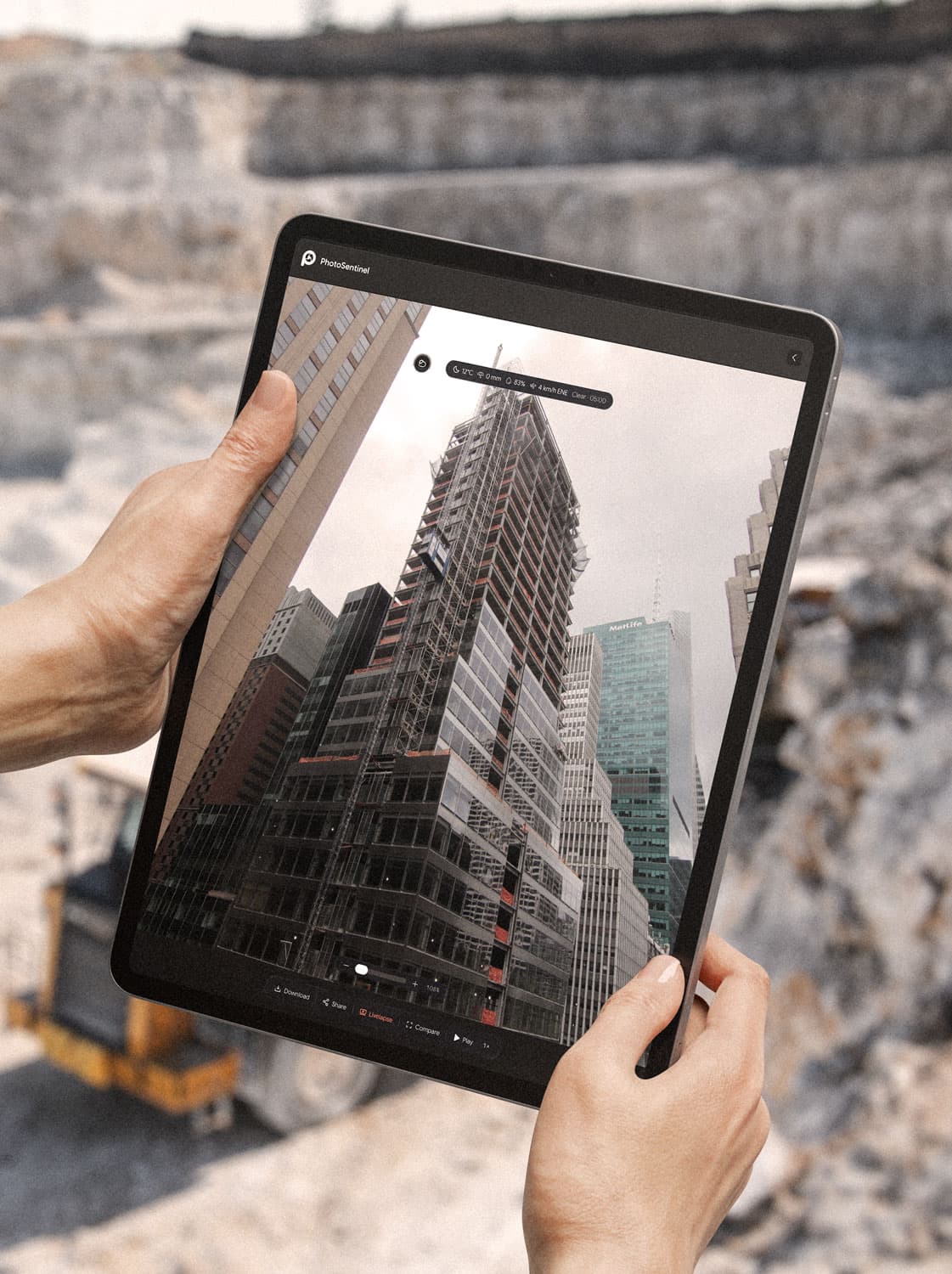
Experience 4K livestream that delivers crystal-clear construction site views, enabling instant decision-making, improved oversight, and efficient project management remotely.
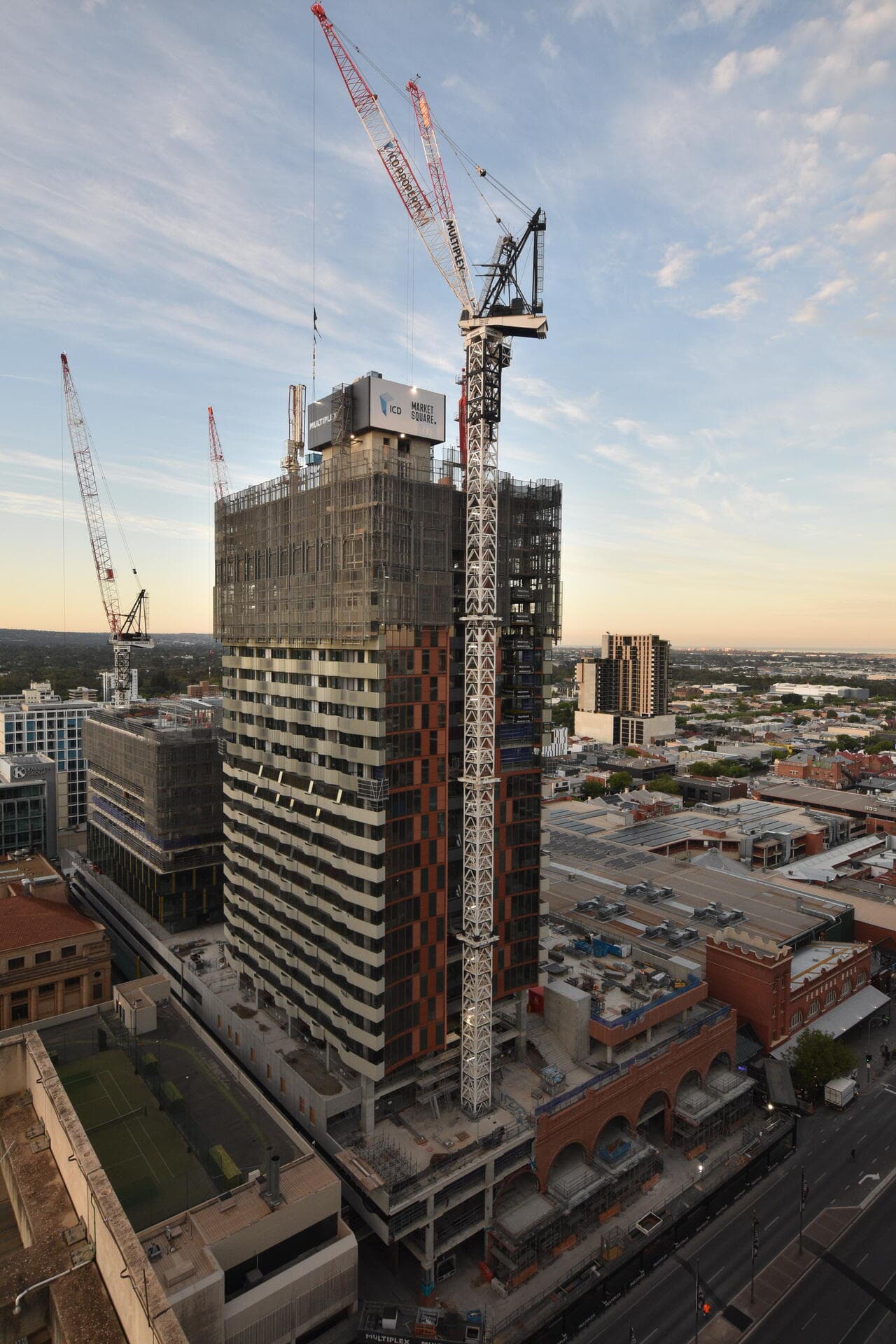
Generate a polished, branded 4K timelapse for any date range in a click. Showcase your project's evolution and keep every stakeholder current, no video editing required.
Learn more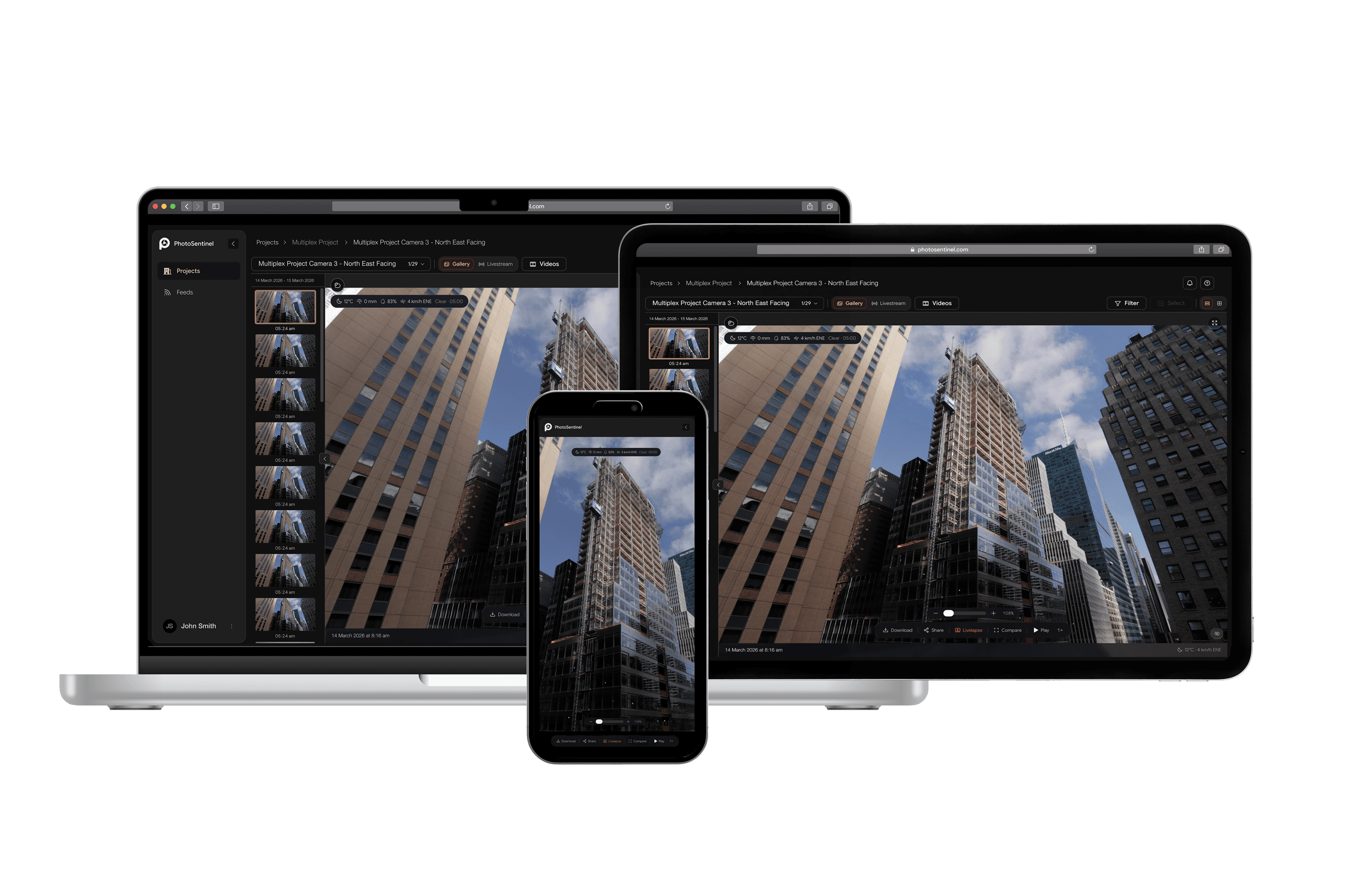
Get complete jobsite visibility with Buildcam construction cameras and effortless timelapse.
Tired of costly site visits and communication delays slowing down your project? PhotoSentinel provides rugged, solar-powered construction timelapse camera systems that deliver real-time construction monitoring directly to any device. Our HD construction cameras capture critical progress (24MP images every 10 minutes), creating automated timelapses and providing the visual project documentation you need to track progress, enhance team communication, manage stakeholders, and mitigate risks without leaving the office. Gain unparalleled site visibility and control.
Get an Instant QuoteTransform your construction documentation in three simple steps.
Complete our brief project questionnaire.
No technical setup required.
Access from any device.
Our Buildcam cameras streamline project management, ensuring safety and efficiency across all construction phases. Experience real-time monitoring that enhances communication among stakeholders and drives project success.
The hardware
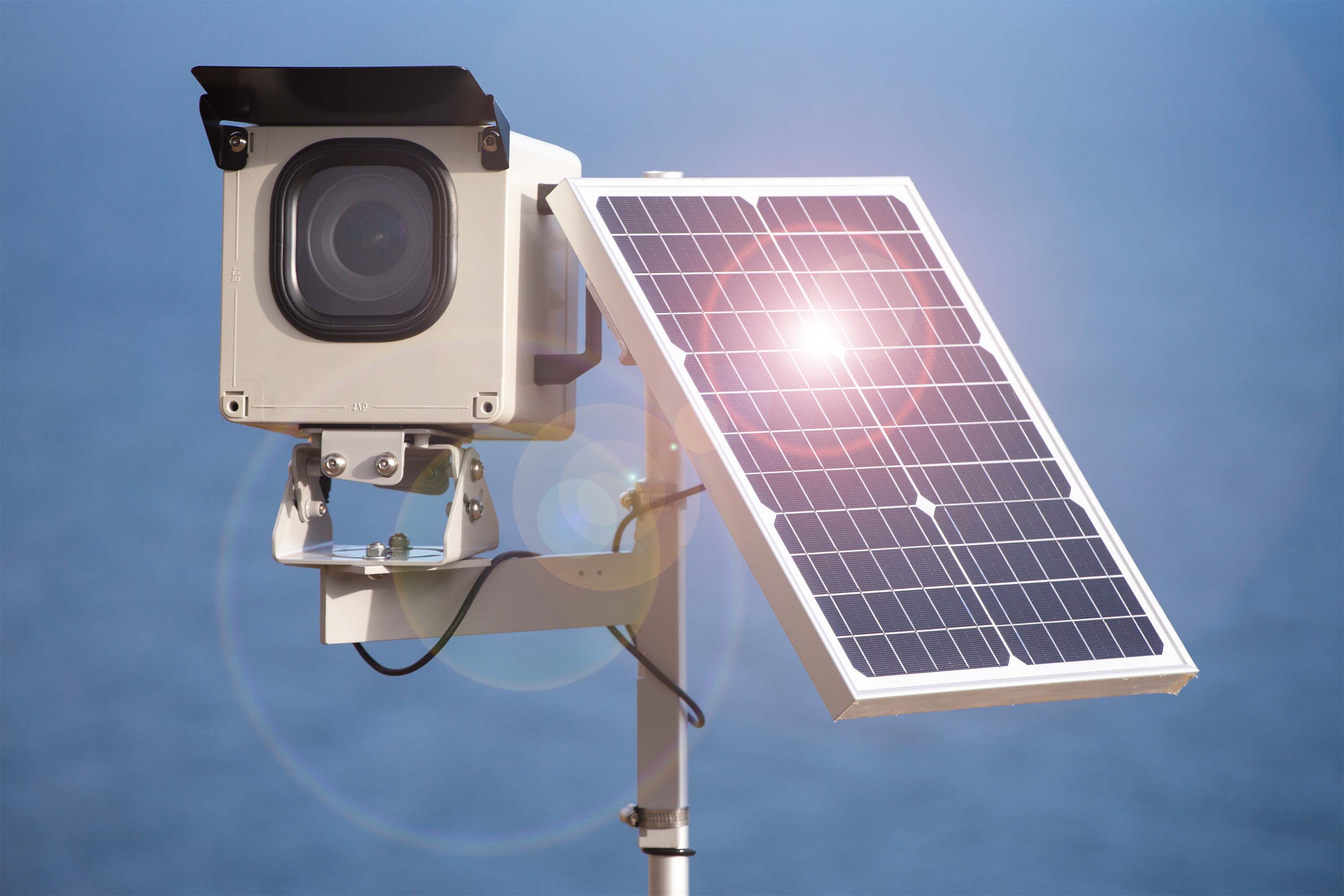
No trenching for power or data. Our Buildcam cameras arrive ready to work: they power themselves, connect themselves, and put the site on a screen you can open from anywhere.
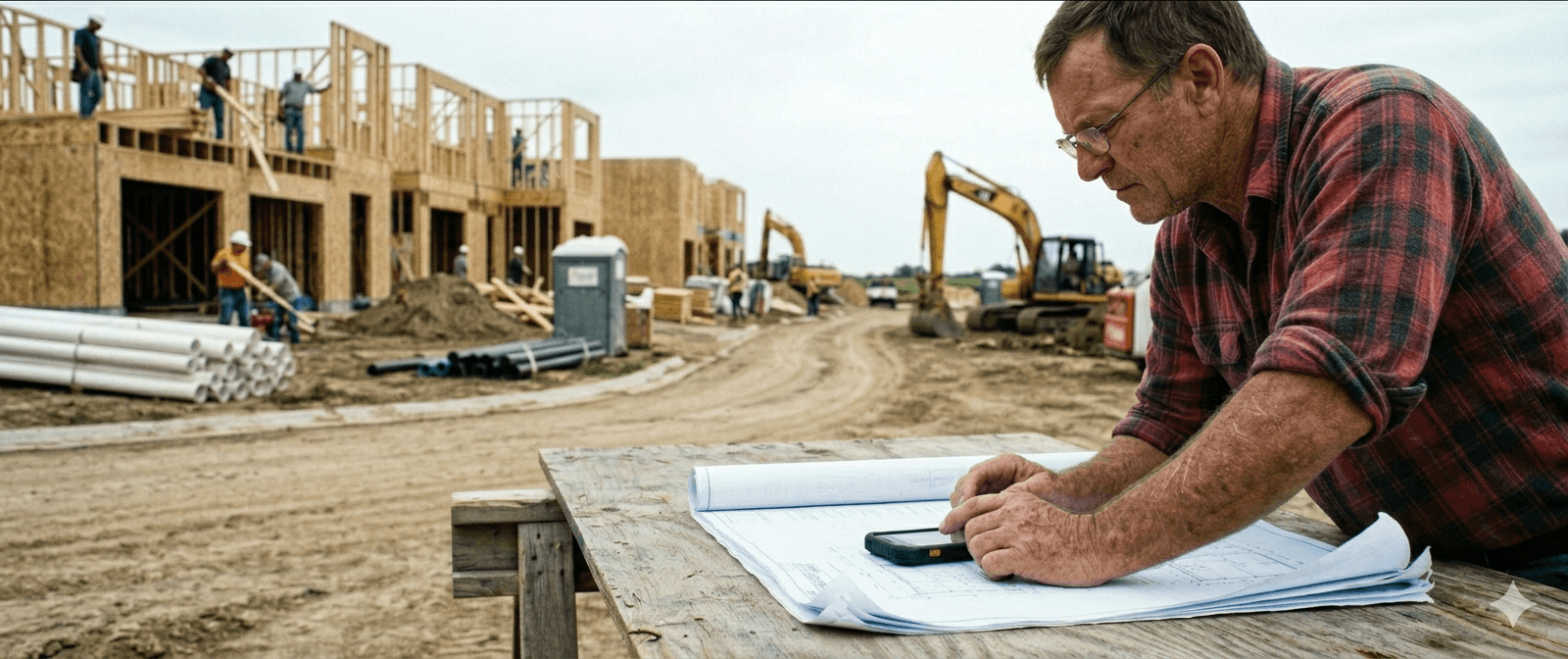
Our Buildcam cameras come online over the cellular network, so a site with no fixed internet still streams to Sentinel OS from day one.
A solar panel keeps the camera running without mains power, straight through weekends, site shutdowns, and overcast stretches.
Open Sentinel OS from a phone or a laptop and see the live view and the full image history from anywhere. No site visit required.
Keep watch on the site and on the camera itself. Our Buildcam cameras capture on schedule and stay monitored, so an issue surfaces without a drive out.
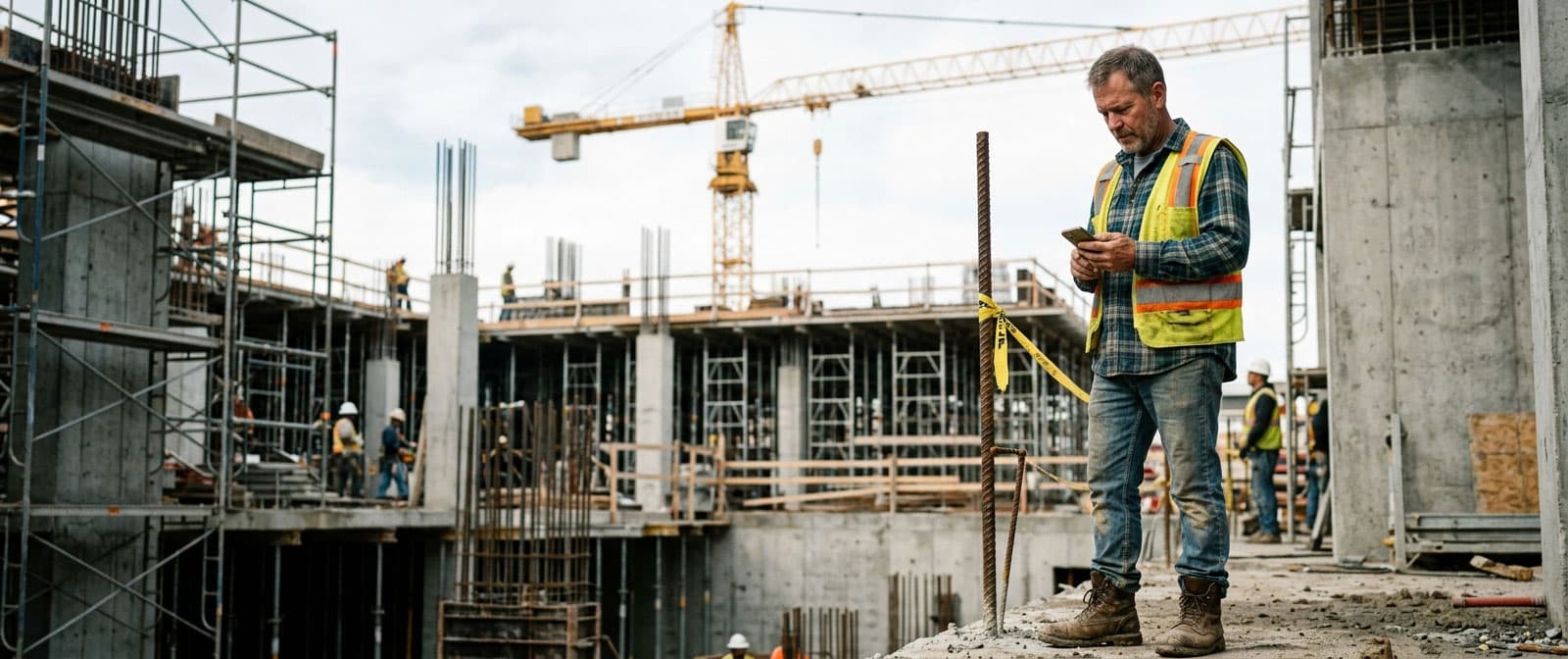
Real-time monitoring, tighter communication, and a record that holds up. Here is what a Buildcam system changes day to day.
Streamline your construction management with real-time monitoring and reporting capabilities.
Ensure compliance and safety with proactive alerts and detailed site analytics.
Enhance collaboration among stakeholders with transparent updates and accessible data.
Reduce delays and budget overruns through effective project tracking and management tools.
Testimonials
What contractors and photographers say about working with PhotoSentinel.
We really loved the movie-quality timelapse. It was a steal for the production value and the number of videos we asked for on the project. Highly recommend [PhotoSentinel] and hope to use them again.”
Matt Williams
On real projects


Talk to us
Industry: Construction
The ones that come up most on construction projects. The full FAQ lives in Resources.
The full FAQ covers hardware, platform, security, and billing. Or skip the search: talk to a real person on the callback.
A team member will call you back within the hour to confirm site details and camera type.
We'll call you back within the hour.