Industries · Data centers
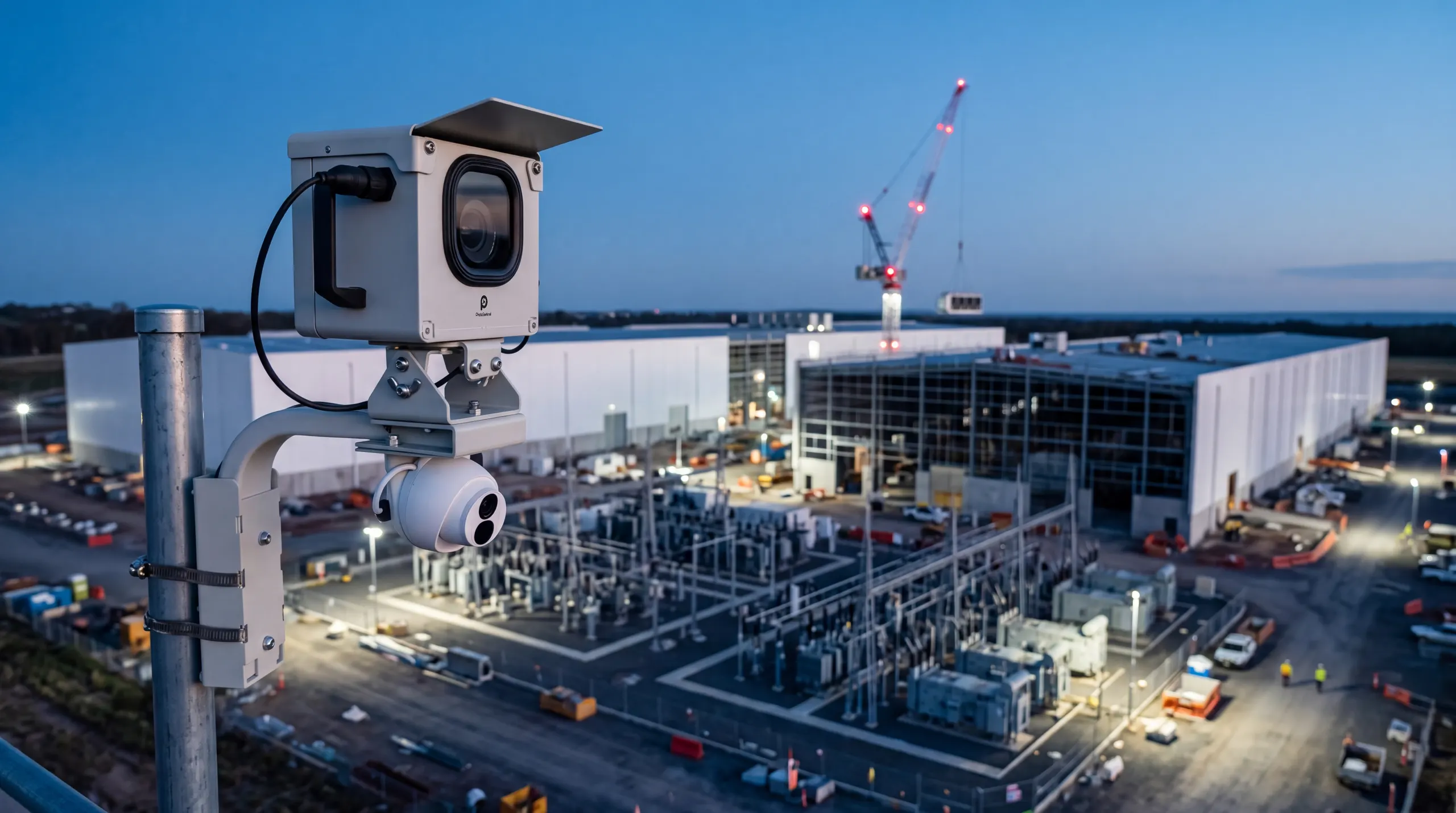
Data center construction cameras for mission-critical builds.
Hyperscale campuses are built fast, under tight access control, then closed to the world. Our Buildcam cameras record every phase, so the build stays visible to the people who need to see it.
- Role-based access
- Secure team permissions
- Solar + 4G
- No site power or Wi-Fi
- Multi-site
- One dashboard, every build
- 24MP
- Time lapse on TL and Pro









The build behind the build.
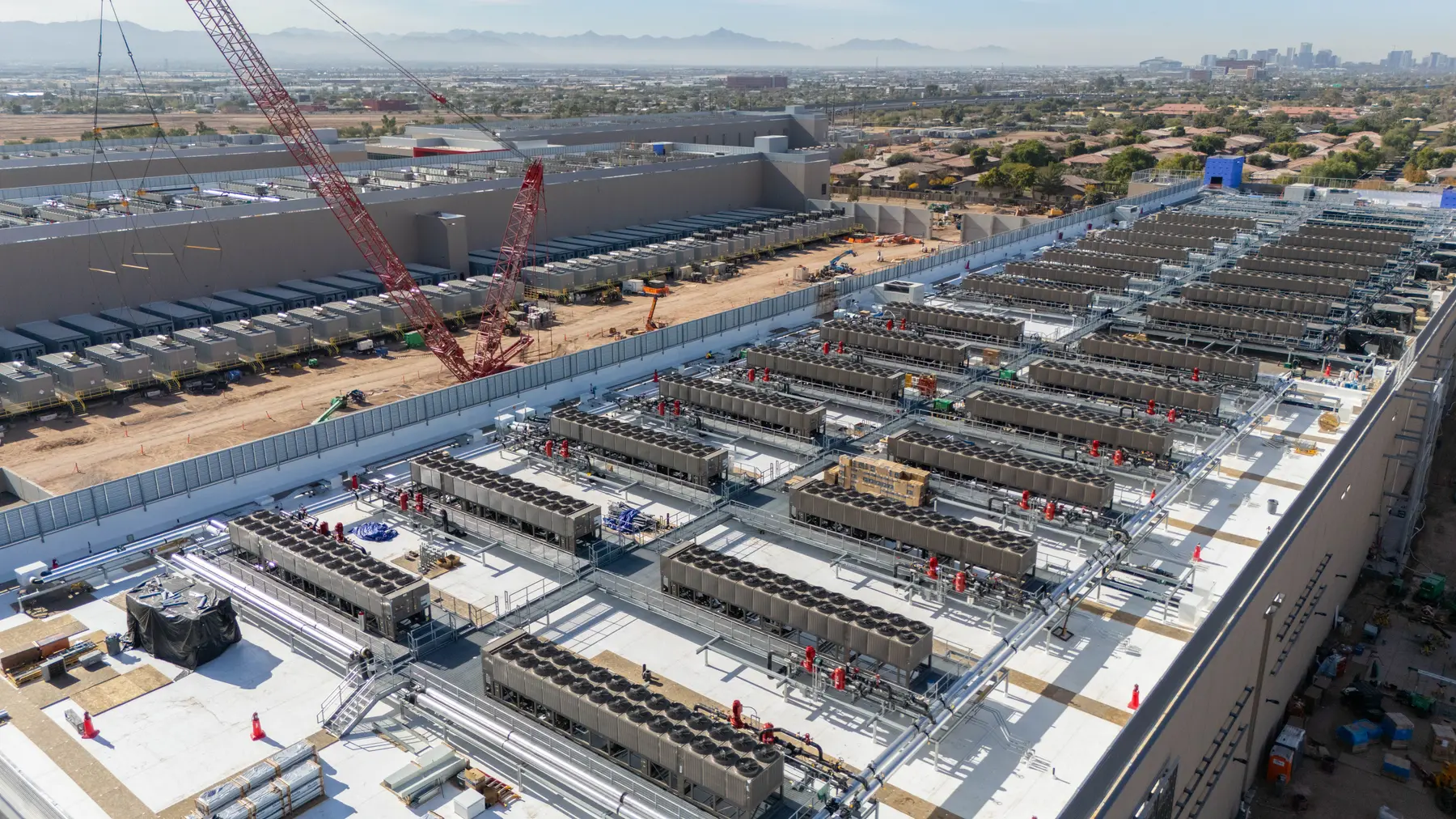
Data center construction runs to compressed programs where every phase, from groundworks to commissioning, has to land on schedule. Our Buildcam cameras record each stage as it happens, giving project leads and owners a continuous view without adding foot traffic to a controlled site. They run on solar power and 4G, so they need nothing from the site's own power or network.
The fit-out is where a data center gets complicated. Structural, mechanical and electrical packages overlap in the data halls, with many contractors on the same floor. Our Buildcam cameras hold that work as a dated, exportable record in Sentinel OS, the intelligent software platform behind every Buildcam camera. Once the facility is commissioned and locked down, that record is often the only way back to how it was built.
How it works
How a construction camera works on a data center build
Mount it with a view of the whole campus
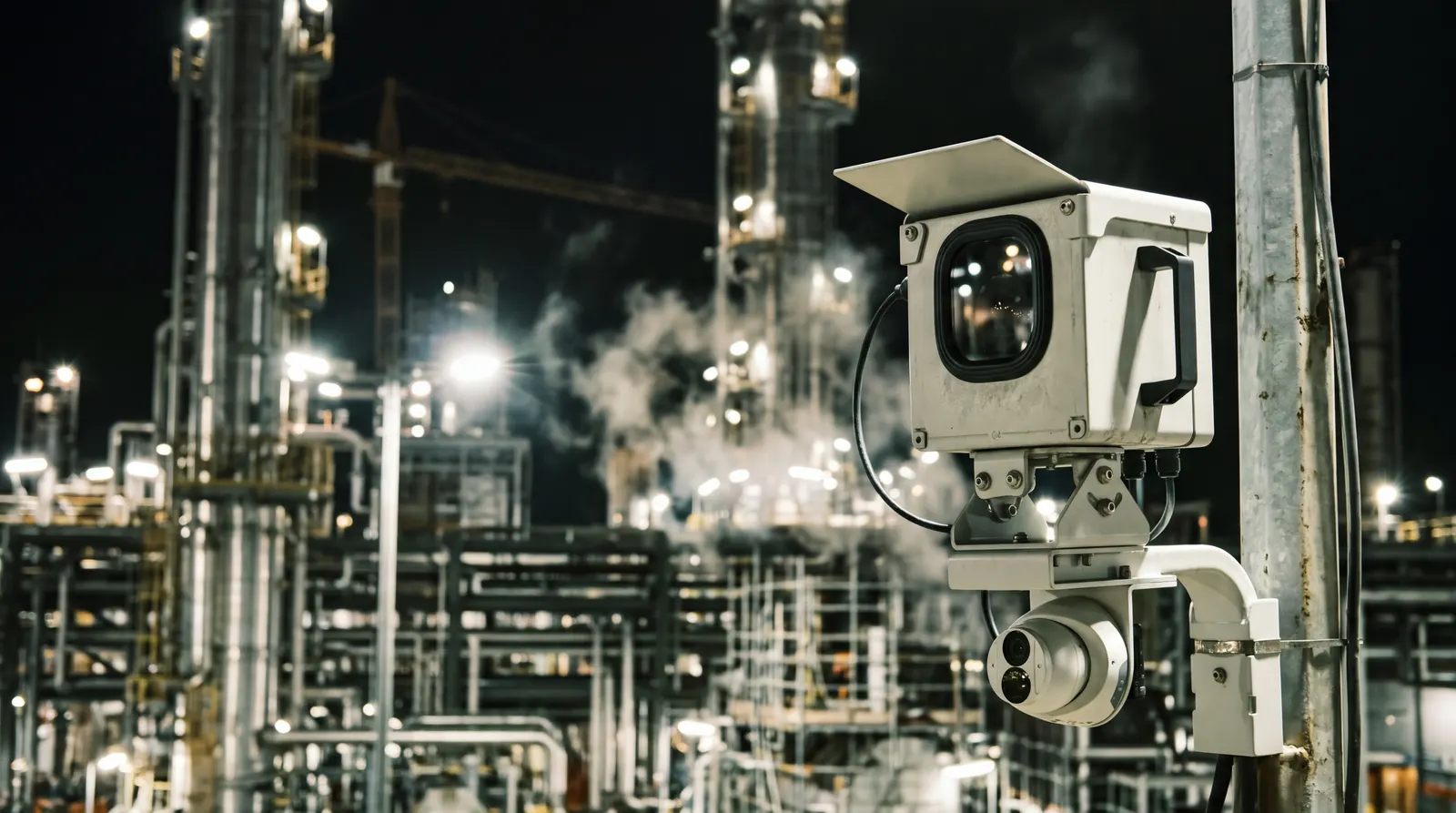
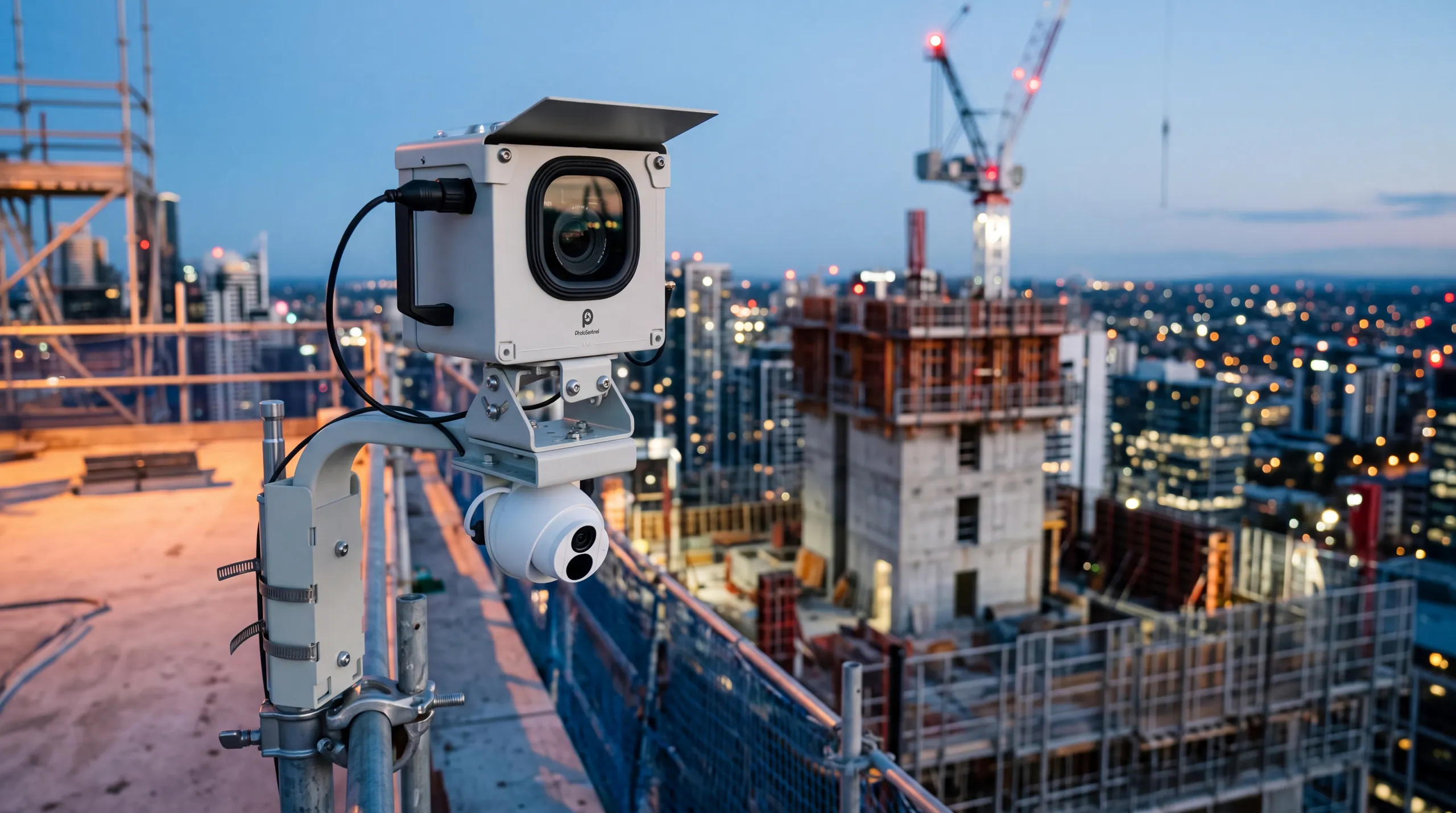
Each camera goes on a pole, a site building or an adjacent structure with a clear view of the data halls, the generator yard and the cooling plant. It carries its own solar power and 4G, so it never touches the site's power or network.
It records every phase
The camera photographs the site on a set schedule from groundworks to commissioning, and sends every frame over its own 4G link. The record builds itself while the site stays locked down.
Control who sees it
Every frame lands in Sentinel OS with a date and time. Role-based access decides who sees which project, so the owner, the general contractor and each trade get the view that suits them. The full record exports at handover.
On your build
Visibility for a build almost nobody can enter
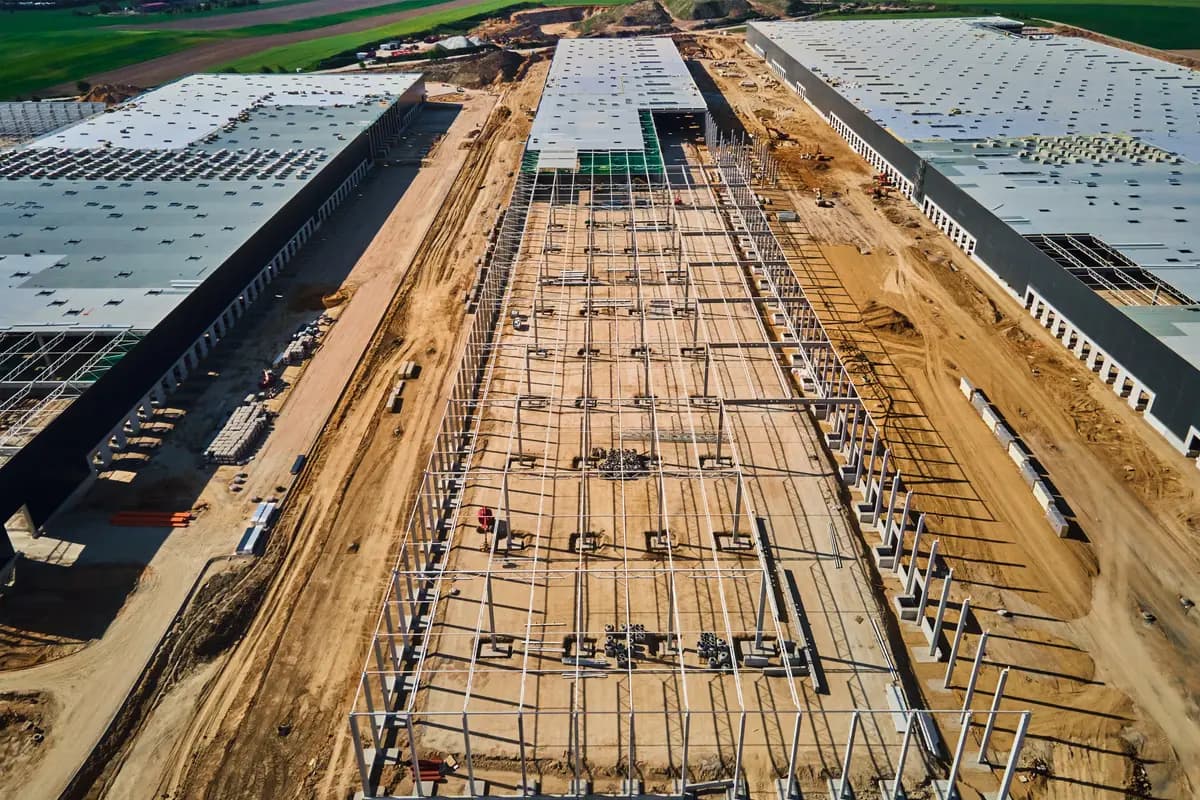
Secure remote visibility
Owners, project leads and QA teams see the site without another site entry.
Learn more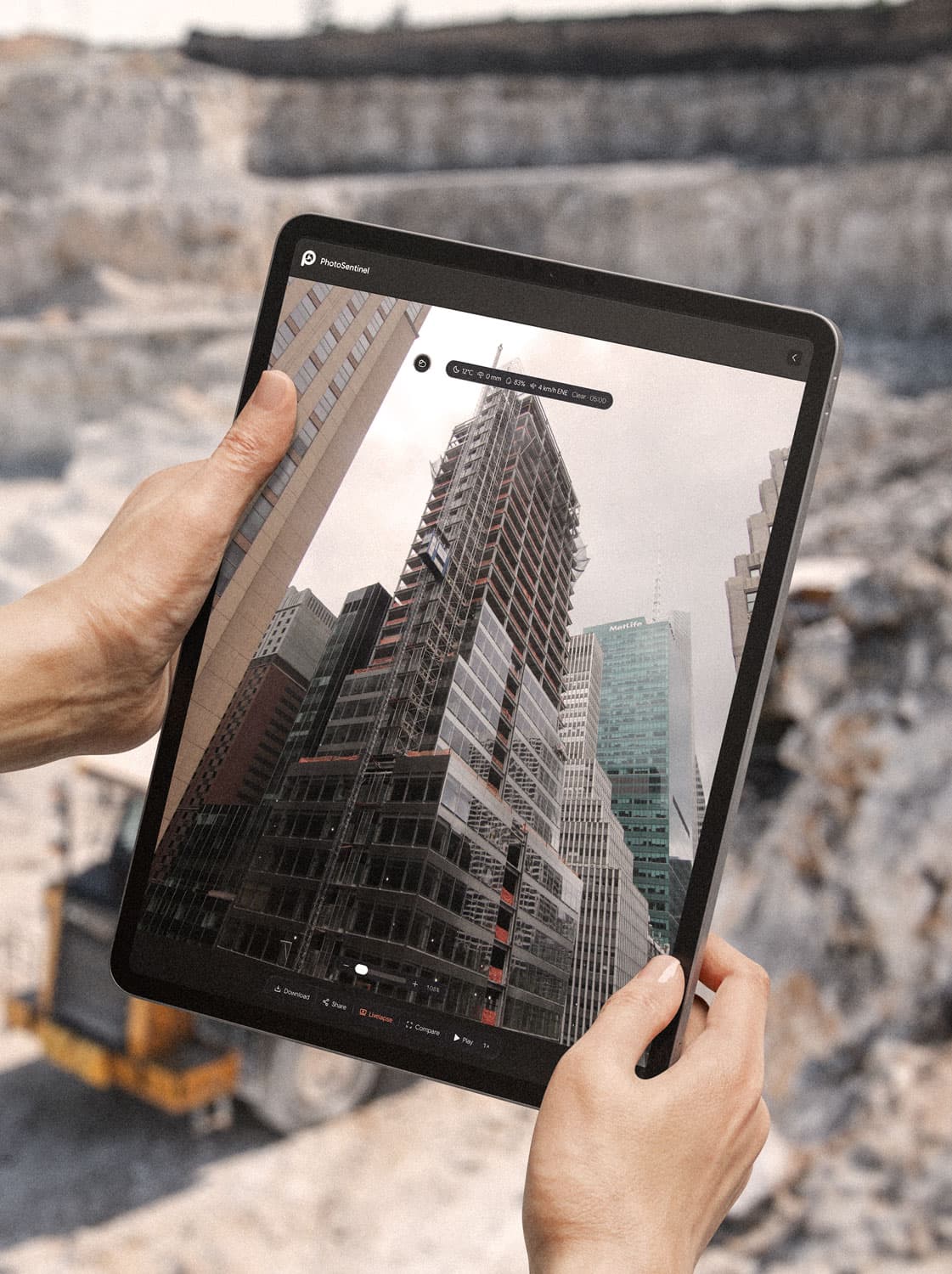
MEP and fit‑out documentation
A dated record of the services installed before ceilings and floors close over them.
Learn more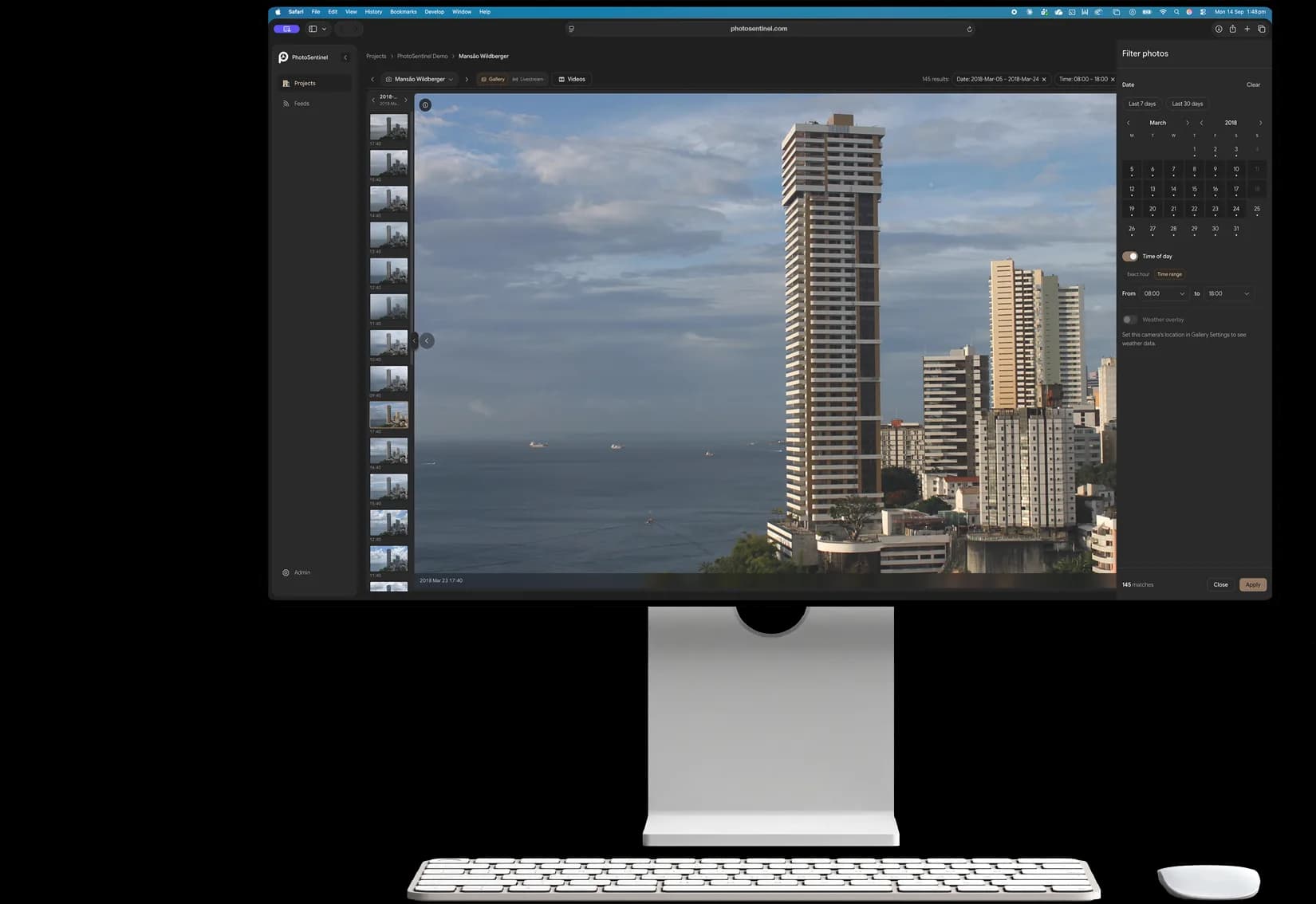
Commissioning and handover records
Dated visual evidence for each milestone, ready for the handover pack.
Learn more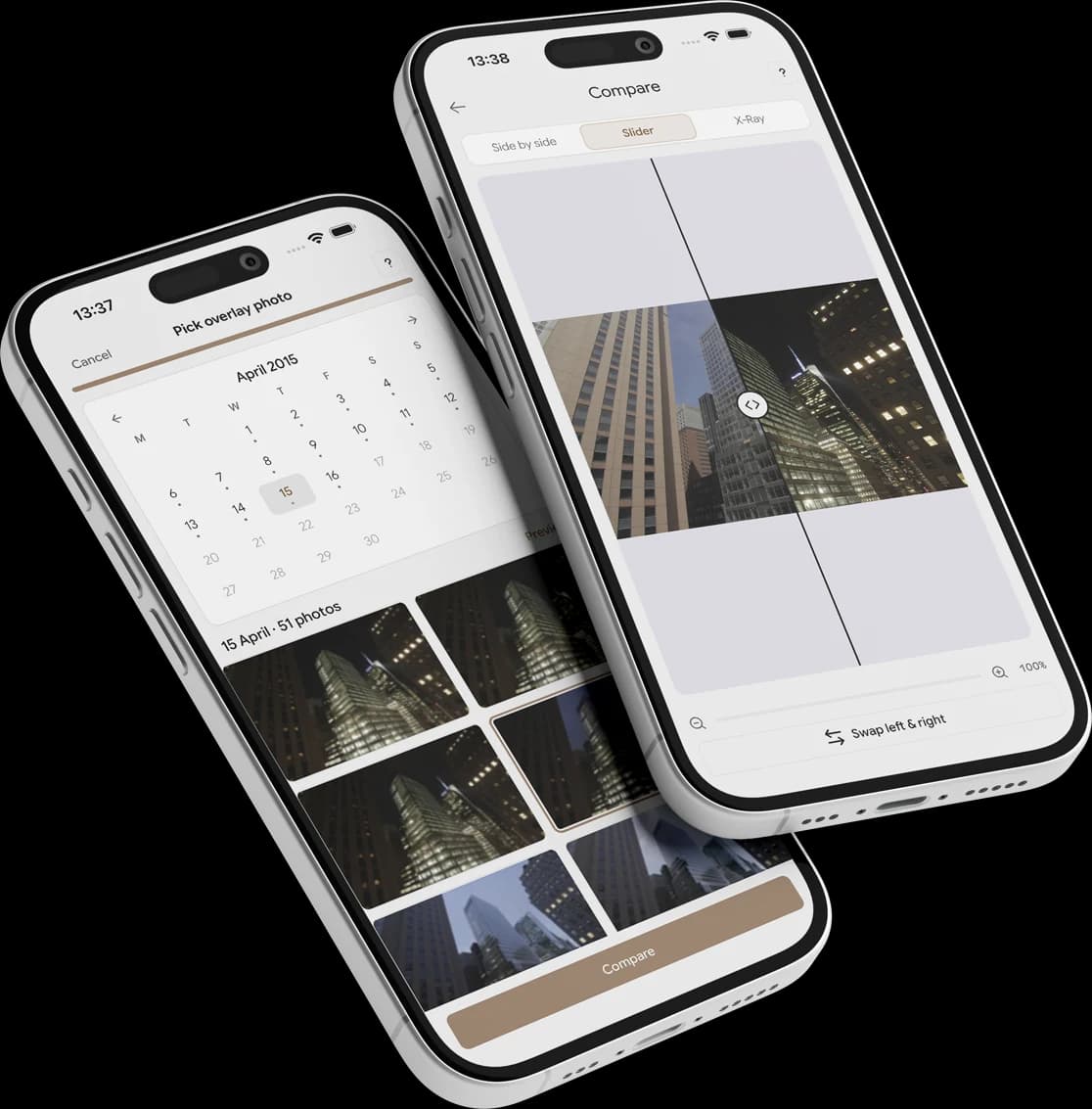
Multi-site program oversight
Hyperscale programs run concurrent builds. See every site, with the same timeline views, from one login.
Learn more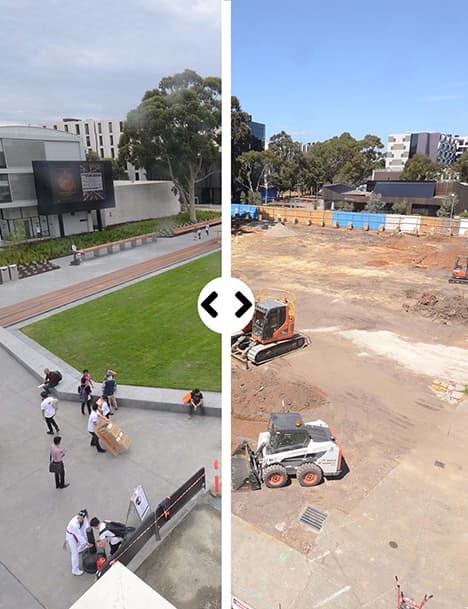
Schedule and program tracking
Compressed programs leave little room for slippage. Compare any two dates to see whether each phase landed when it was meant to.
Learn more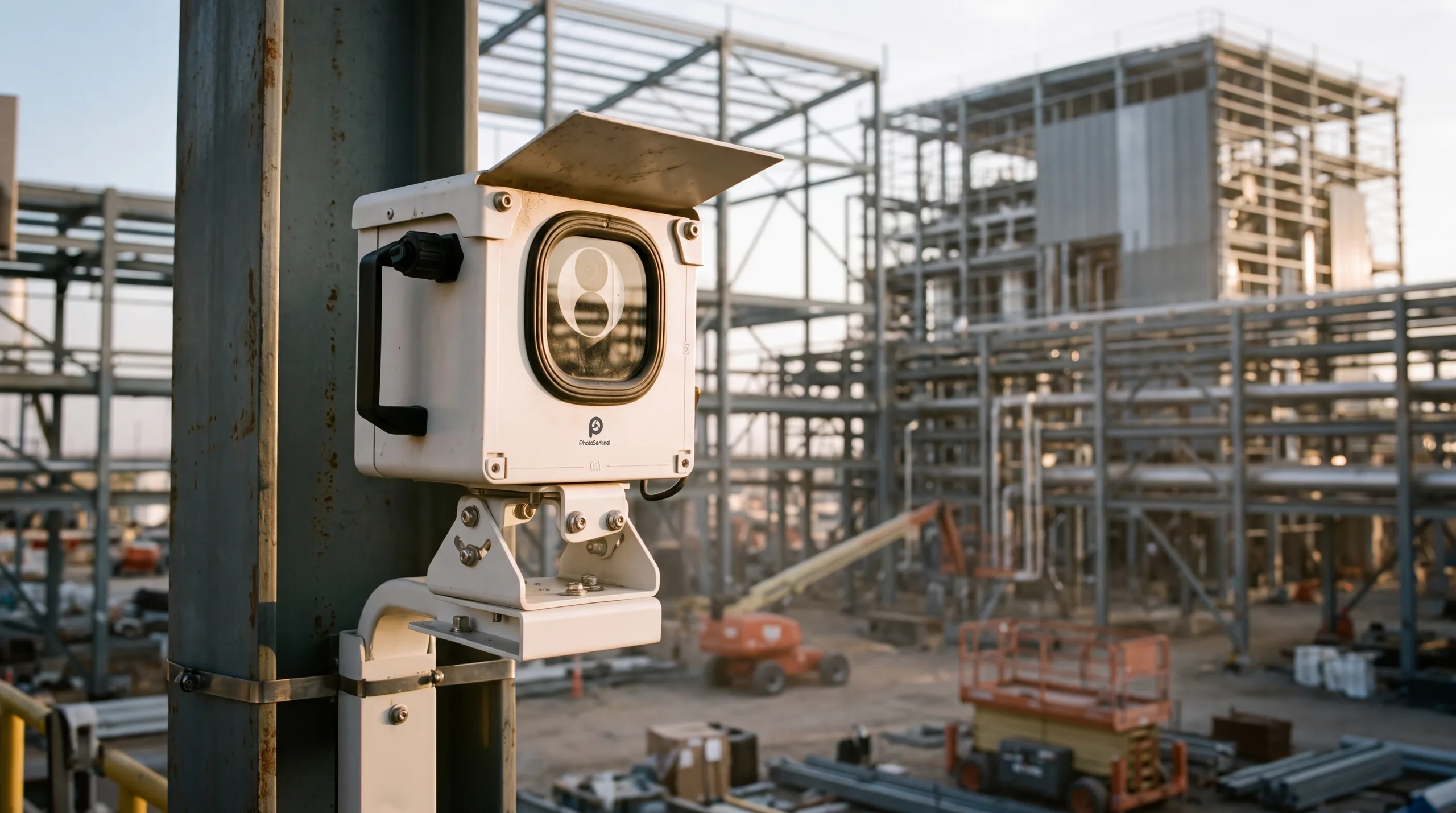
Trade coordination and accountability
With many contractors on one campus, a dated record shows who was working where, and when.
Learn moreTrack your progress
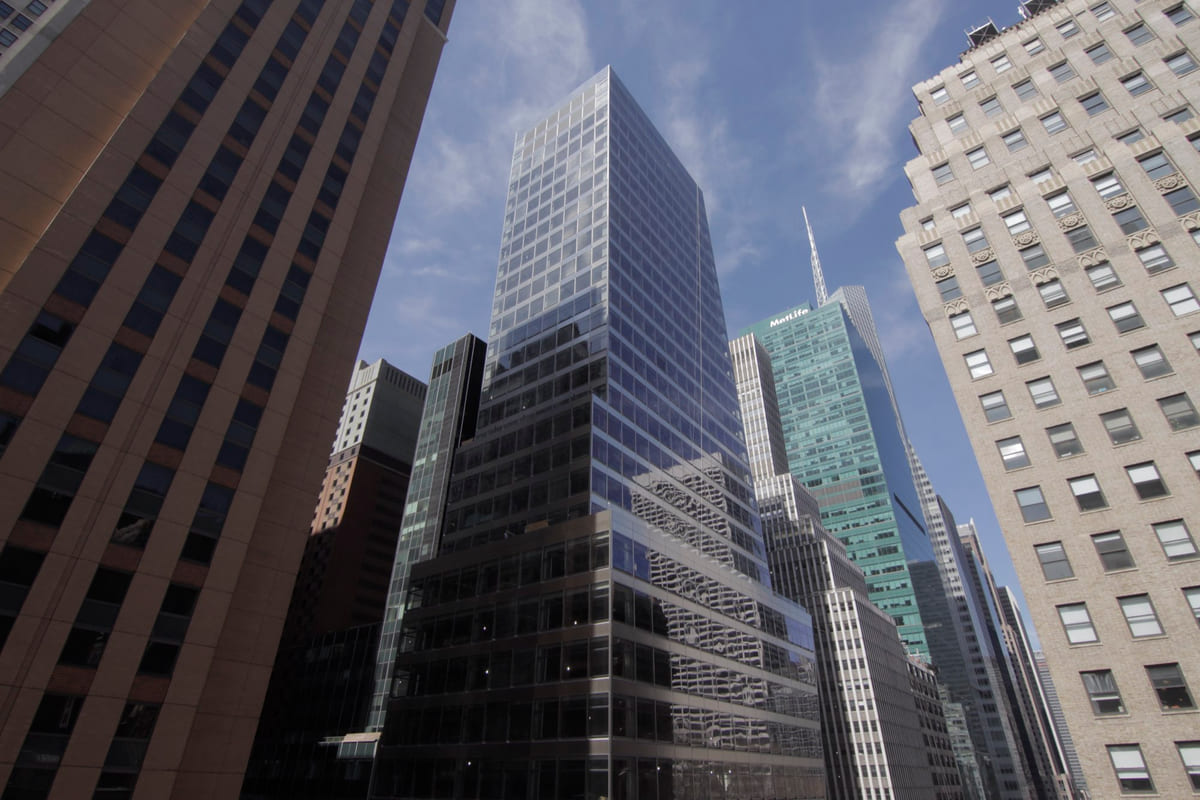
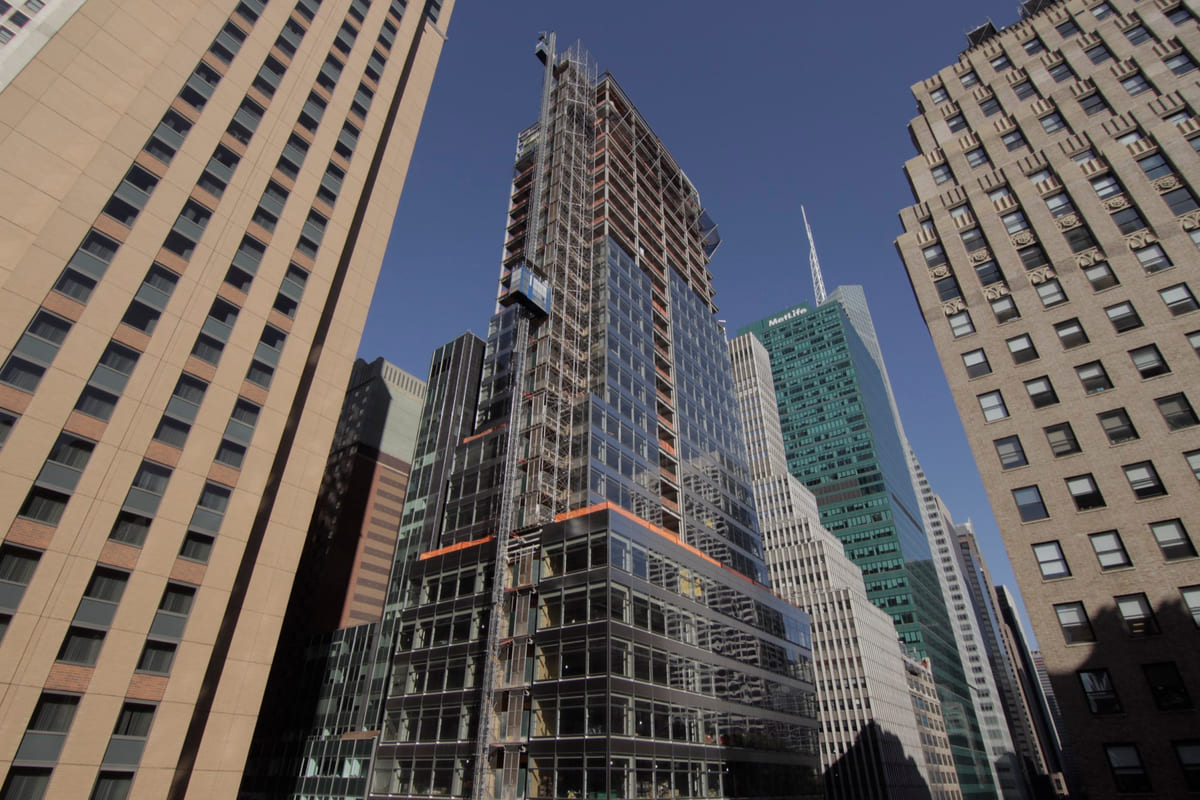
See the site change, day by day, with Time Portal.
Compare any two dates across the frame, or drag a window across the image to reveal an earlier state beneath the present. Look behind the ceiling: see what was installed before it closed.
Explore Time Portal in Sentinel OSPortal mode. Drag inside the window to move it, drag a corner to resize, or draw a new window anywhere on the frame.
 Now
Powered by Sentinel OS
Everyone sees progress. Nobody sees more than they should.
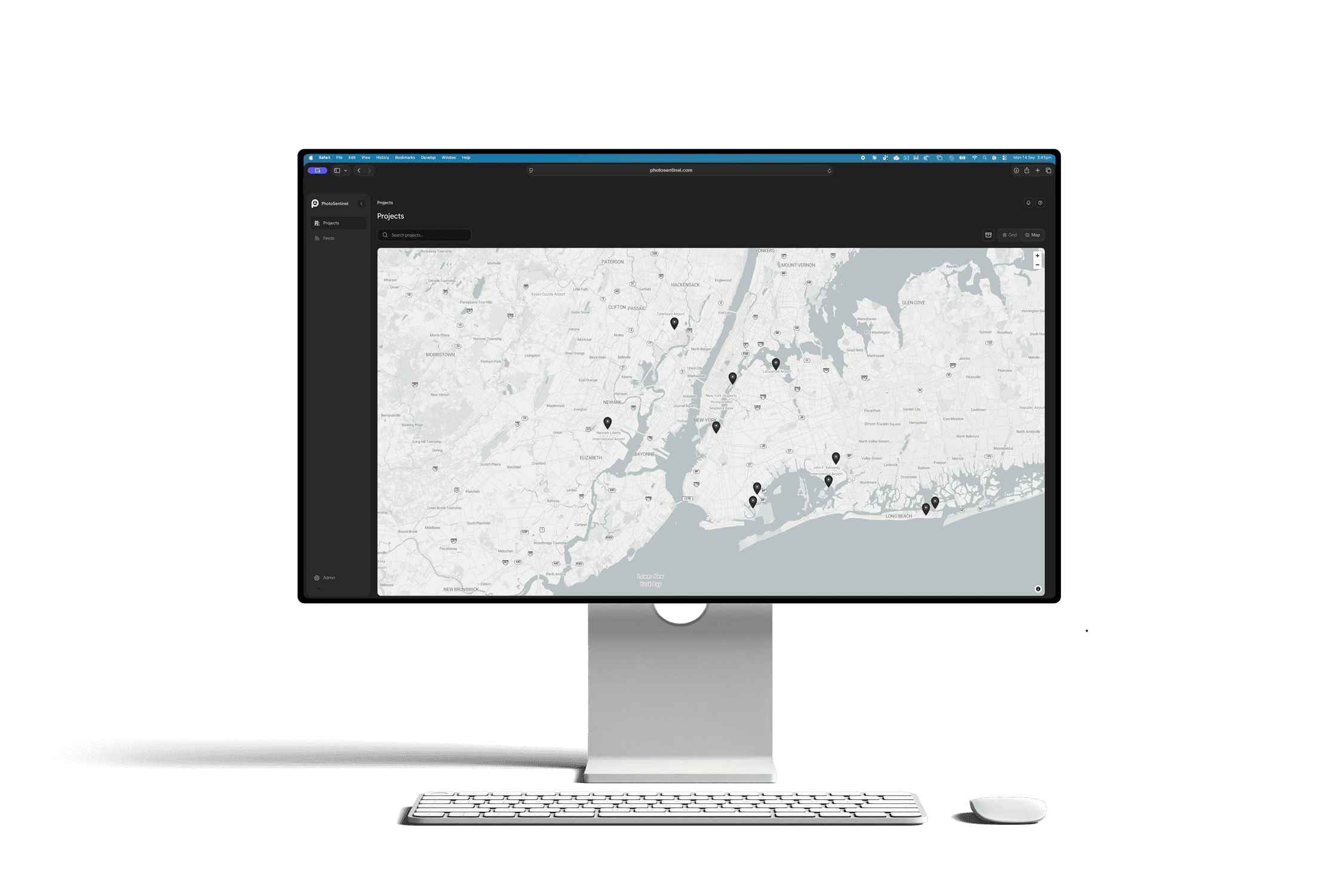
Hyperscale owners want frequent updates, and they want tight control over who sees what. Sentinel OS gives every project its own team and roles, from site crew to head office to the owner's representatives.
- Role-based access on every project
- Share a single view without opening the rest of the program
- One dashboard across every active build
 Launching November 2026
Powered by
Sentinel OS
Sentinel OS, the intelligent software platform behind every Buildcam camera, turns your footage into searchable evidence, compliance, intel, and story.
Explore Sentinel OS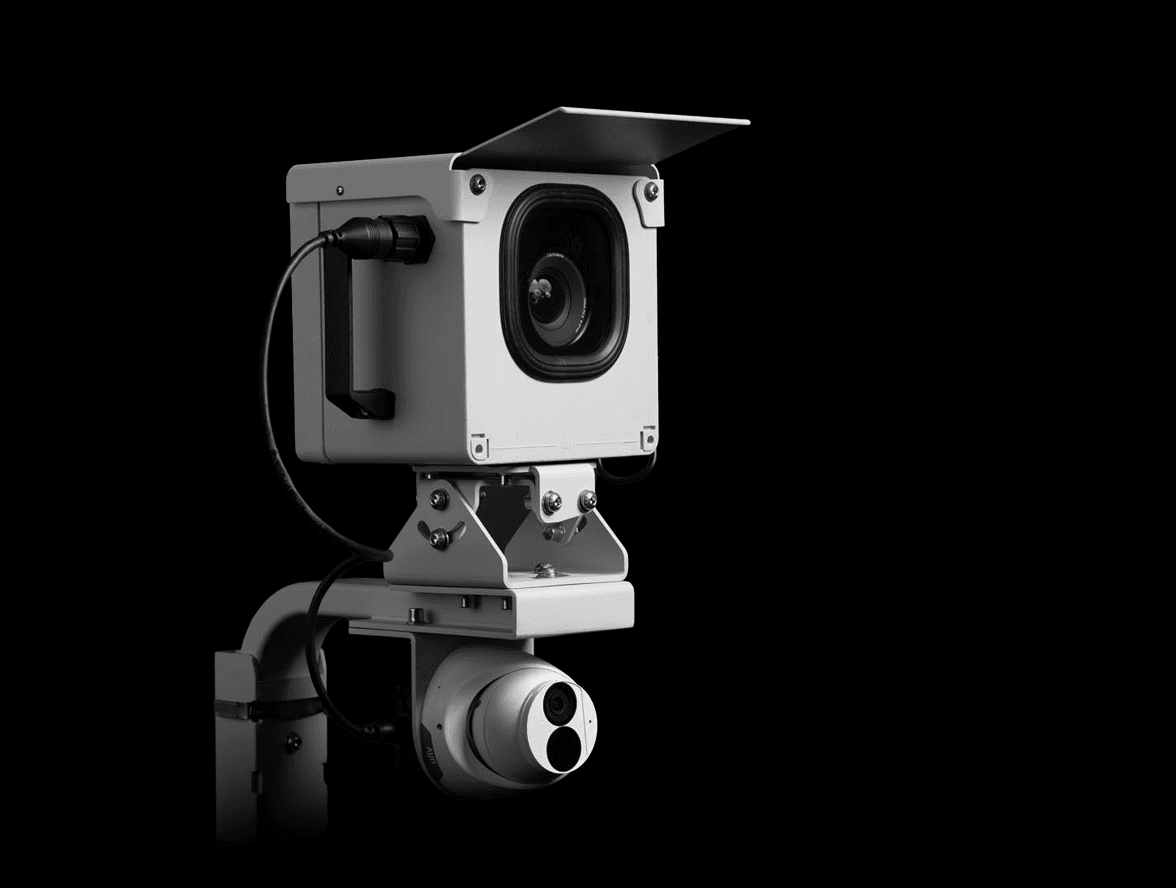
Recommended hardware
Buildcam Pro
High-resolution time lapse and 4K livestream in one unit, so you get the record and the live view from a single mount.
Industry: Data centers
Questions about cameras on data center builds.
The ones that come up most on mission-critical builds. The full FAQ lives in Resources.
Different question?
The full FAQ covers hardware, platform, security, and billing. Or skip the search: talk to a real person on the callback.
Keep the build visible, even when the site is locked down.
Tell us about the program and we'll plan the coverage with you.
We'll call you back within the hour.