Solution / Stakeholder Updates
Progress updates that send themselves.
Clients, investors, council, community groups: everyone wants to see progress. Sentinel OS generates timelapse videos automatically on your schedule and shares them via a direct link. No manual edit, no export, no email attachments.
Get an Instant QuoteOne current view
Everyone sees the same progress, without a site visit.
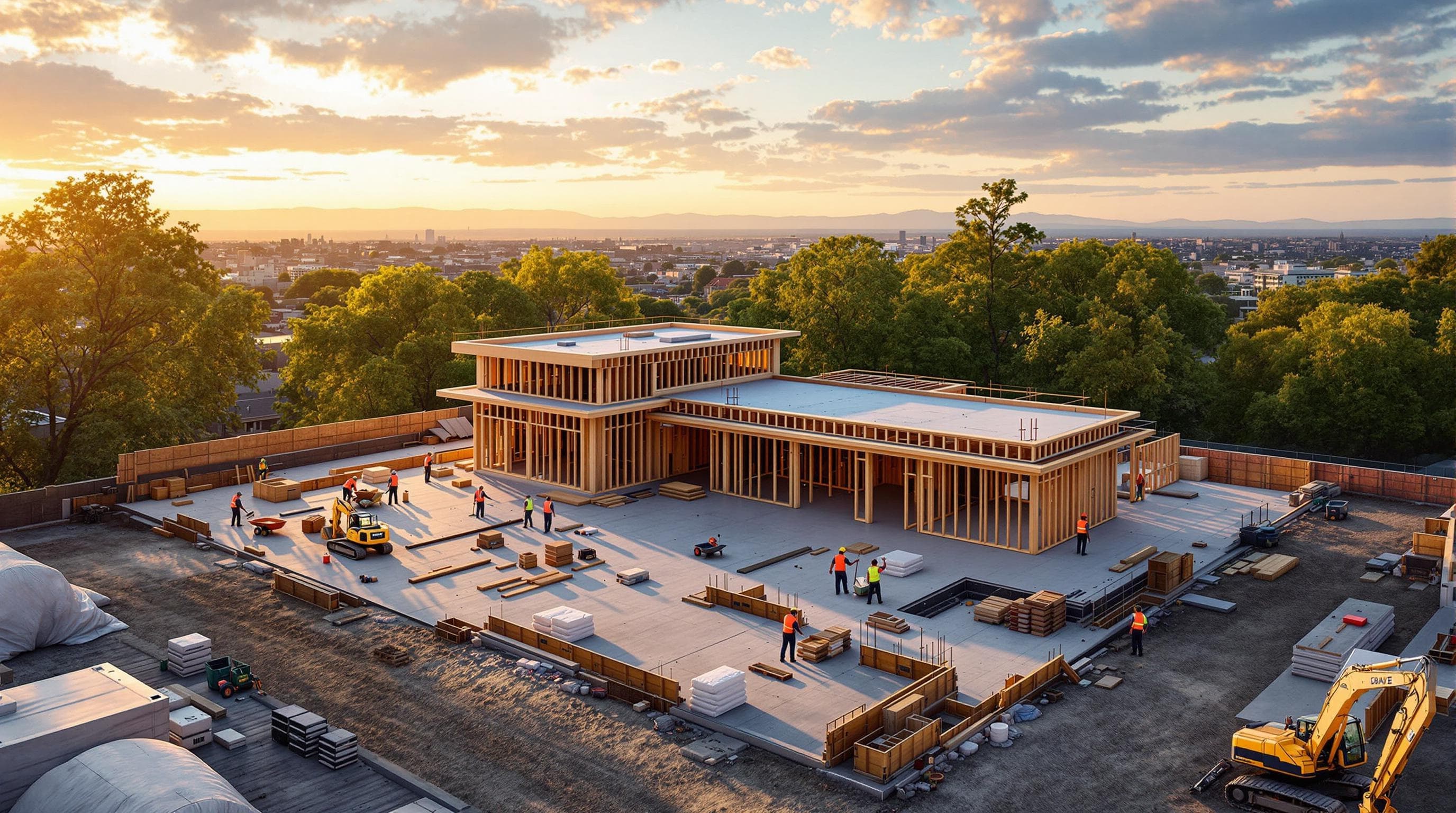
Clients, owners, executives, council, and the public all want to know how the project is tracking. Most of them cannot get to the site, and few of them need to. Buildcam captures the work continuously, and Sentinel OS turns that footage into a clear, current view of progress that anyone can open from any device.
Access is controlled, so you decide who sees what. Role-based and read-only permissions let you share a live 4K stream or a project gallery with a specific audience, and a shareable link puts the same view in front of a board member or a community group without a login exchange or a file transfer. One source of truth replaces the round of screenshots and forwarded emails.
When the moment calls for a story rather than a status check, Sentinel OS assembles a presentation-ready timelapse on your schedule. The video carries your project branding, compresses months of work into a sequence you can play in a meeting, and is ready to share the moment it is built. No manual edit, no export, no separate hosting.
How it works
From site camera to client inbox.
01
Camera documents the site continuously
Buildcam captures every frame on schedule. The footage accumulates in Sentinel OS from day one.
02
Sentinel OS generates a timelapse on your schedule
Set a delivery cadence: weekly, monthly, or triggered by a milestone. The platform builds the video automatically.
03
Share the link or embed it in your client portal
One shareable URL. No file attachments, no third-party hosting, no manual edits before sending.
What you get
Stakeholders who feel informed without the overhead.
No manual edit required
Sentinel OS assembles the timelapse. Your team does not touch video software.
Shareable link
Send a URL to clients, investors, or council. No download required on their end.
Branded output
Timelapses carry your project identity. Client-ready from the platform.
Milestone-triggered delivery
Set updates to generate at key project stages, not just on a calendar.
Every stakeholder covered
Clients, investors, council, community groups. One platform handles all of them.
Continuous source footage
If a stakeholder asks for a specific date range, the footage is already there.
Stakeholder updates
Questions about keeping stakeholders in the picture.
The ones that come up most on client and stakeholder access. The full FAQ lives in Resources.
Different question?
The full FAQ covers hardware, platform, security, and billing. Or skip the search: talk to a real person on the callback.
Keep every stakeholder in the picture.
Get a quote and a Buildcam specialist will call you back within the hour.
We'll call you back within the hour.