Industries · Education
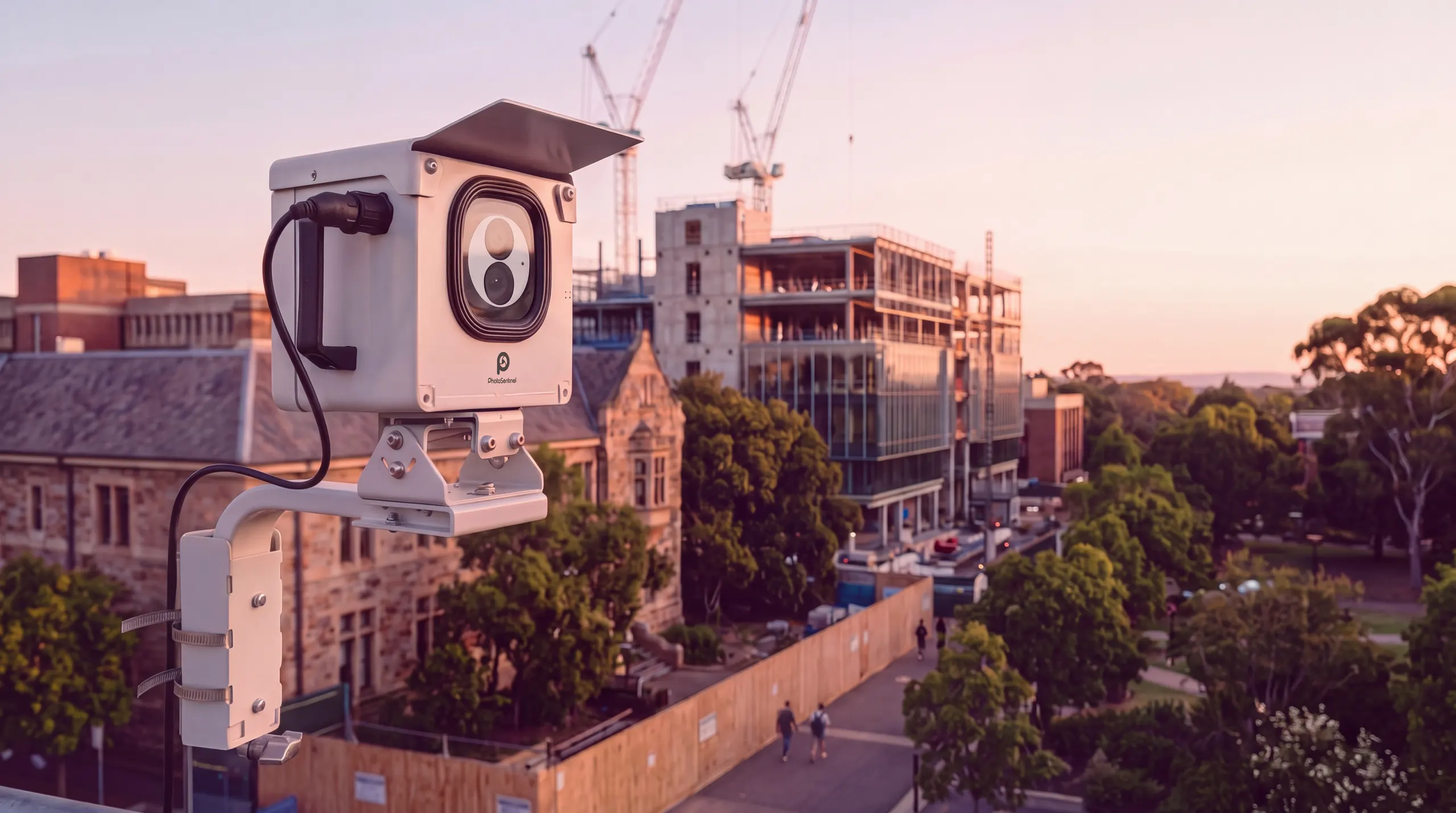
School and campus construction cameras that tell the story as you build.
A new building on campus is something the whole community wants to watch. Our Buildcam cameras document the build for your board and leave you with a time lapse to share for years. With Buildcam LS or Pro, students and families can watch it live.
- 4K
- Livestream to your community
- 24MP
- Time lapse on Buildcam Pro
- Under 1 hr
- Install time
- Sentinel OS
- Shareable record










One camera for the board, the community and the marketing team.
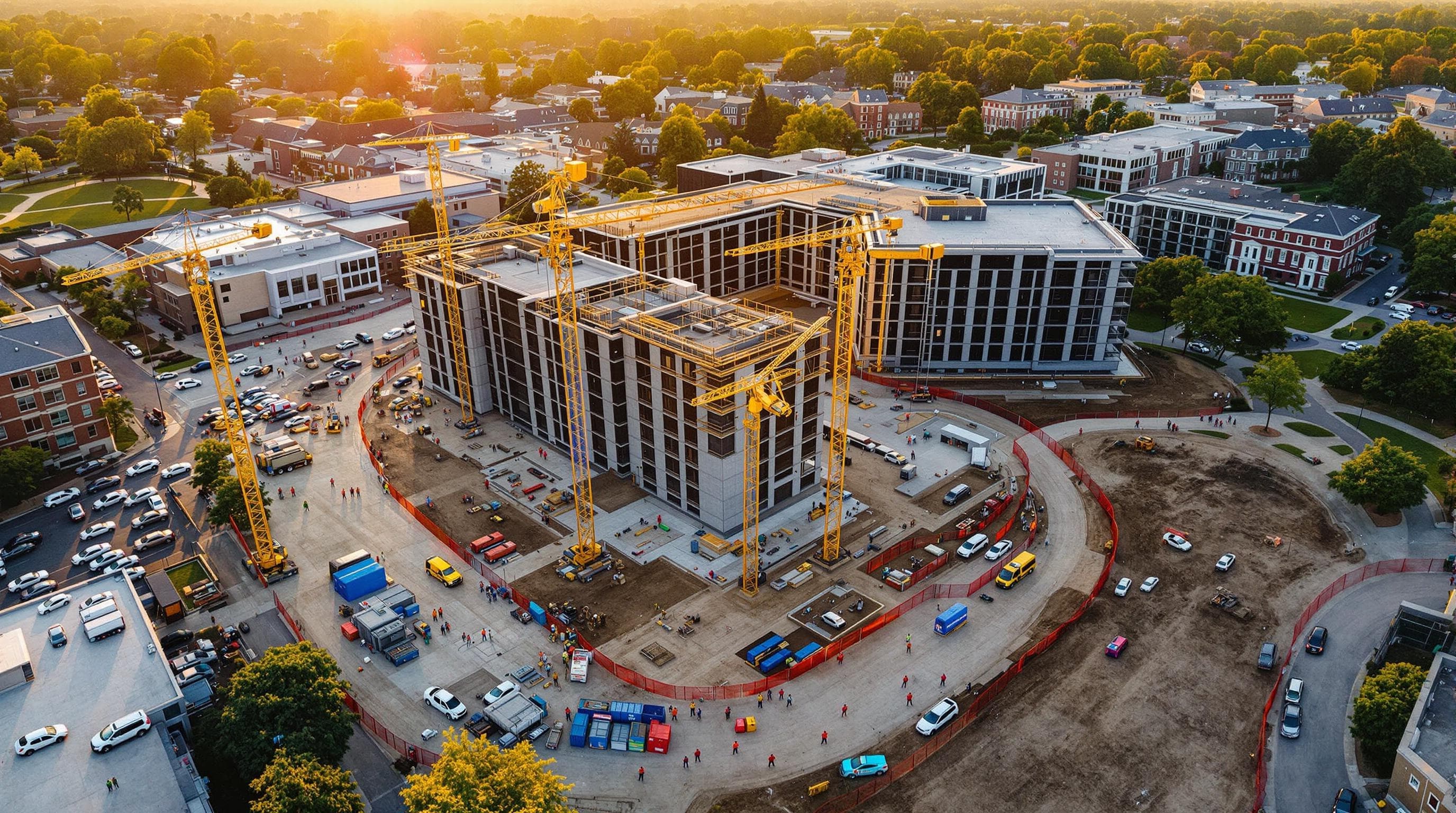
A campus build rarely moves at its own pace. Term dates, exams and intakes shape when trades can work and when parts of the site are handed back. A camera running through the whole program records how the schedule was actually met.
Education projects also answer to a wide group: boards and finance committees, donors who funded the building, and students, staff and families who will use it. Our Buildcam cameras keep all of them close with one shared record, managed in Sentinel OS, the intelligent software platform behind every Buildcam camera. After handover, the same footage becomes a lasting archive for the institution's marketing, fundraising and history.
How it works
How a construction camera works on a campus build
Mount it clear of students and staff
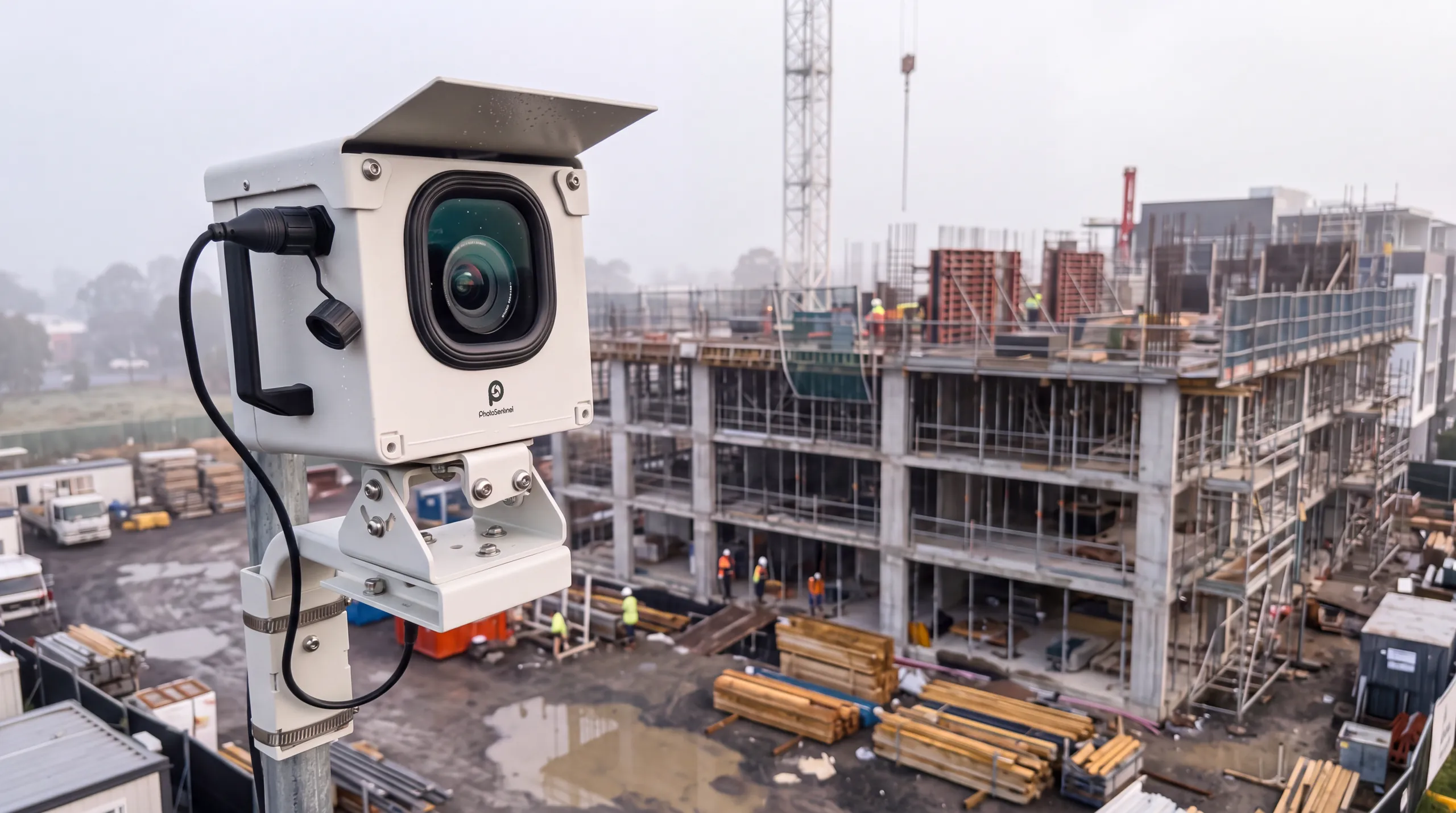
Each camera goes on an existing building, a pole or the site fence at the edge of the works, with its own solar panel and 4G. There is no trenching across the campus for power or data.
It captures every stage
The camera photographs the build on a set schedule through every term, break and handback. With Buildcam LS or Pro, it also livestreams in 4K.
Share it with the whole community
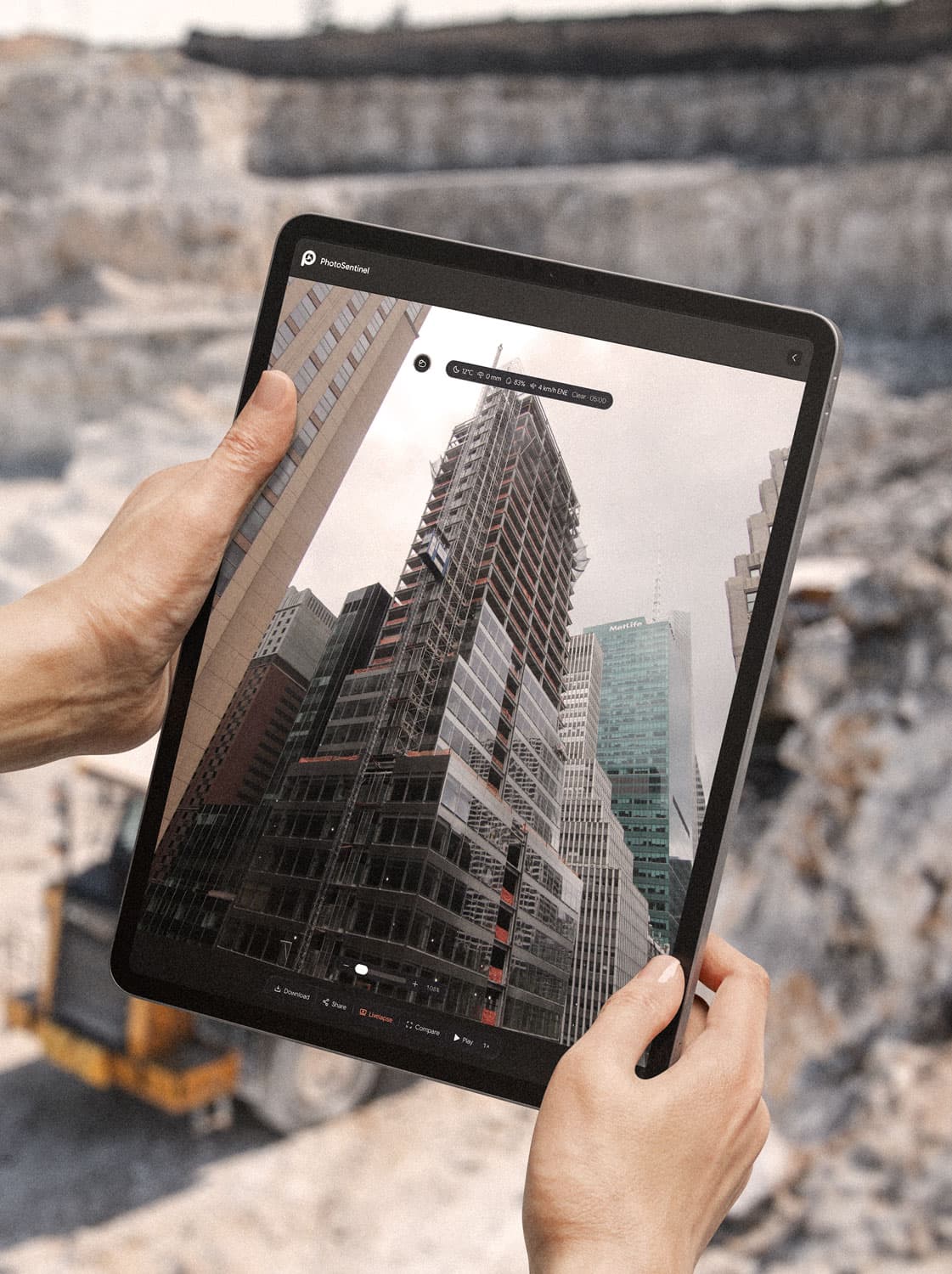
Every frame lands in Sentinel OS. The board sees progress, the community watches live or follows the time lapse, and the marketing team exports the finished film for open days and donor updates.
On campus
What a camera does on campus
Board and committee reporting
A time-stamped record that shows real progress without site visits or monthly photography runs.
Learn more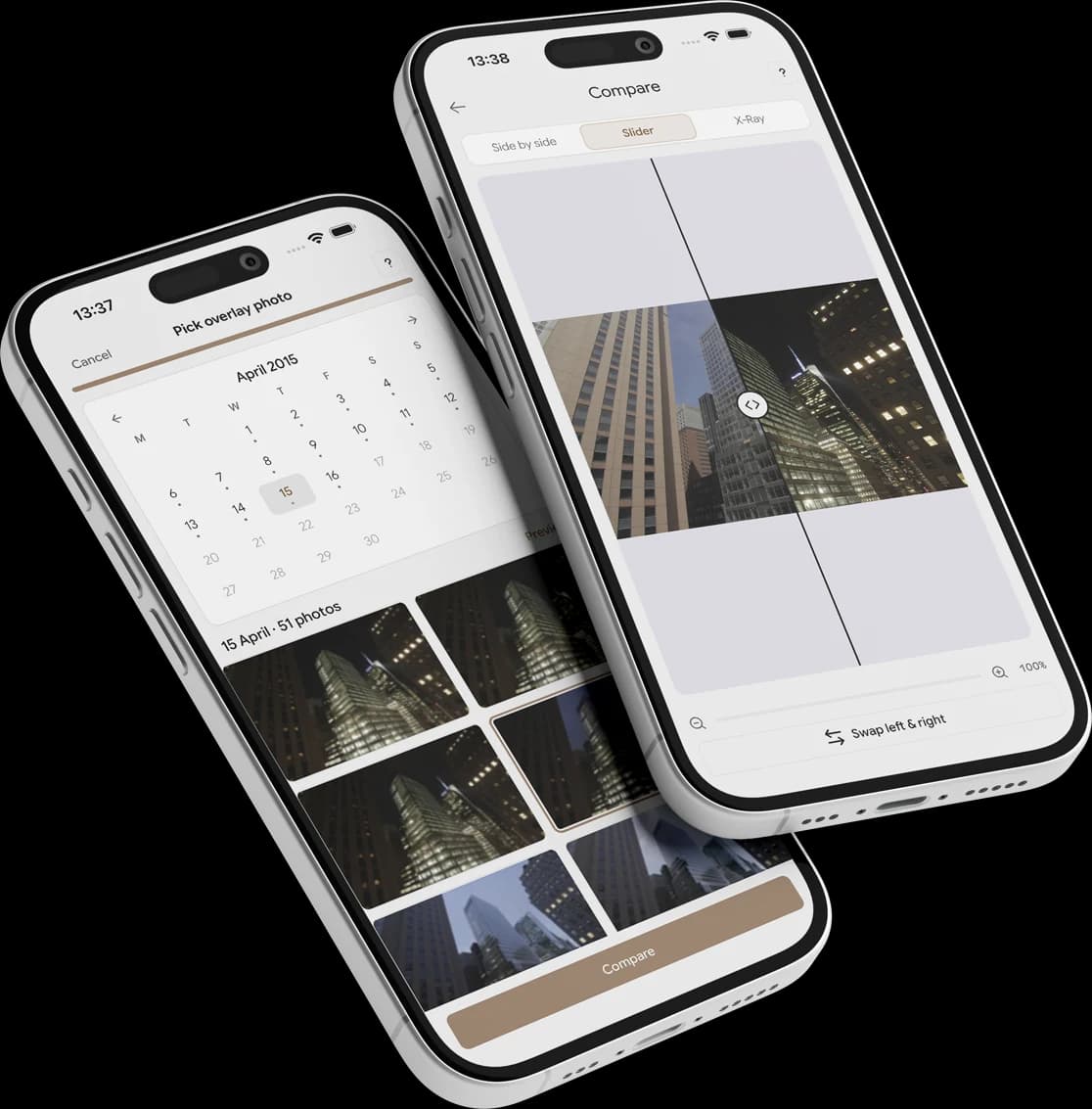
Student, staff and family engagement
A livestream and a shareable time lapse let your community watch the building become real.
Learn moreMarketing and fundraising content
The finished time lapse works for open days, donor updates and award entries.
Learn more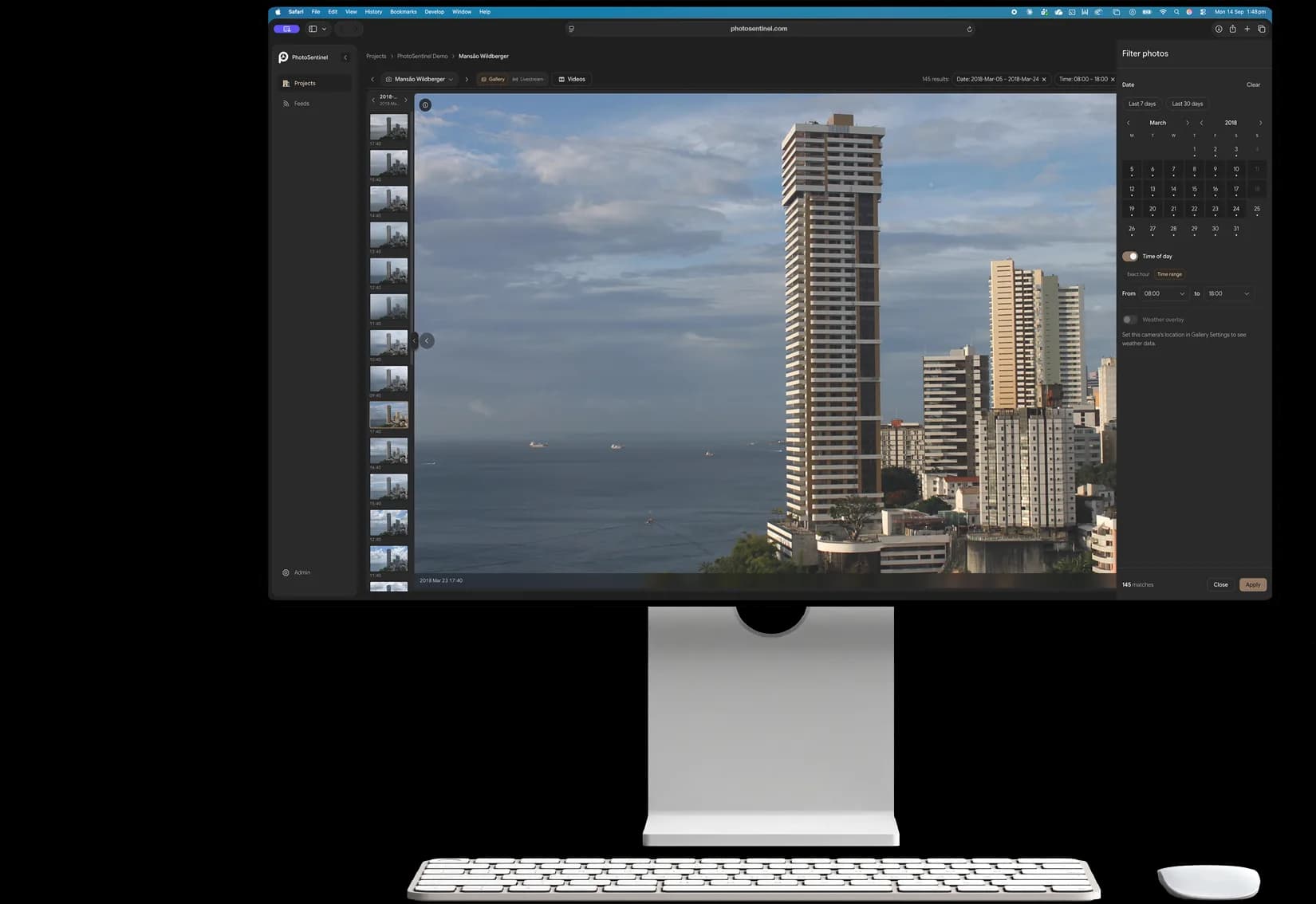
Building around the academic calendar
A record of how each phase fitted around term dates and handbacks.
Learn moreTrack your progress
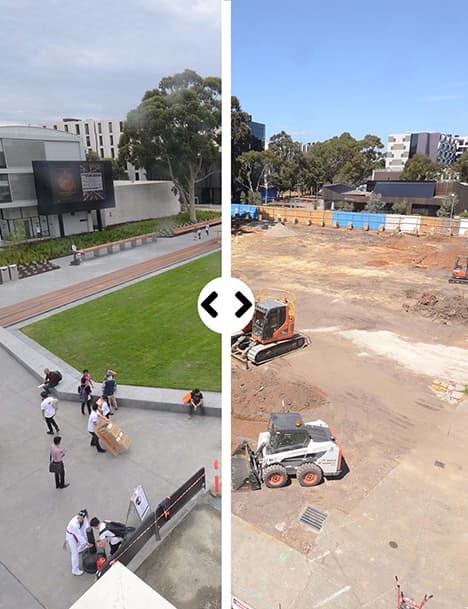
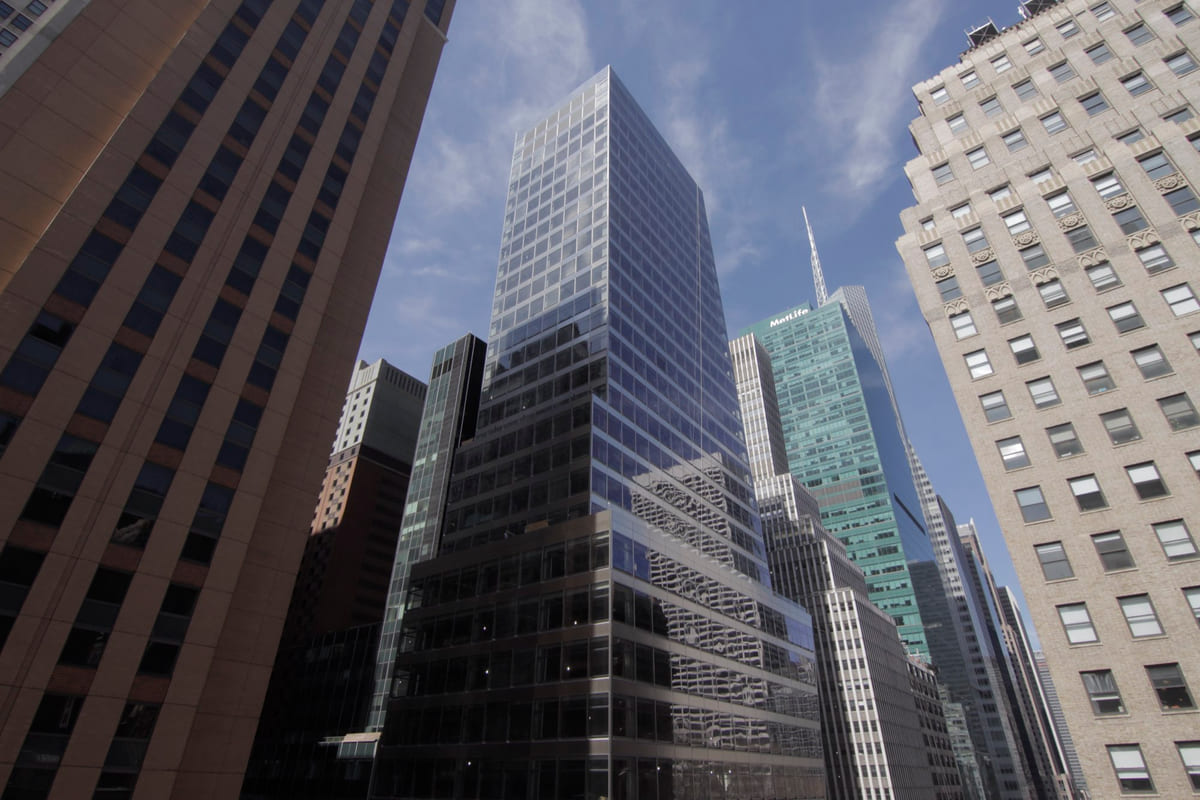
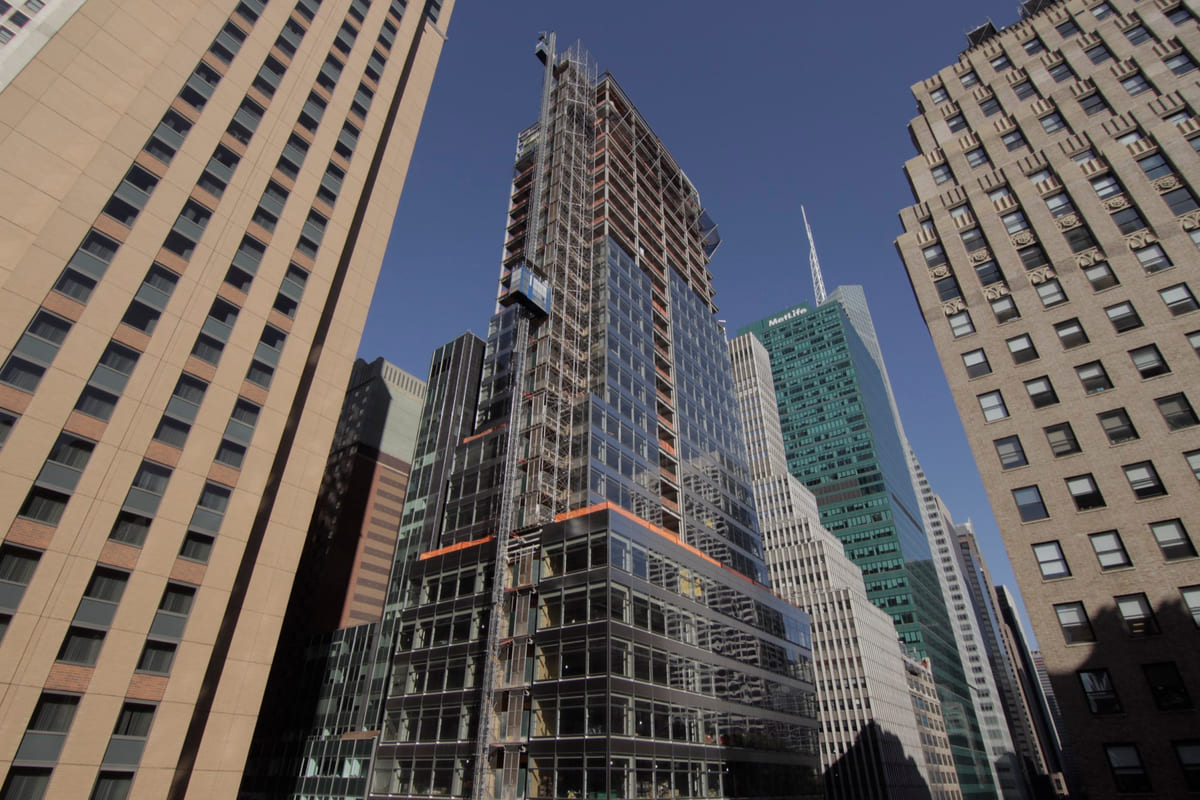
See the site change, day by day, with Time Portal.
Compare any two dates across the frame, or drag a window across the image to reveal an earlier state beneath the present. From the first excavation to opening day.
Explore Time Portal in Sentinel OSPortal mode. Drag inside the window to move it, drag a corner to resize, or draw a new window anywhere on the frame.
 Now
Powered by Sentinel OS
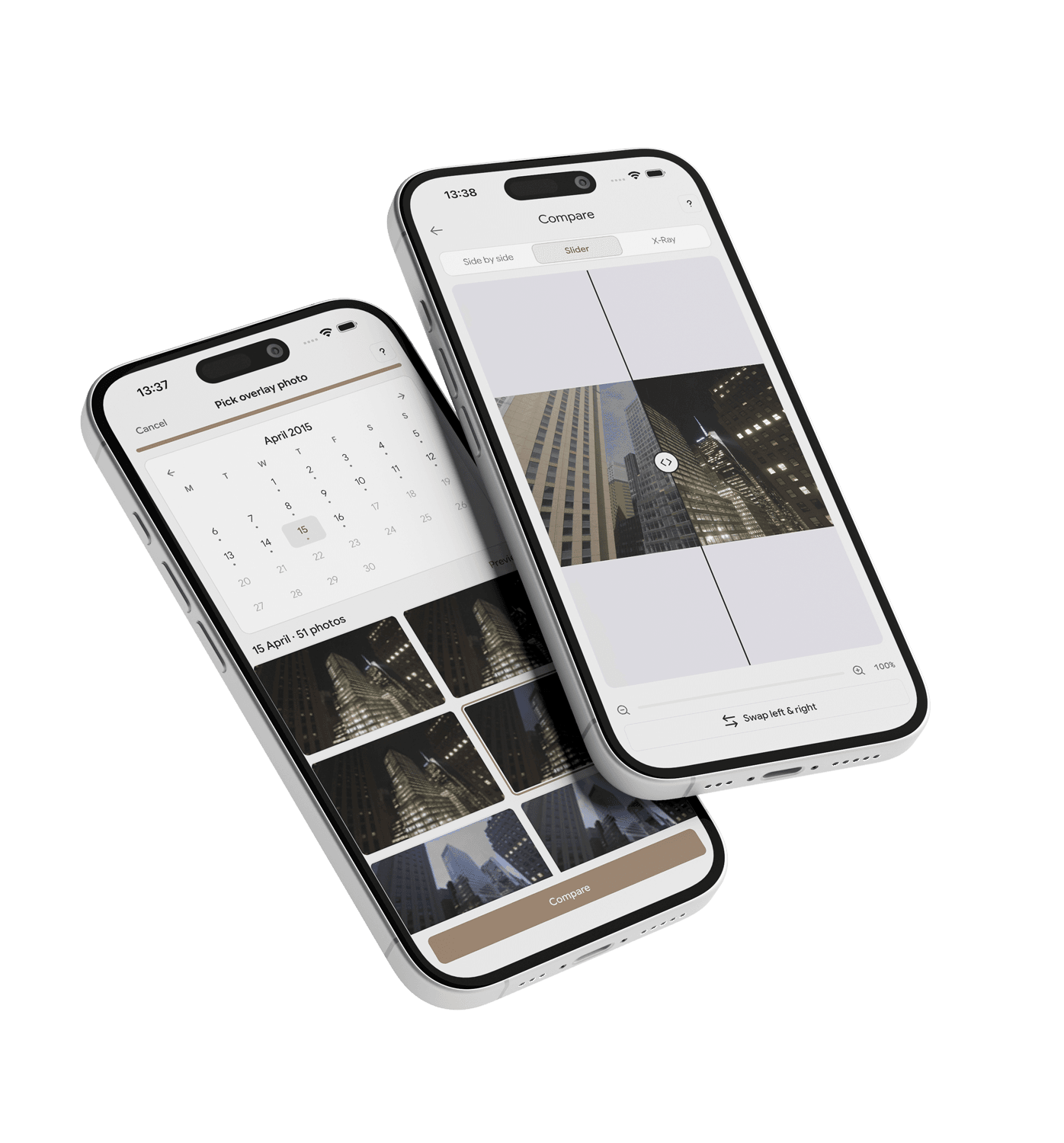
Share this morning's progress in two taps.
The Sentinel OS app puts every camera in your pocket. Watch the site live, then share a frame or a finished time lapse with your community without leaving the conversation.
- Live view from any camera, and livestream from Buildcam LS and Pro
- Share a frame or a time lapse in a couple of taps
- Native iOS and Android apps
 Launching November 2026
Powered by
Sentinel OS
Sentinel OS, the intelligent software platform behind every Buildcam camera, turns your footage into searchable evidence, compliance, intel, and story.
Explore Sentinel OS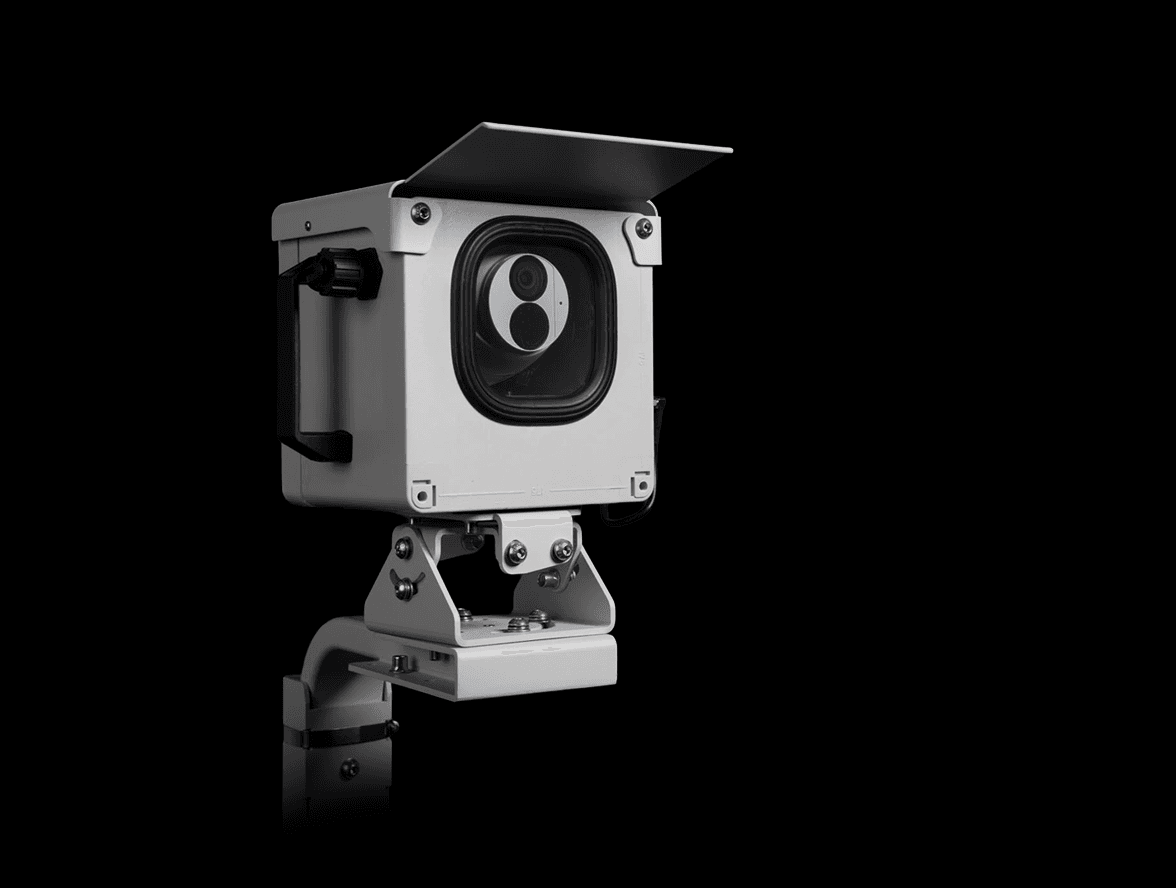
Recommended hardware
Buildcam LS, or Buildcam Pro for both
Buildcam LS livestreams in 4K to your community. Buildcam Pro adds a high-resolution time lapse for the archive.
Industry: Education
Questions about cameras on campus builds.
The ones that come up most on school and university projects. The full FAQ lives in Resources.
Different question?
The full FAQ covers hardware, platform, security, and billing. Or skip the search: talk to a real person on the callback.
Let your community watch the next building go up.
Tell us about the project and we'll match the right camera.
We'll call you back within the hour.