Industries · Aviation
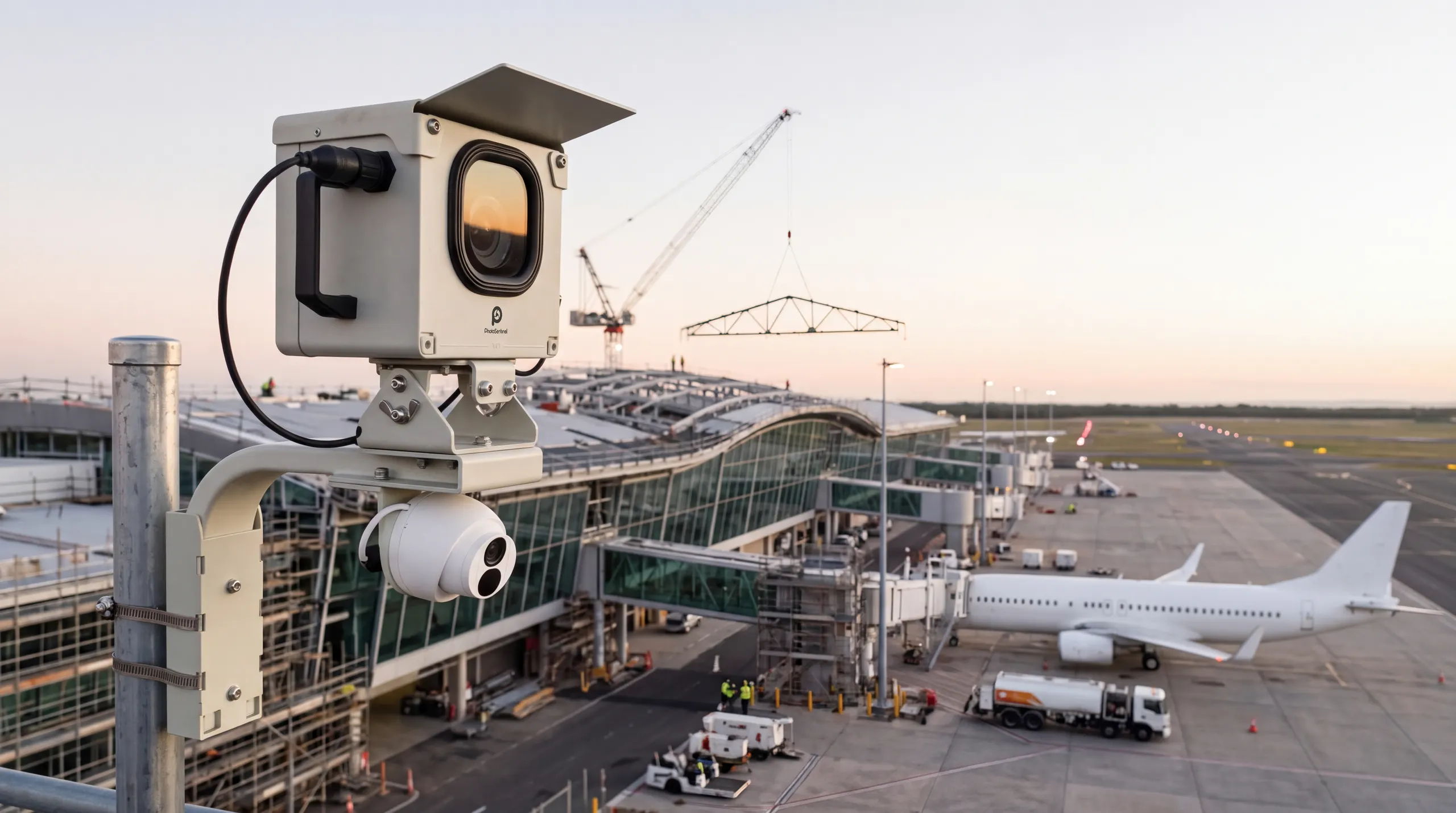
Airport construction cameras for builds that never stop the operation.
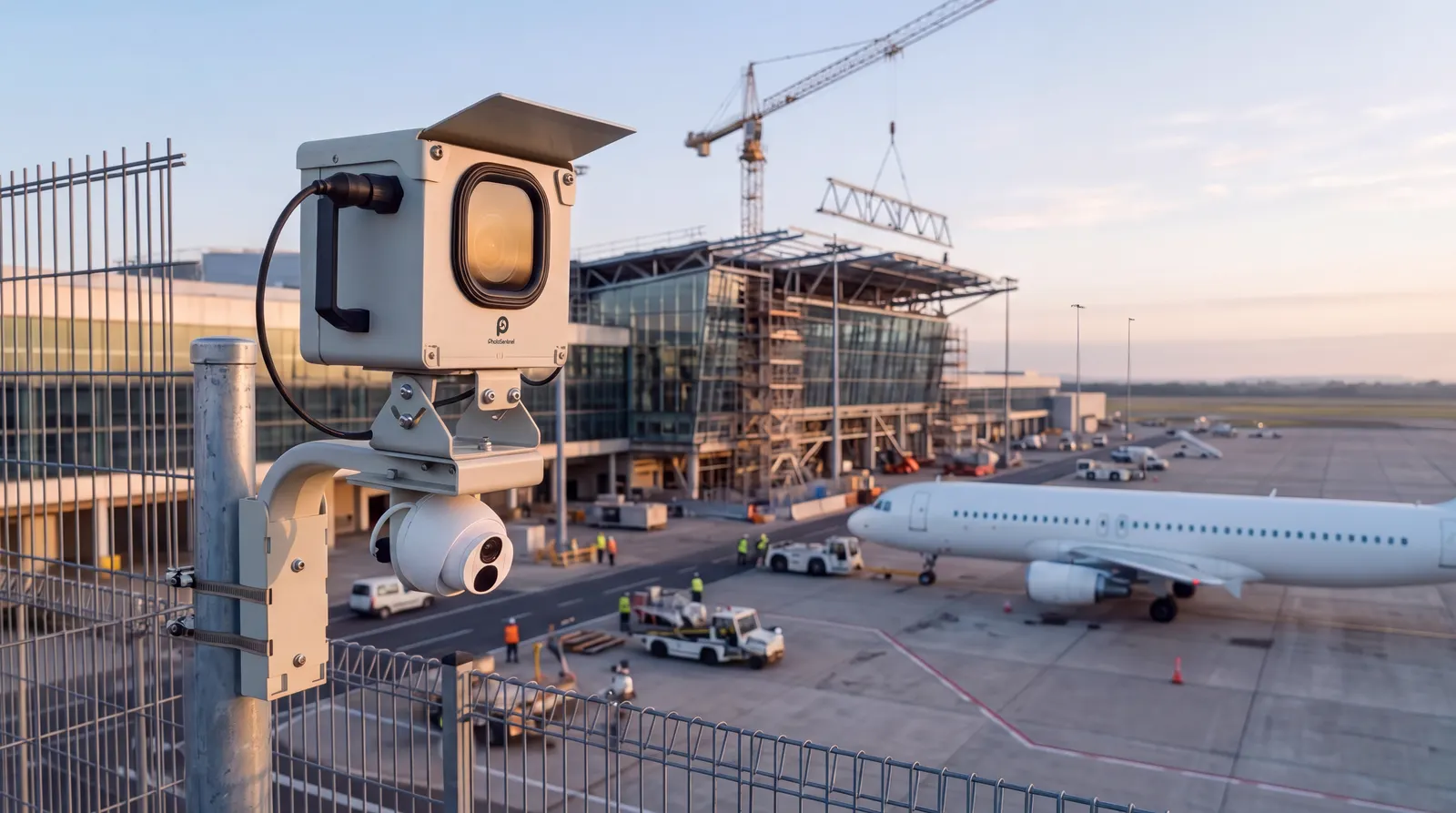
Terminal expansions and runway works run beside live operations, behind security and escort rules. Our Buildcam cameras record every phase, so nobody has to pass the gate to see progress.
- Solar + 4G
- No mains power required
- 24MP
- Time lapse on TL and Pro
- 4K
- Livestream on LS and Pro
- 55 countries
- Deployed globally










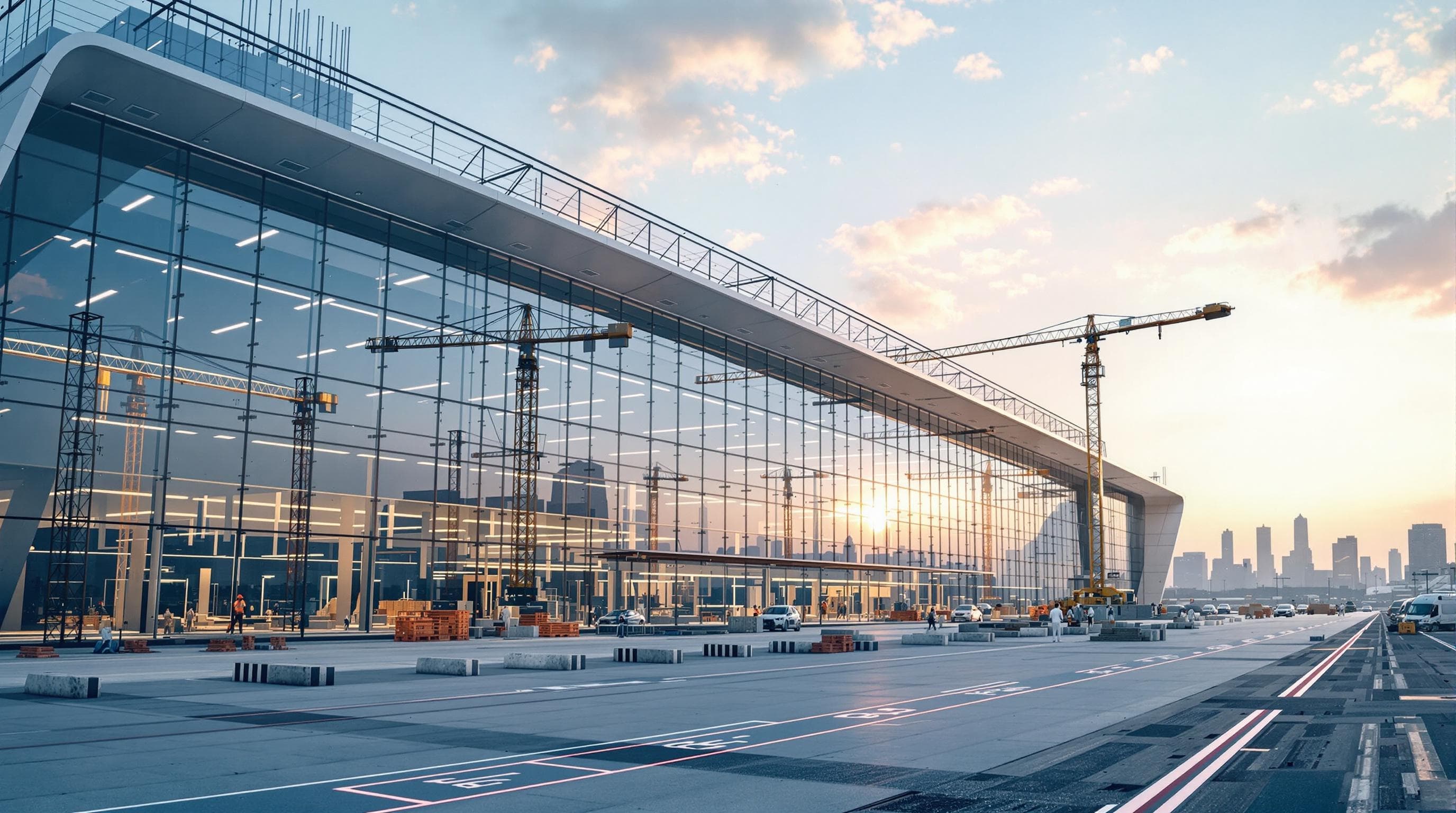
Airport construction, fully captured and fully documented.
Airport construction is documented under some of the tightest access conditions of any build. Every visit airside means an escort, an induction and a security check. Our Buildcam cameras, fixed to the site, remove that friction. They run on solar power and 4G and capture the build continuously, with no technician passing through the gate each day.
Airport works answer to more parties than most builds: the airport operator, airlines, regulators, contractors and the traveling public. Sentinel OS, the intelligent software platform behind every Buildcam camera, gives each of them a current view through role-based access and shared links.
How it works
How a construction camera works on an airport project
Mount it once, clear of operations
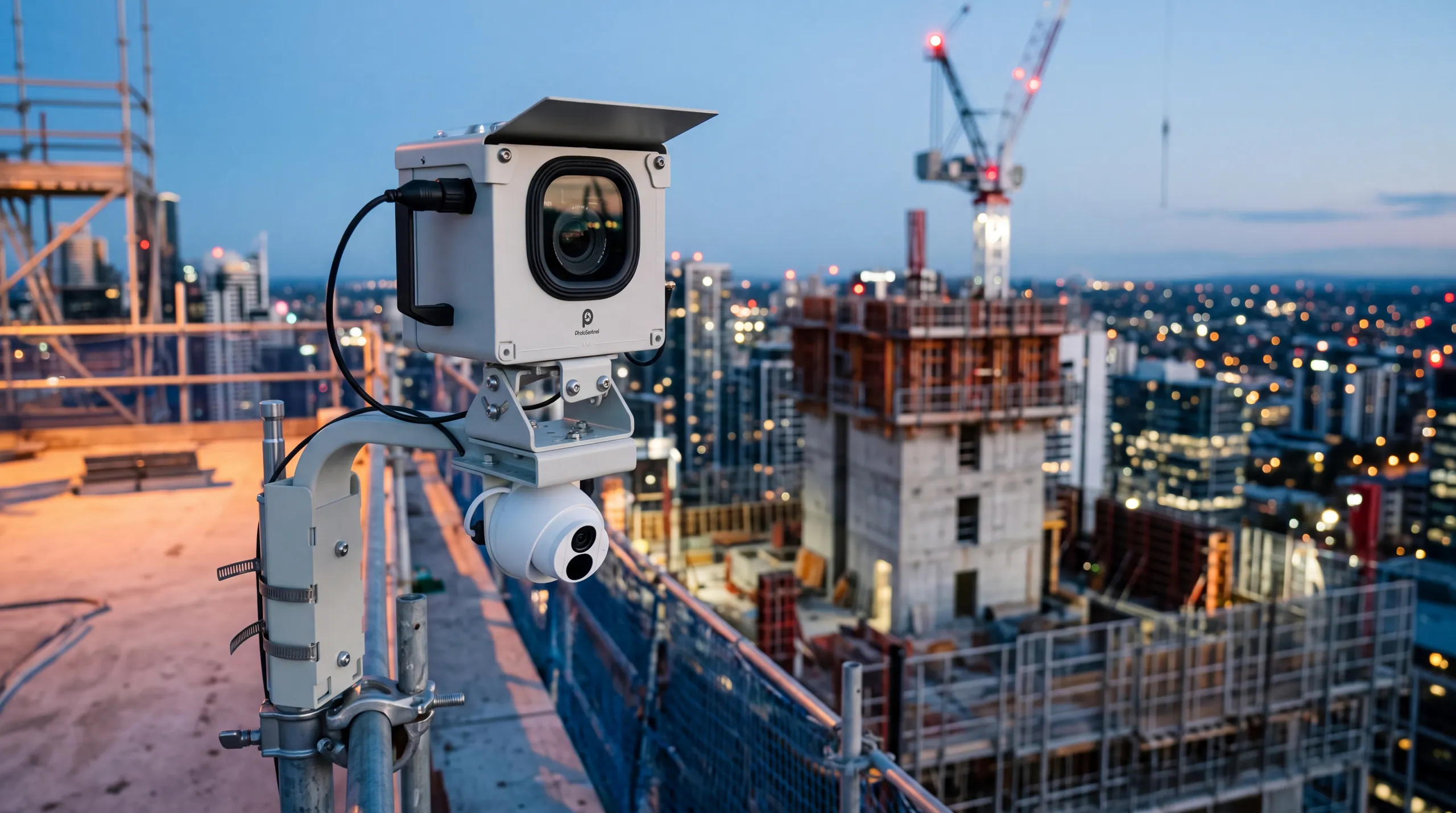
Each camera goes on a pole, a building or the fence line at a fixed vantage point outside the operational envelope, positioned with the airport's approval. Solar power and 4G mean no power or data cabling into a restricted zone.
It records every phase
The camera photographs the works on a set schedule, through phase changes and handovers, and sends every frame over 4G. With Buildcam Pro, it also livestreams in 4K.
Each party sees its own view
Every frame lands in Sentinel OS with a date and time. Site Maps shows what each camera covers, and role-based access gives the operator, airlines and contractors the view that suits them.
On the airfield
Built for terminal, apron and runway works
Airside compliance documentation
A continuous, dated record that supports safety audits, insurance assessments and compliance submissions to CASA, the FAA and other national aviation authorities.
Learn more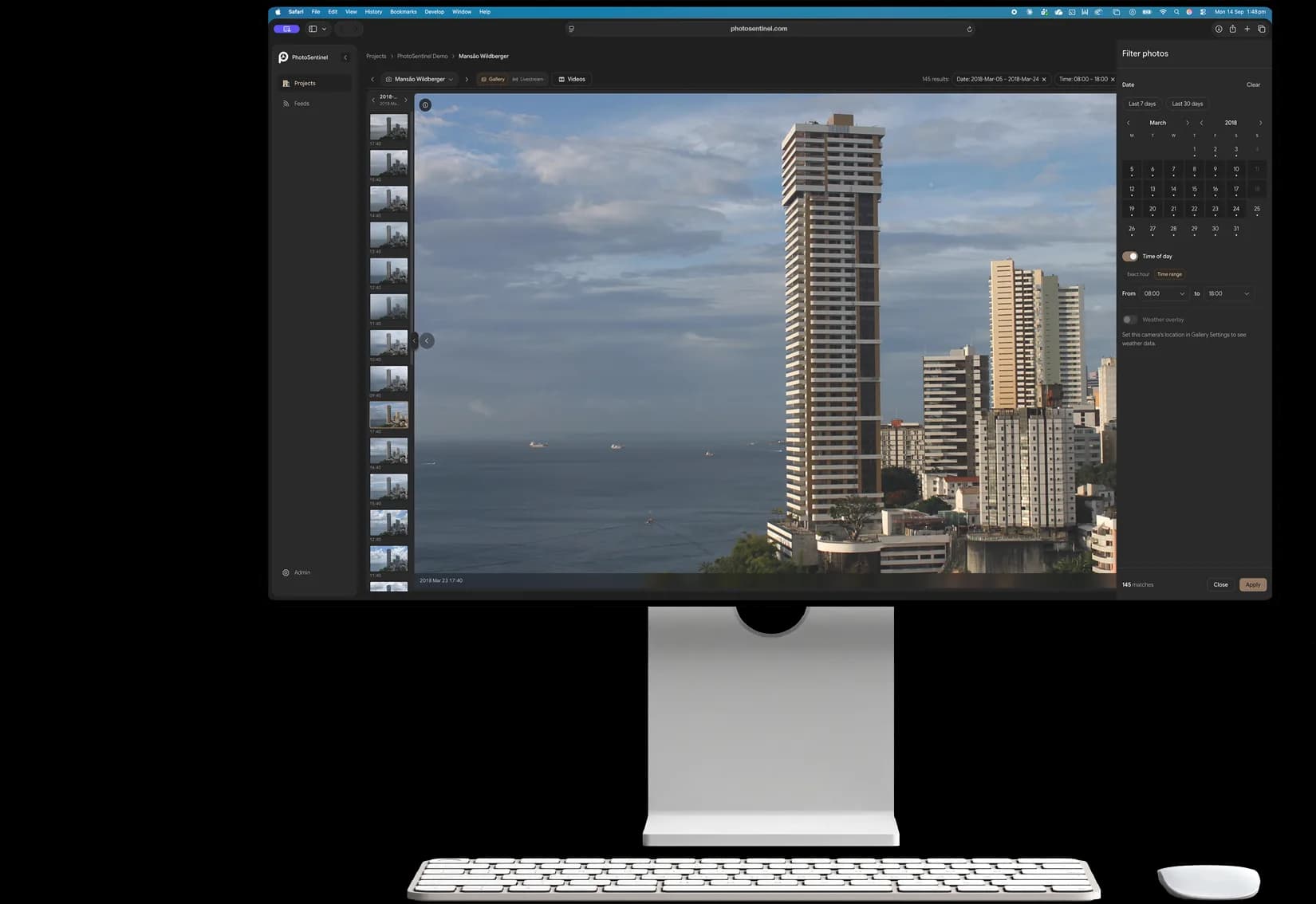
Stakeholder reporting without site access
Operators, airlines and authorities see current progress without a pass or an escort.
Learn more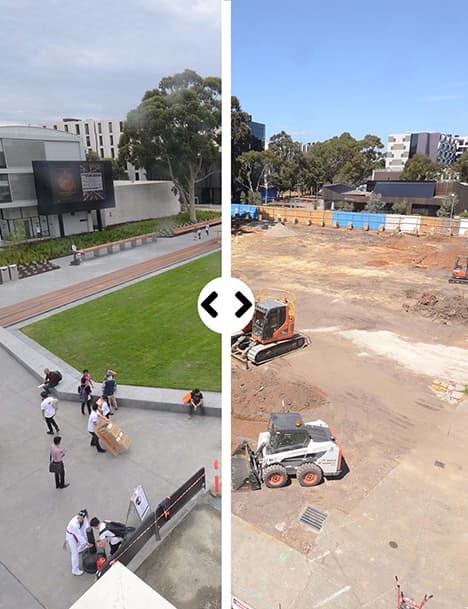
Phased works across live operations
Every phase boundary and handover recorded, for terminal construction that never fully closes.
Learn moreRunway and apron works
Wide-area coverage of the airfield from fixed vantage points.
Learn more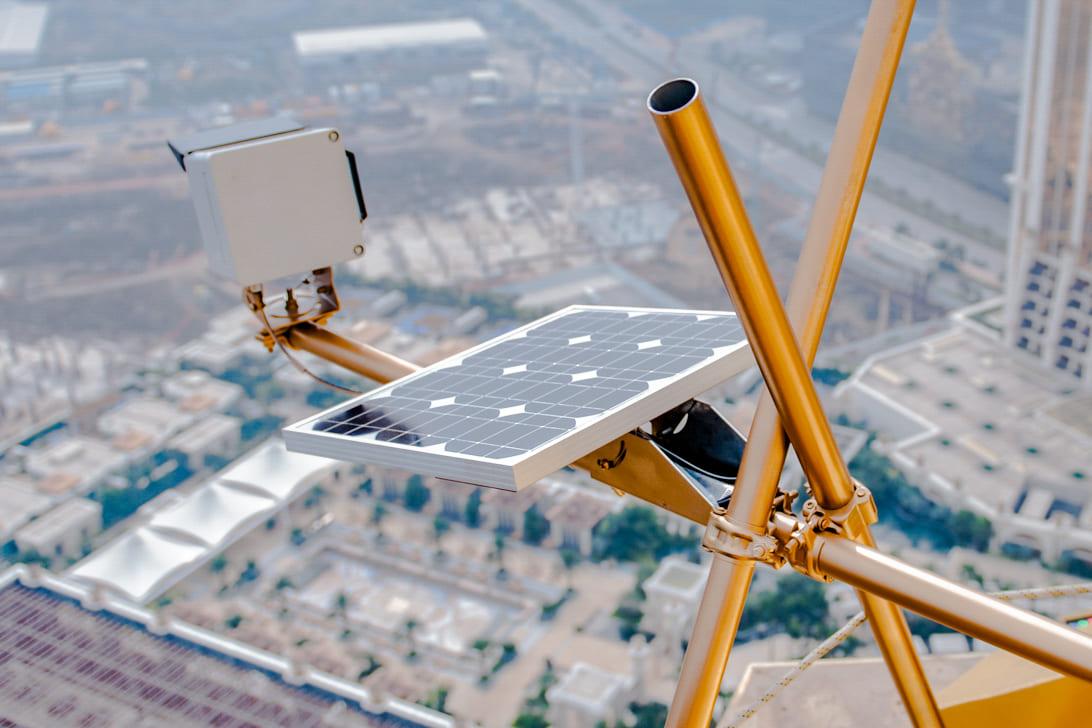
Landside, car park and forecourt works
Roads, car parks and forecourts change under live traffic. Record each stage as access is moved and restored.
Learn more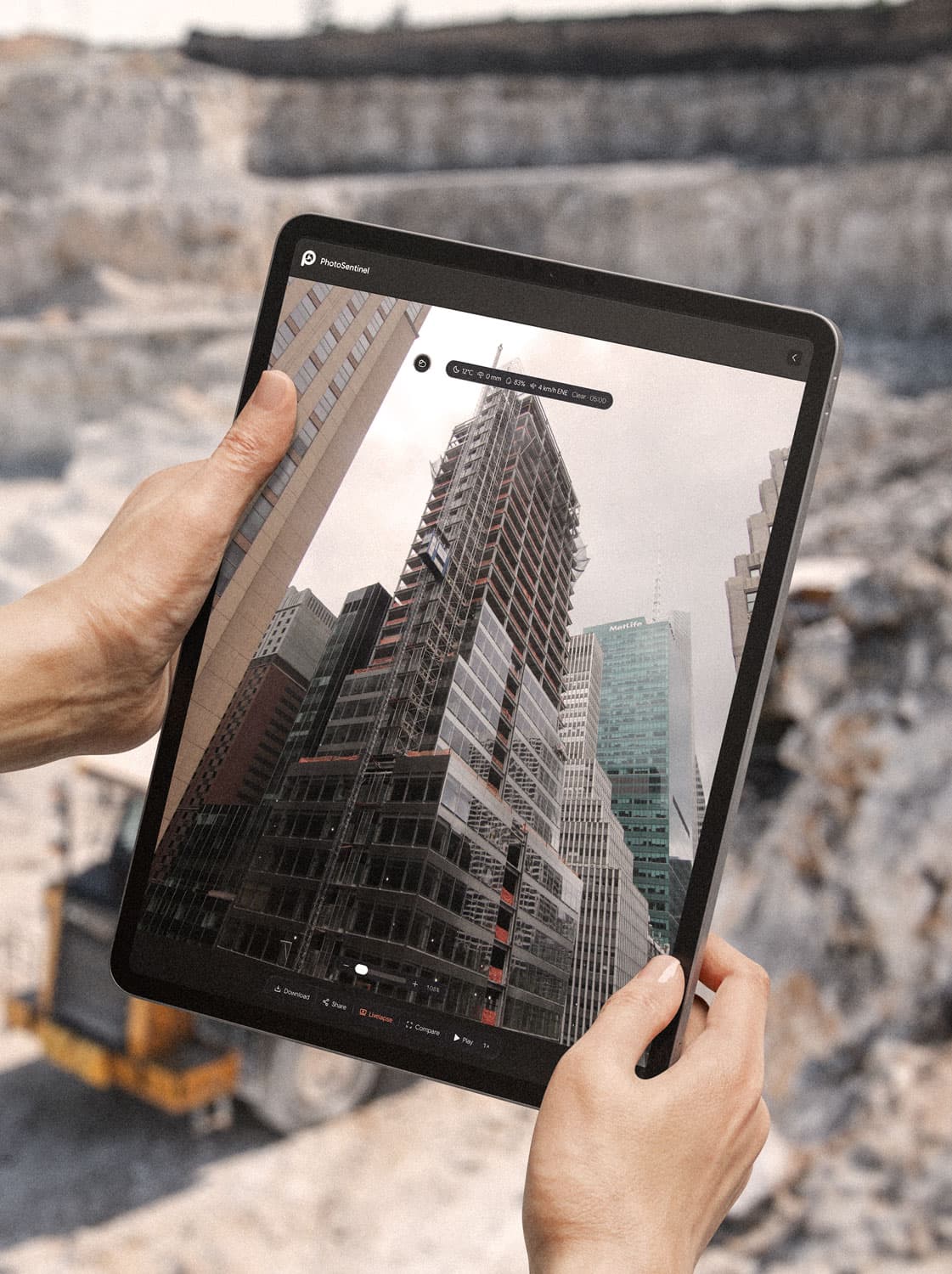
Contractor accountability across the airfield
Many contractors share one airfield. A dated record shows who was working where, and when.
Learn moreTrack your progress
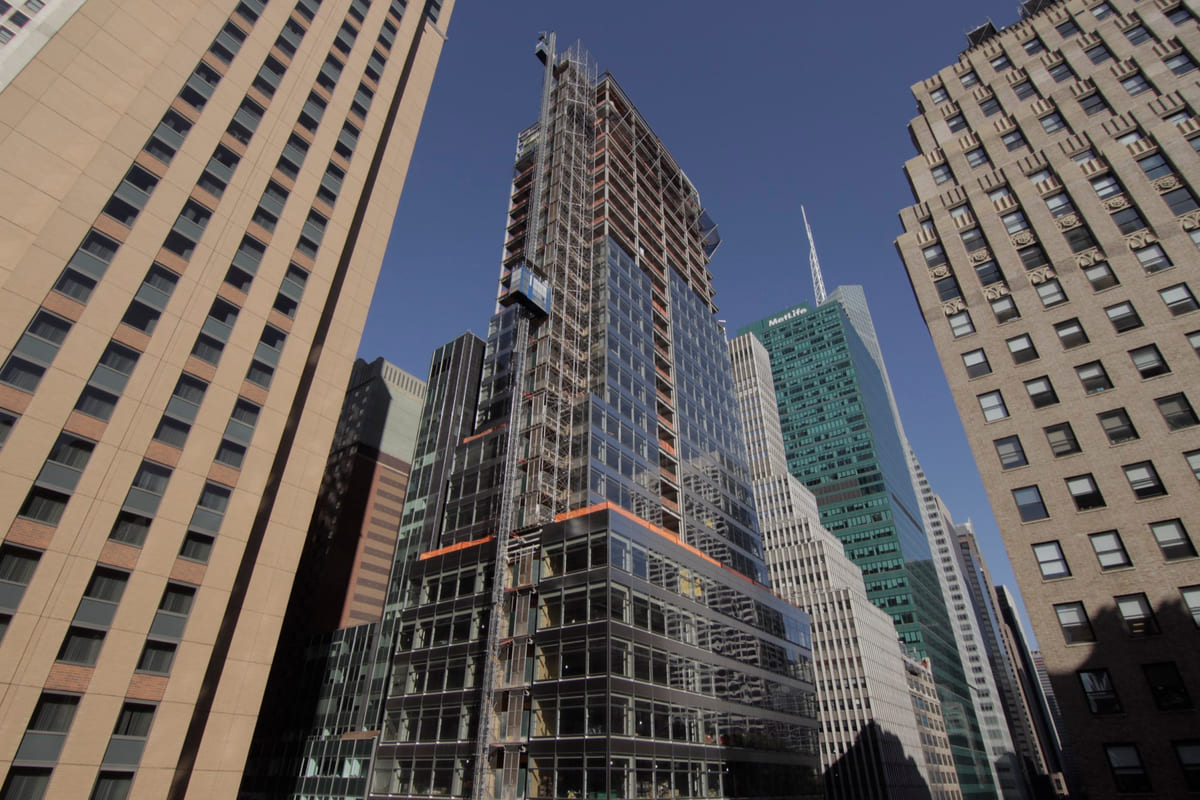
See the site change, day by day, with Time Portal.
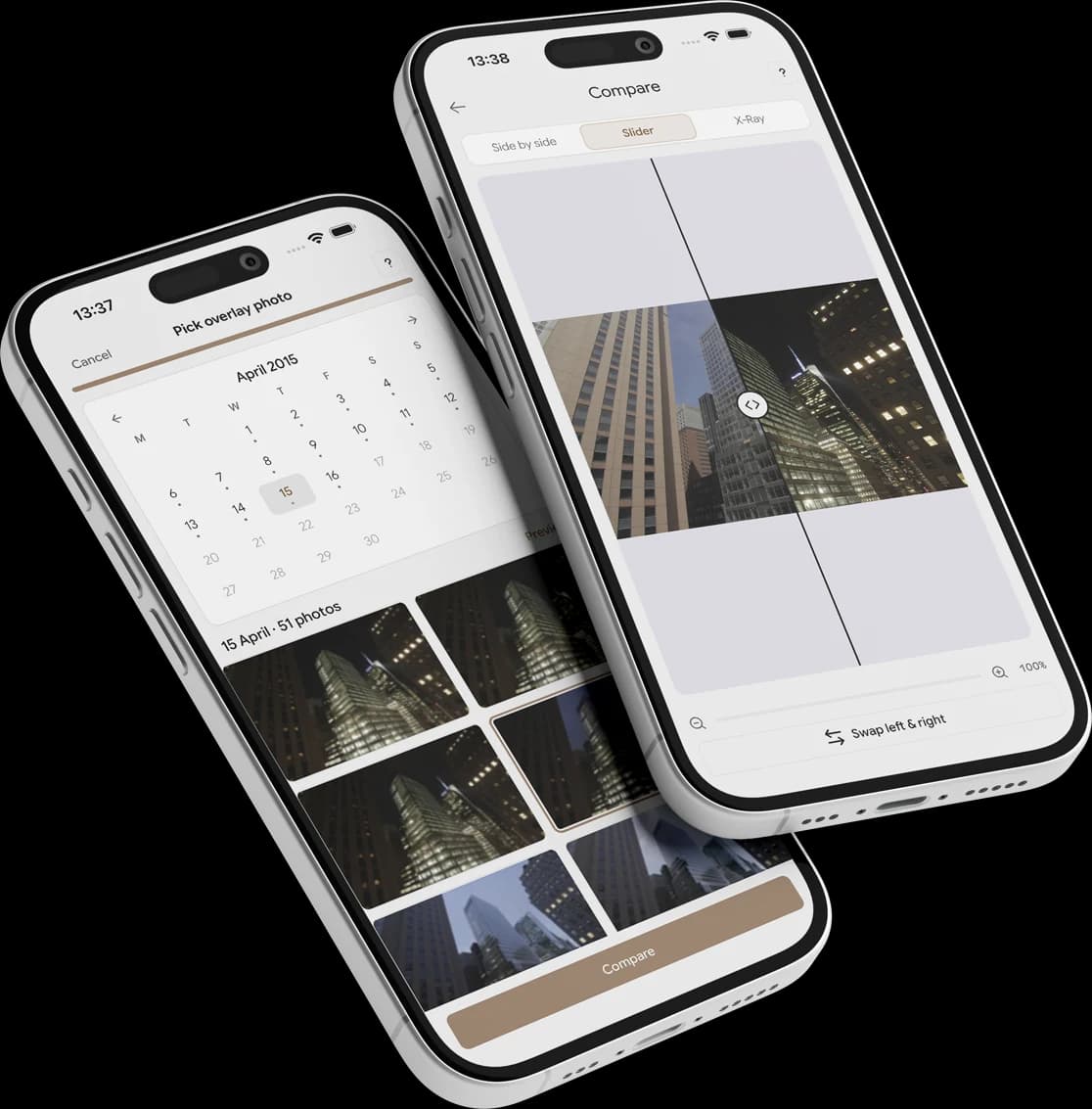
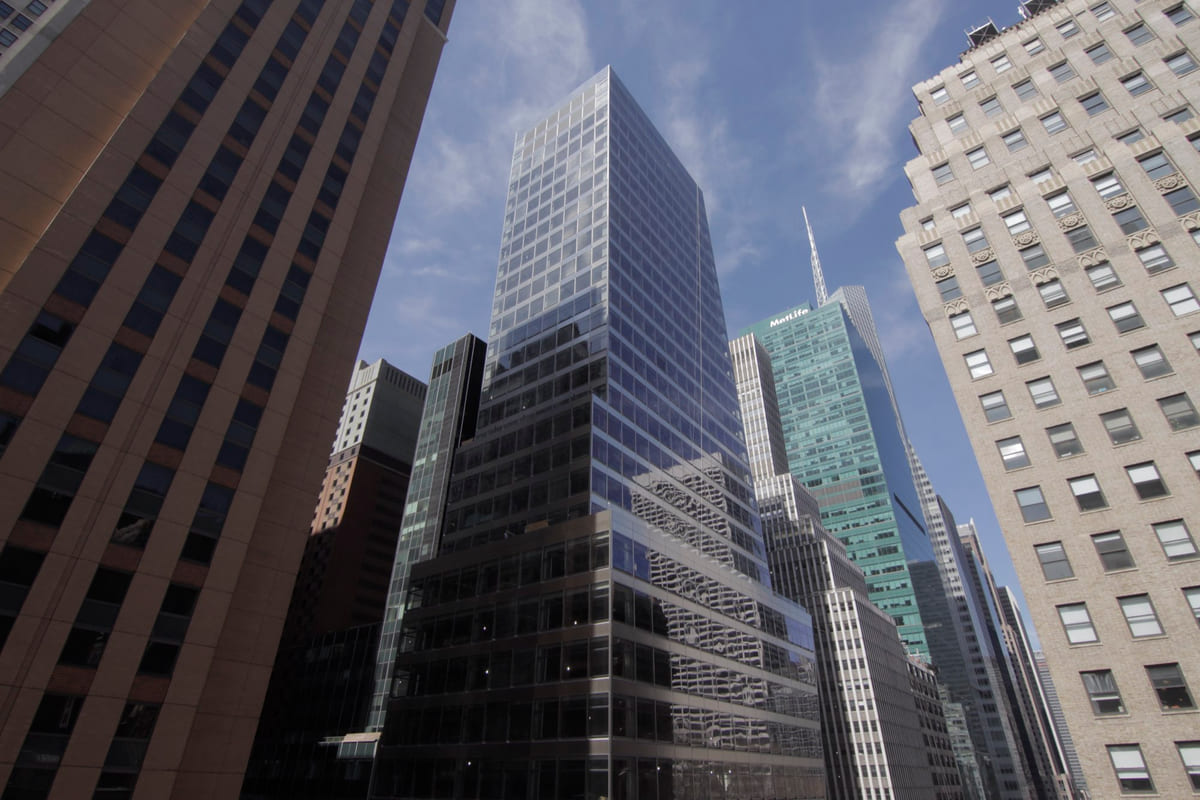
Compare any two dates across the frame, or drag a window across the image to reveal an earlier state beneath the present. See each phase of the terminal take shape.
Explore Time Portal in Sentinel OSPortal mode. Drag inside the window to move it, drag a corner to resize, or draw a new window anywhere on the frame.
 Now
Powered by Sentinel OS
See exactly what every camera covers.
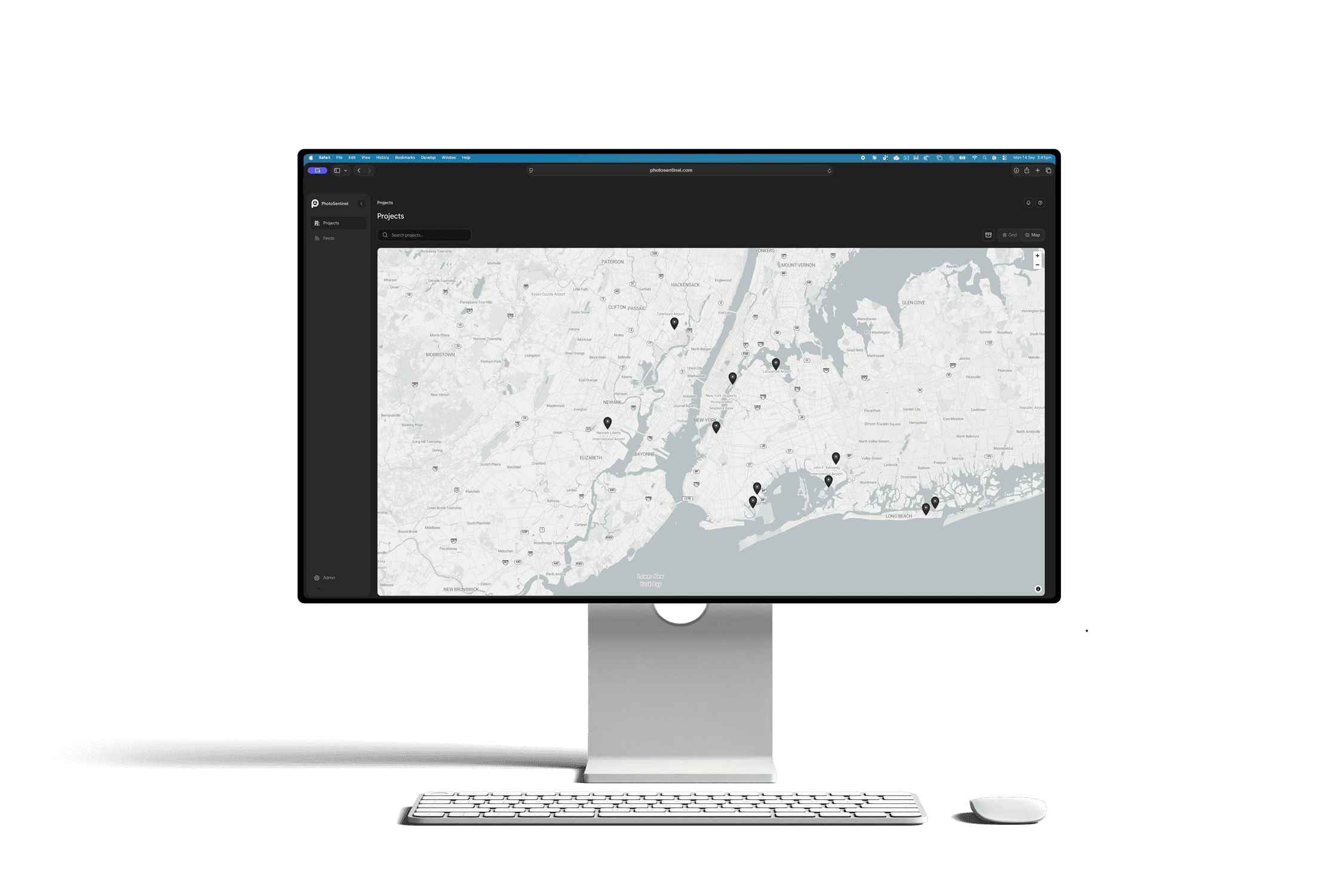
An airport build spreads across terminal, apron and runway. Site Maps places every camera on a real-world site plan with its field of view, so a stakeholder without an airside pass can see what each camera is watching.
- A site plan on a real-world basemap for each project
- Camera pins with field-of-view cones
- Draw the site boundary once, and everyone sees it
 Launching November 2026
Powered by
Sentinel OS
Sentinel OS, the intelligent software platform behind every Buildcam camera, turns your footage into searchable evidence, compliance, intel, and story.
Explore Sentinel OS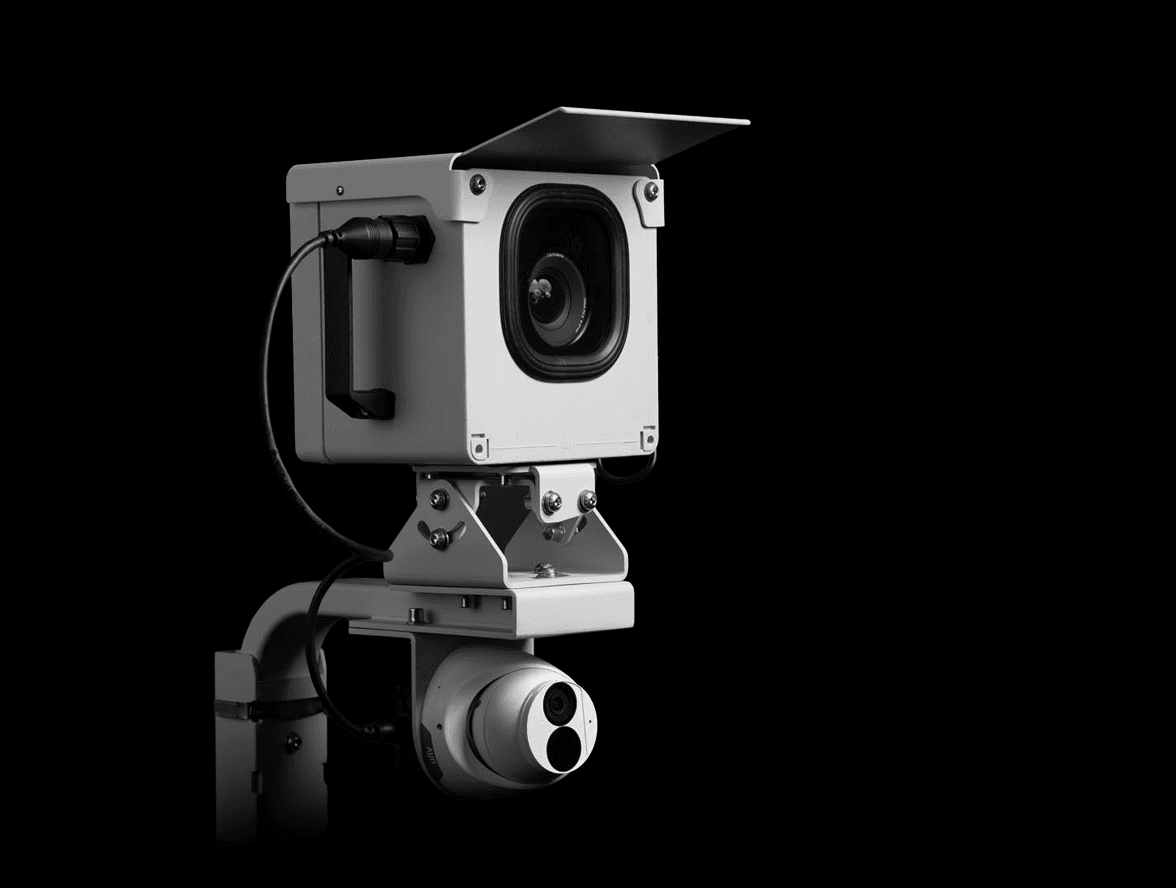
Recommended hardware
Buildcam Pro
High-resolution time lapse and 4K livestream from a single mount, on solar and 4G.
Industry: Aviation
Questions about cameras on airport projects.
The ones that come up most on terminal, apron and runway works. The full FAQ lives in Resources.
Different question?
The full FAQ covers hardware, platform, security, and billing. Or skip the search: talk to a real person on the callback.
See your airport project without going through the gate.
Tell us about the works and the access rules, and we'll plan the coverage.
We'll call you back within the hour.