Industries · Government and public works
Government construction cameras for a complete public record.
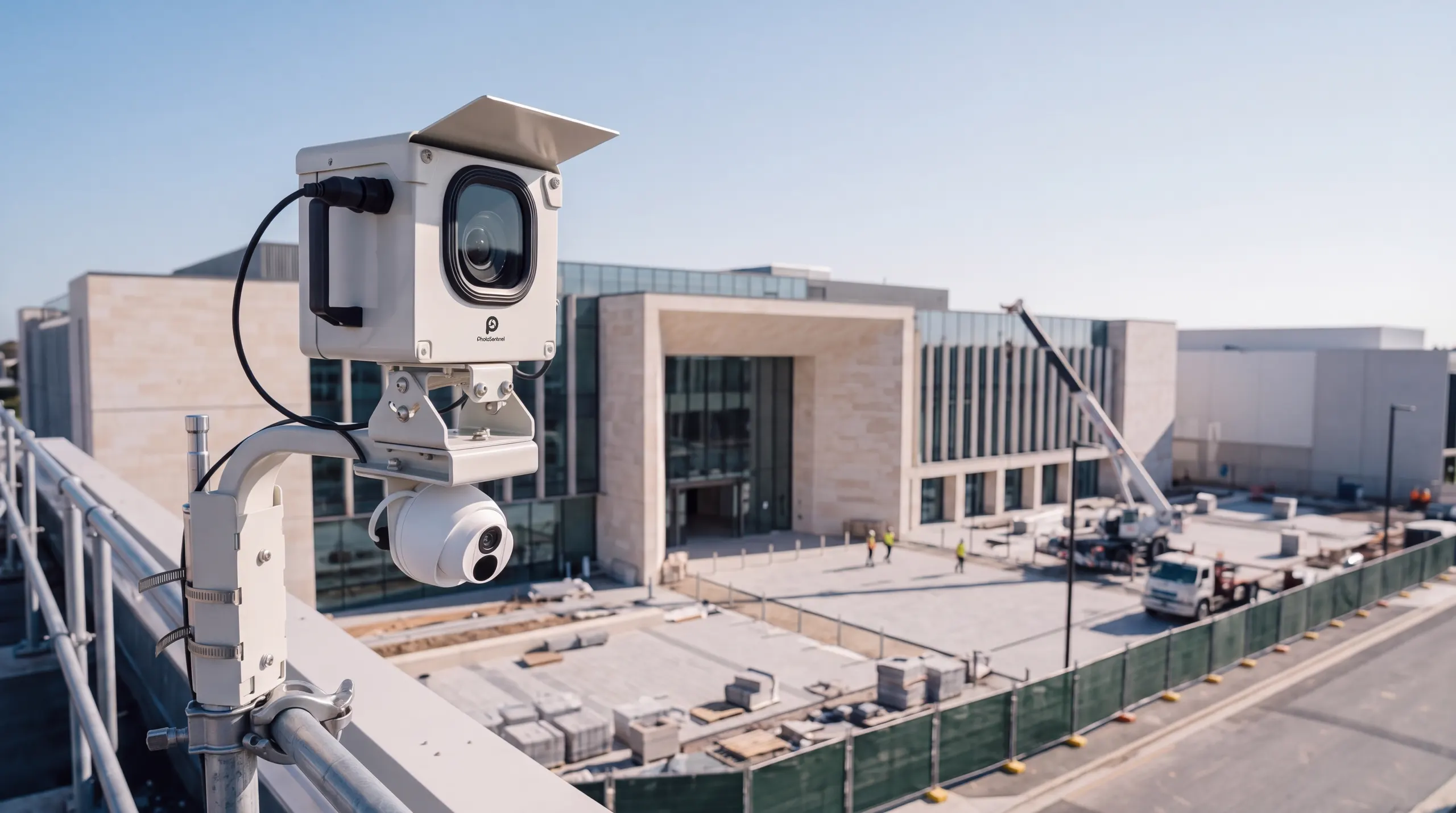
Public money builds it, and the record has to outlast the project. Our Buildcam cameras capture every phase on a fixed schedule, so the documentation never depends on who remembered to take a photo.
- Dated record
- Objective, time-stamped archive
- Role-based access
- Council, agency, contractor
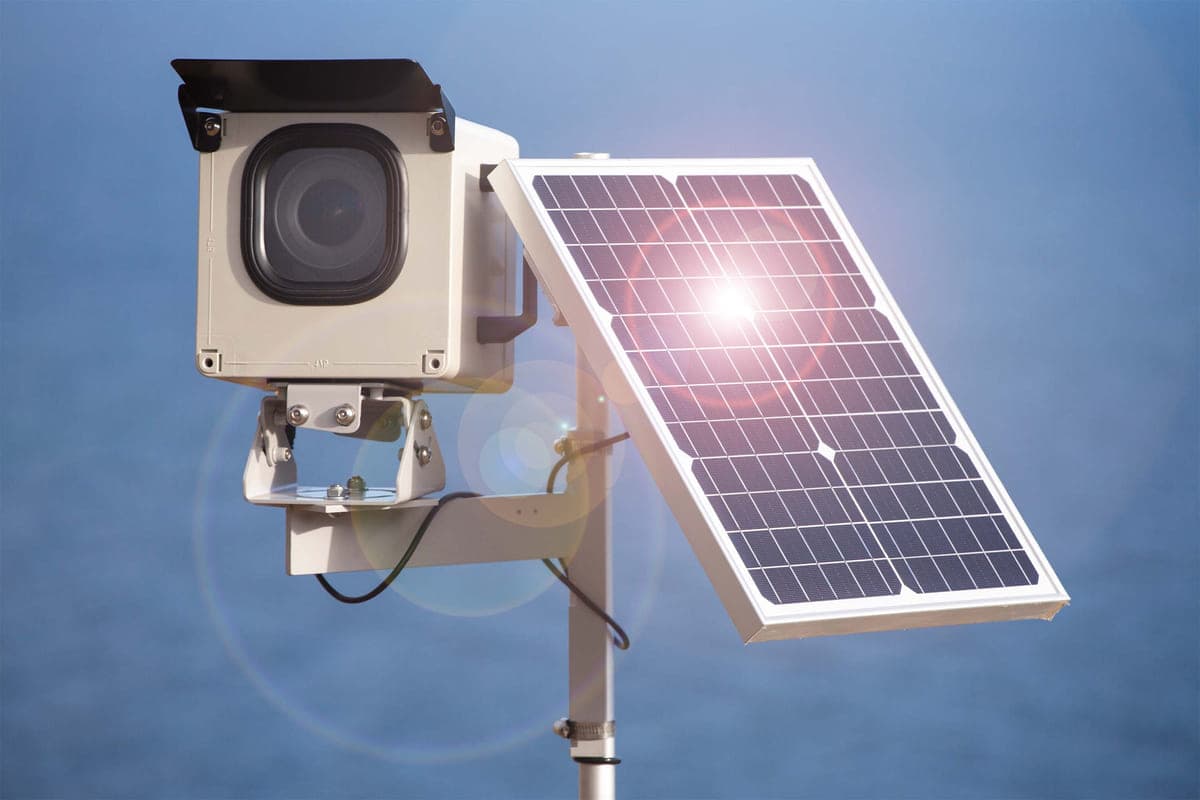
- Solar + 4G
- No site power or Wi-Fi
- Multi-site
- One dashboard, every project









A record of the public build that stands up years later.
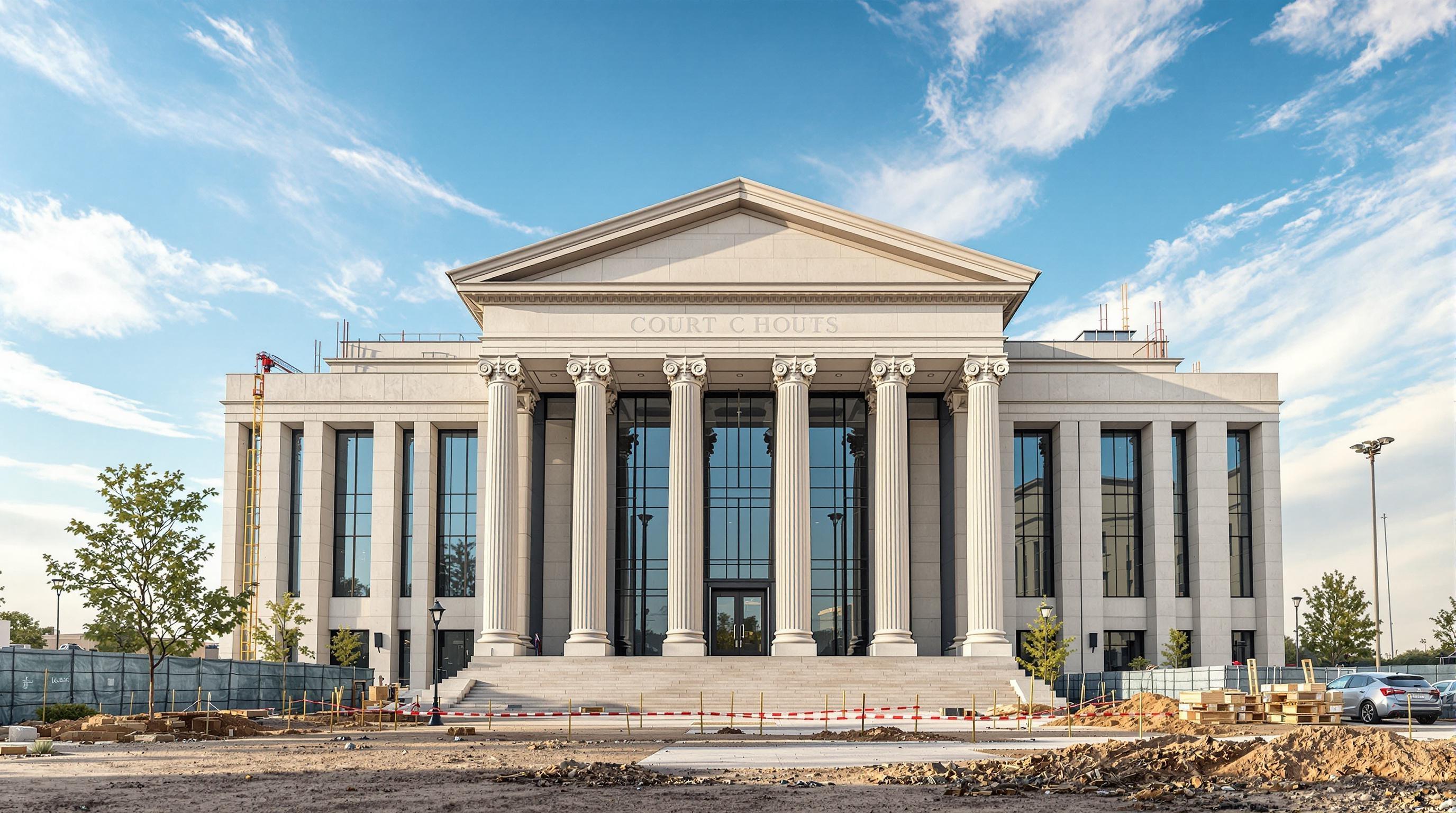
Municipal buildings, courthouses, transit works and civic infrastructure are funded by the public and answerable to it. Their documentation has to be continuous, objective and available long after the ribbon is cut. Our Buildcam cameras photograph the site on a fixed schedule from the first groundworks to final handover and store every frame, time-stamped, in Sentinel OS, the intelligent software platform behind every Buildcam camera.
A single project can involve a council, a funding agency, a head contractor and a community that wants to see progress. Each one gets the view it needs, and a public time lapse can be shared without opening the rest of the program.
How it works
How a construction camera works on a public project
Mount it at the edge of the works
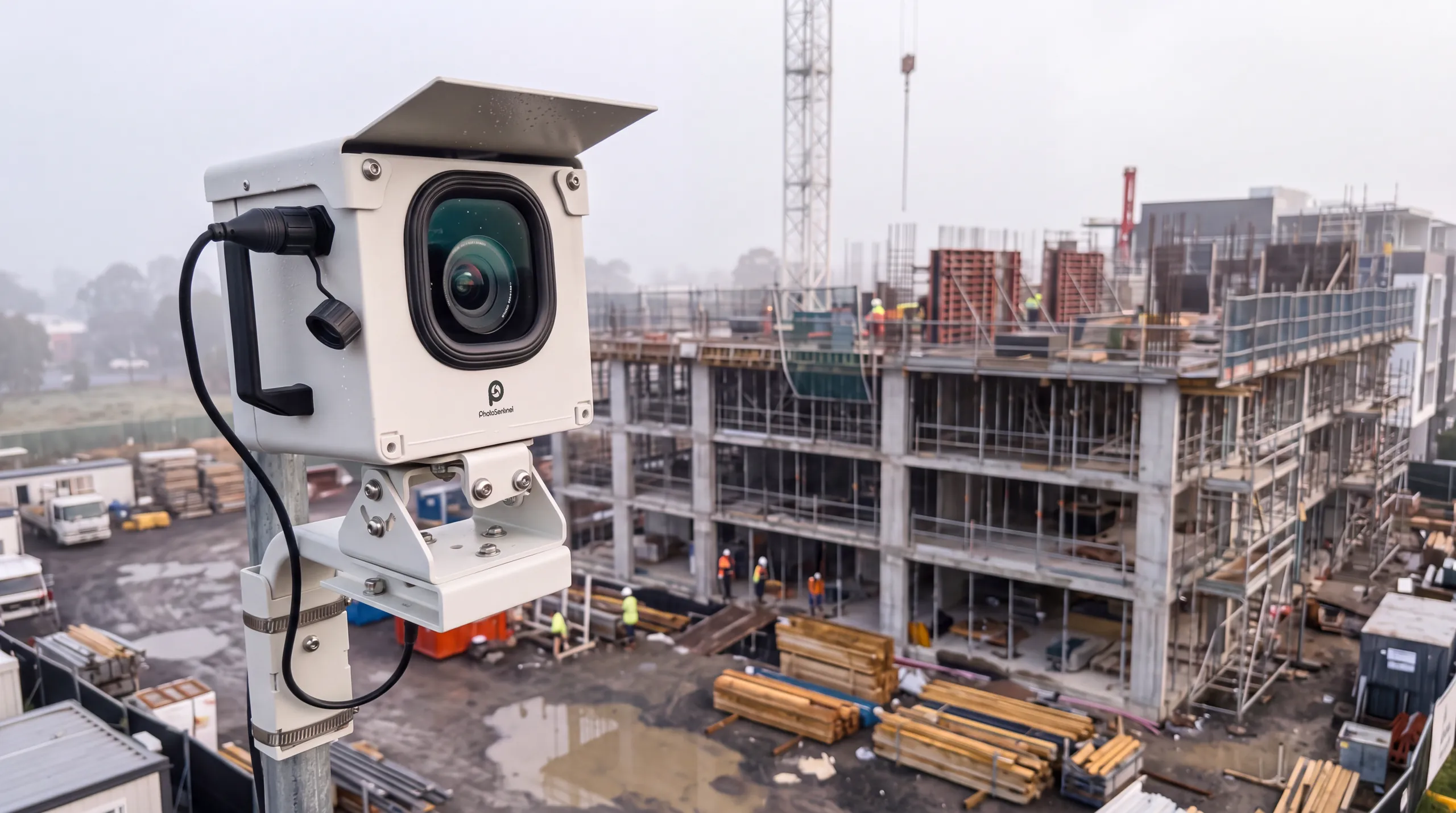
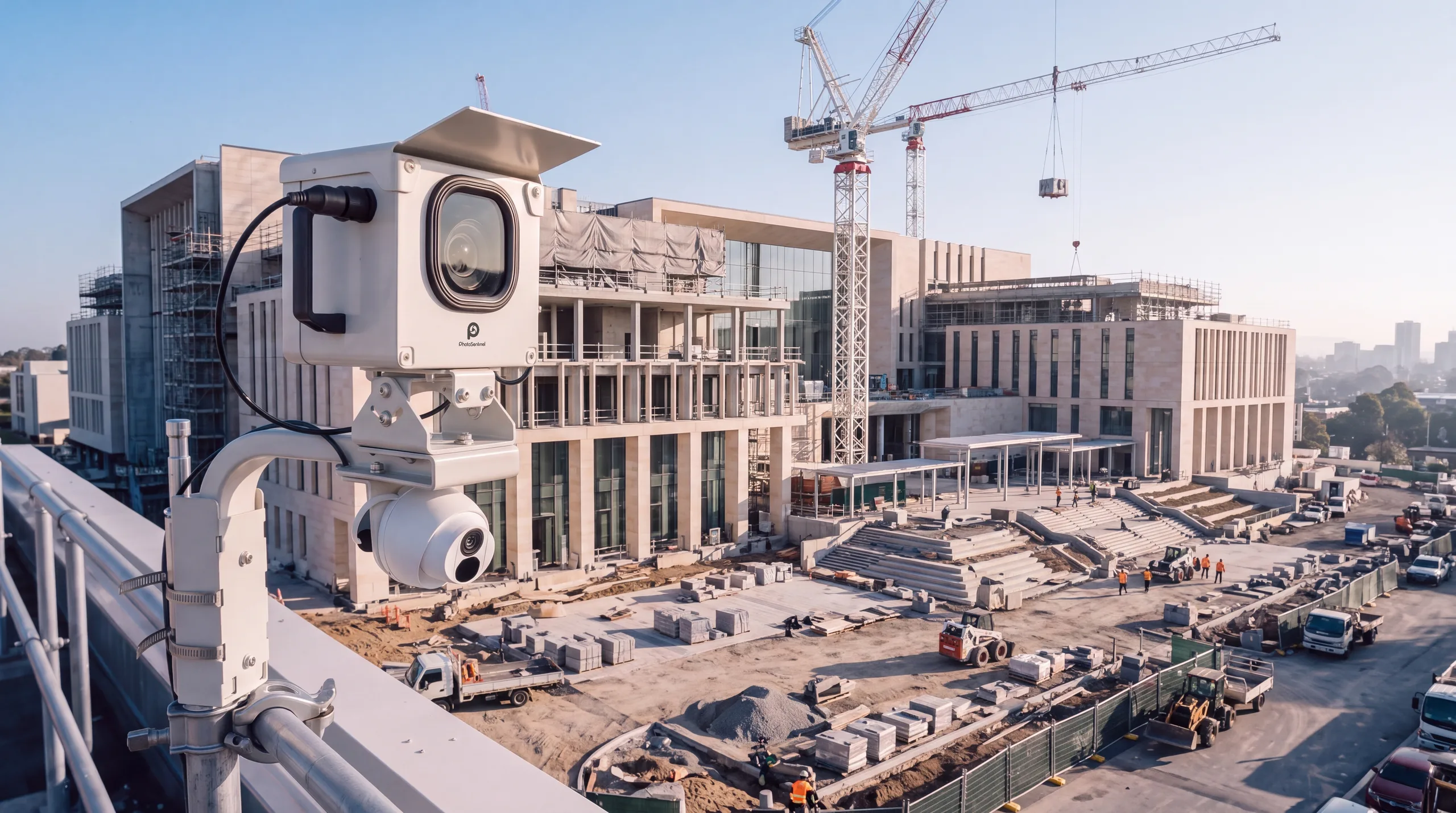
Each camera goes on a pole, an existing building or the site fence with a clear view of the works. It carries its own solar panel and 4G, so it needs nothing from the site's power or the agency's network.
It records on a fixed schedule
The camera photographs the site on a set schedule from first groundworks to handover. The documentation never depends on who remembered to take a photo.
Each party gets the view it needs
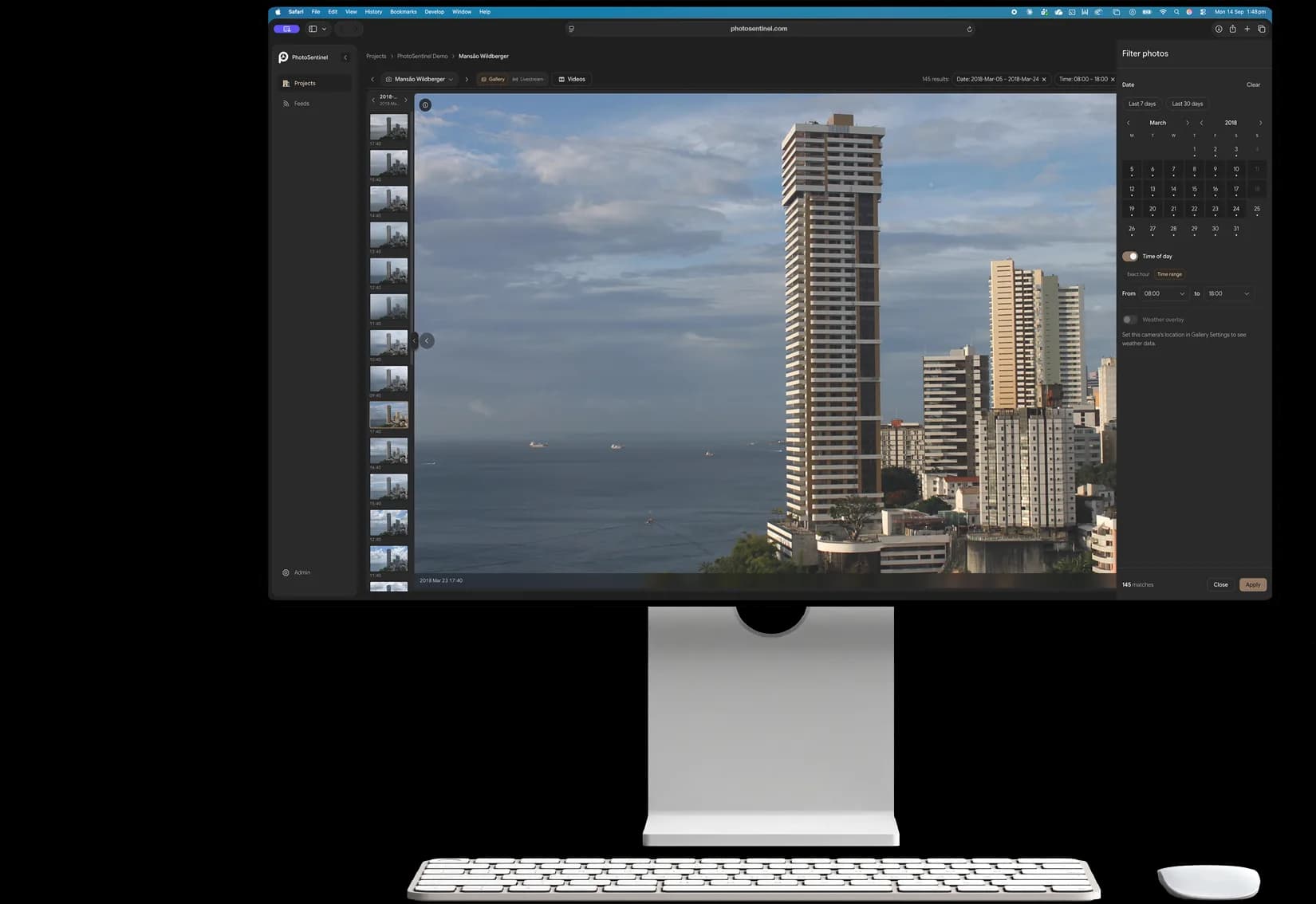
Every frame lands in Sentinel OS with a date and time. Program managers see every site, contractors see their own, and a public time lapse can be shared without opening the rest of the program.
On your project
Built for accountability
Milestone and progress verification
A dated, continuous record for every milestone and progress claim.
Learn more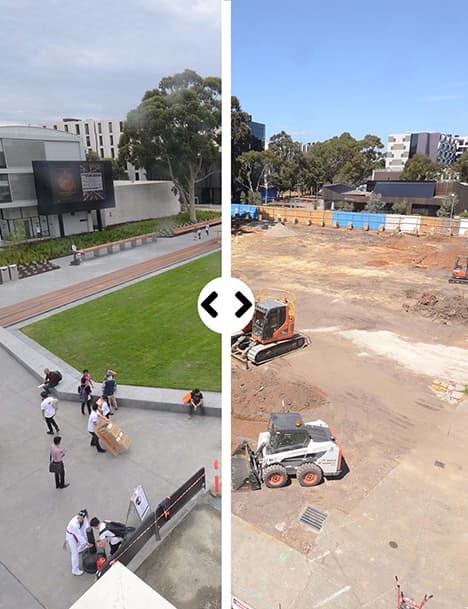
Change order validation
The footage shows what was on site and when, so a variation can be checked against the record.
Learn more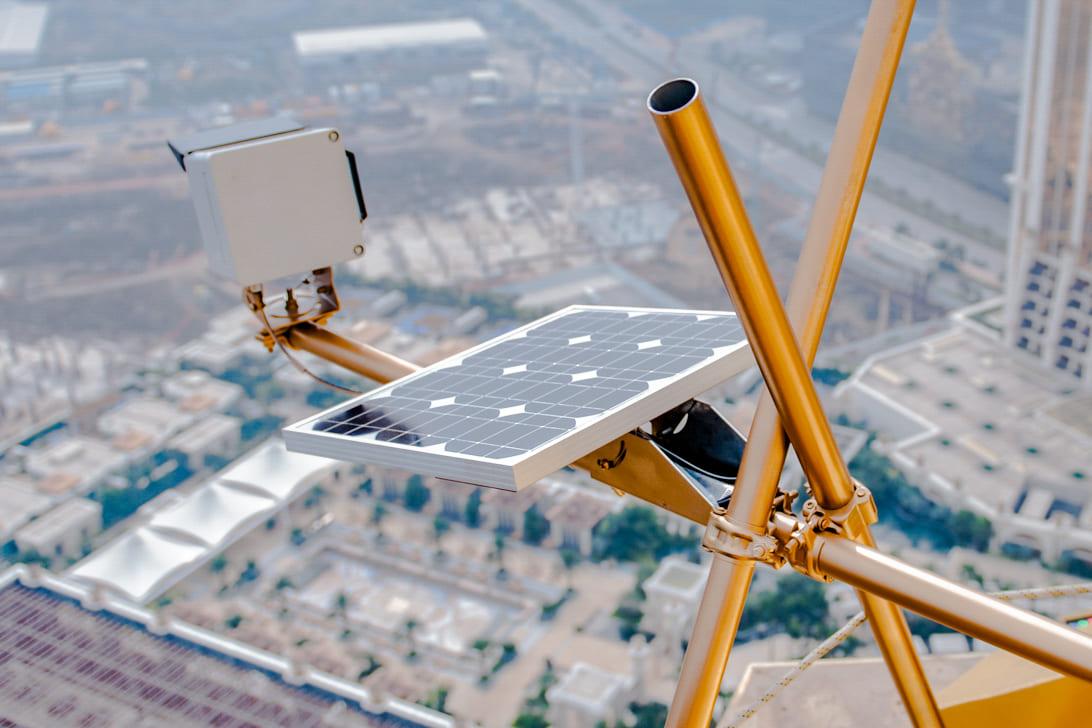
Contractor accountability
An objective view of the work, shared with the contractor and the client alike.
Learn more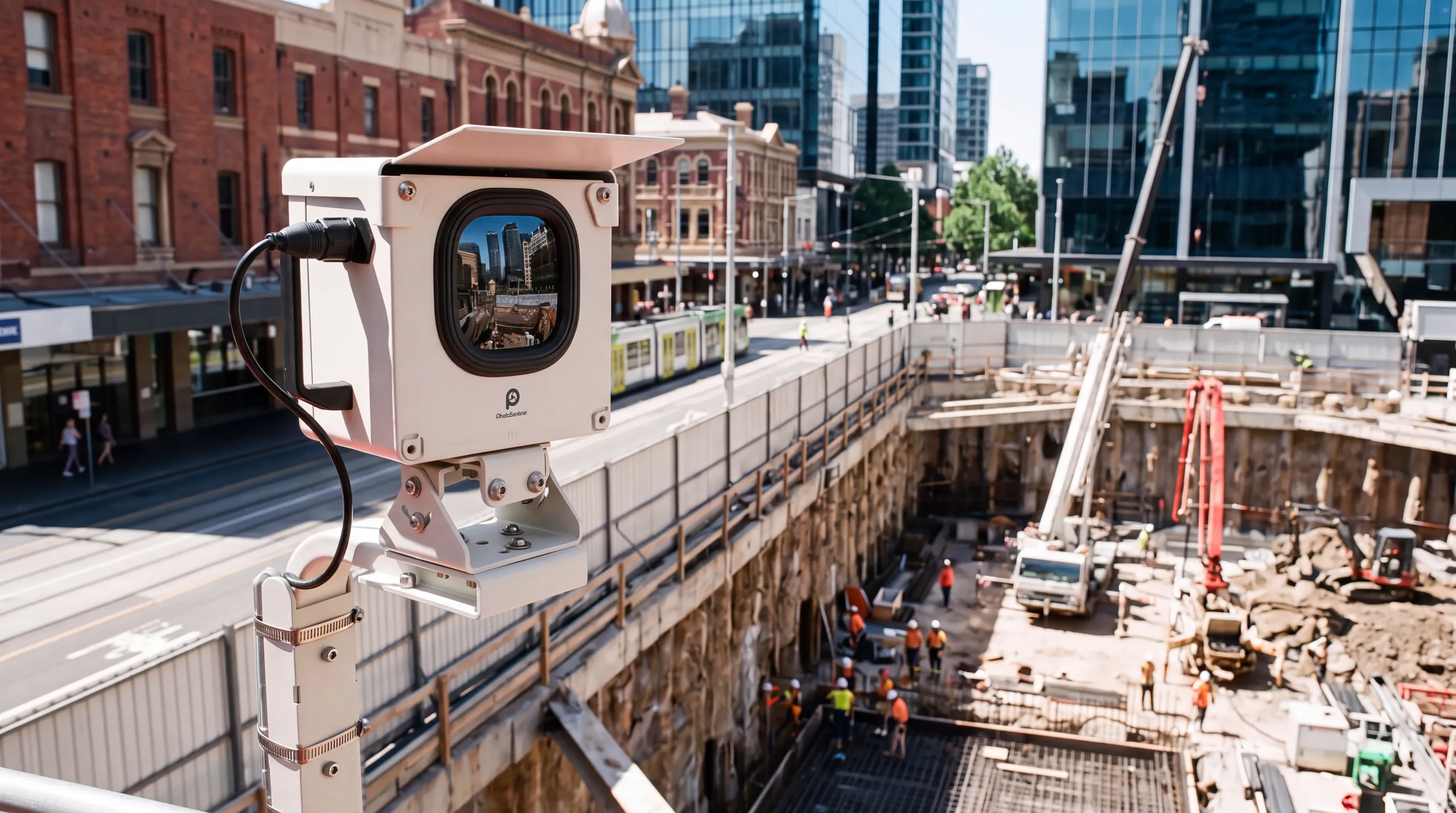
Community engagement
A public time lapse lets residents watch their new facility take shape.
Learn more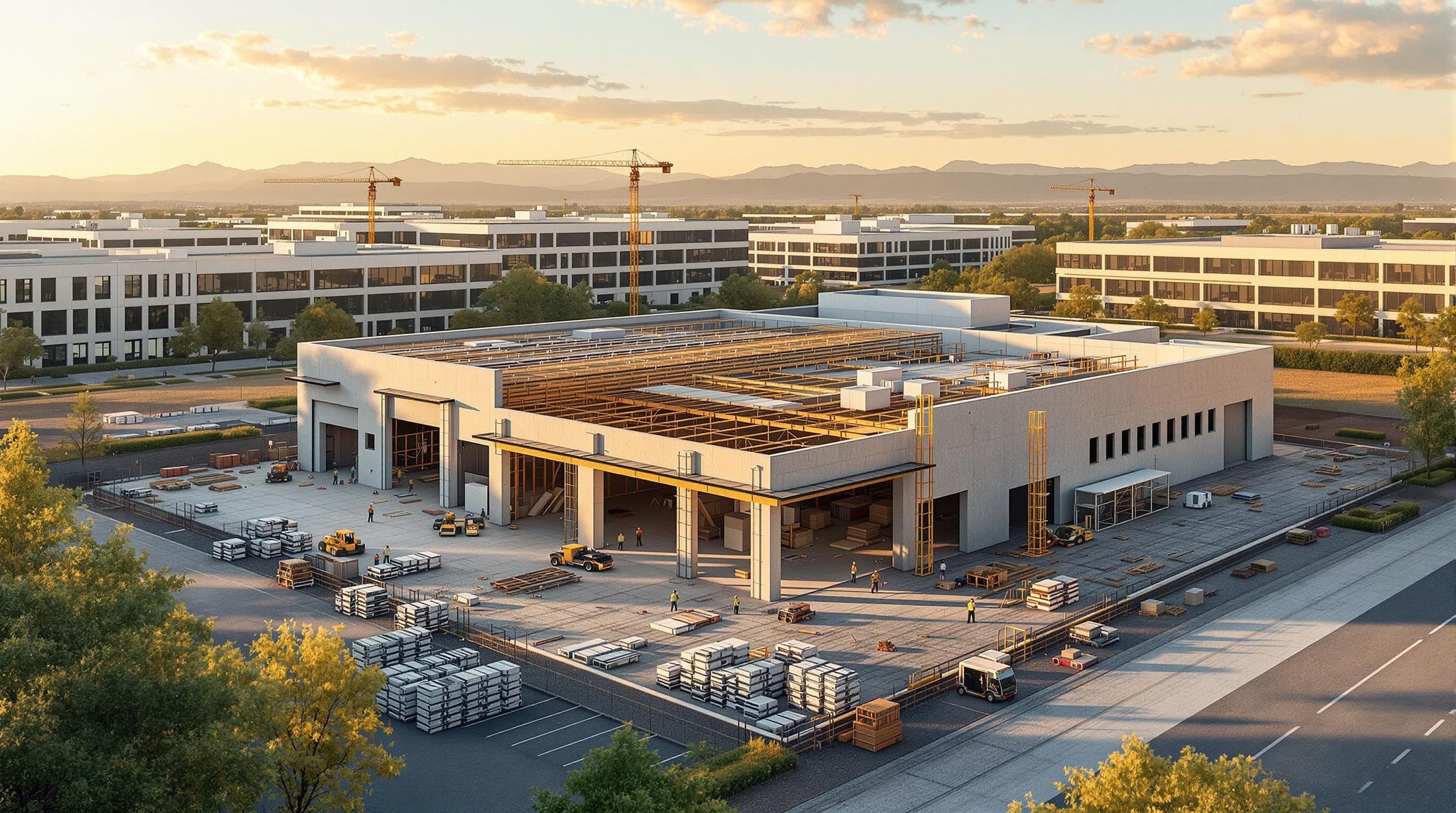
Transit and civic infrastructure
Stations, interchanges and streetscape upgrades recorded through every stage, with traffic and access changes on the record.
Learn more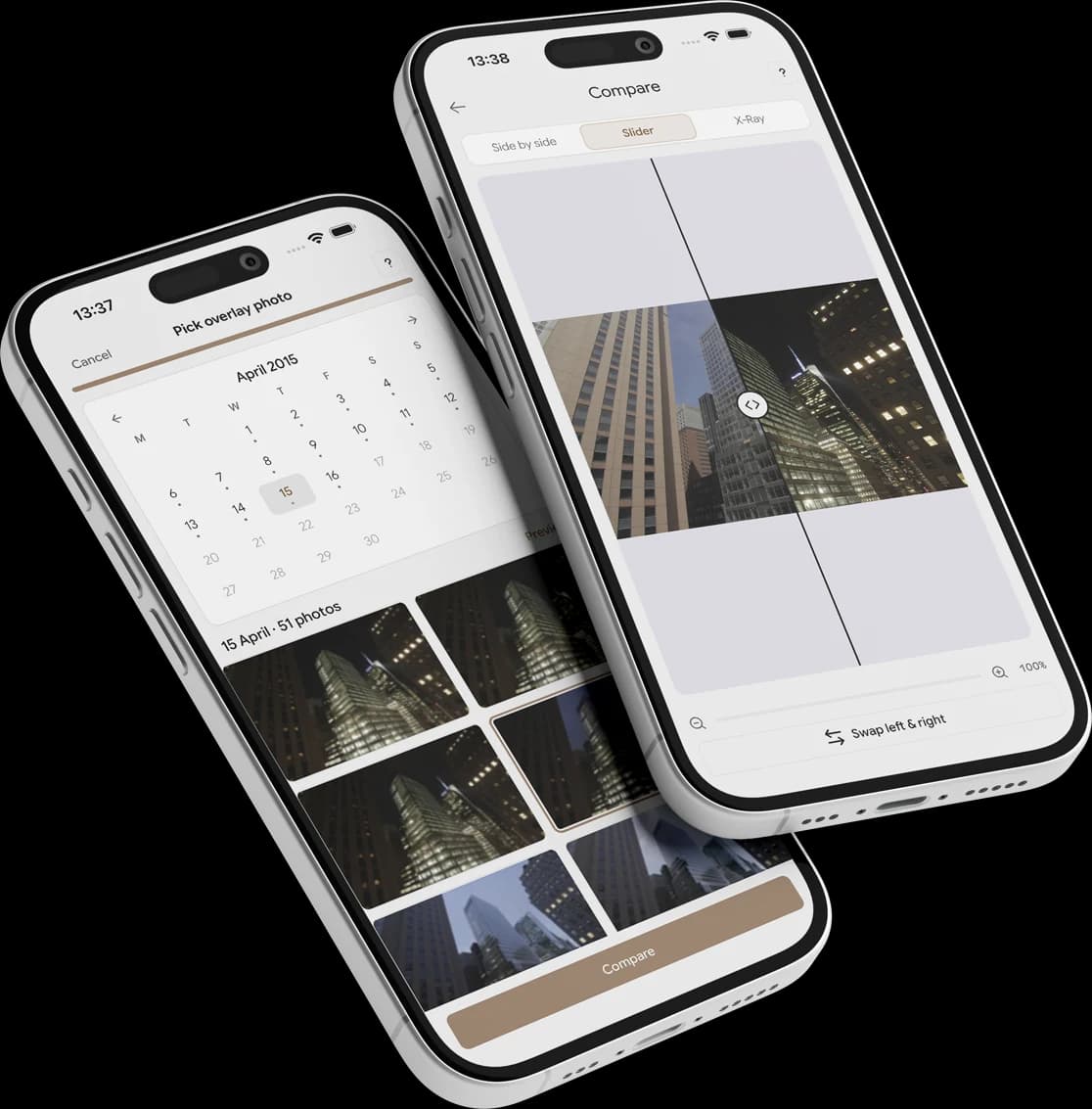
Program oversight across a jurisdiction
Every council or agency project in one dashboard, with each site shared with the team that runs it.
Learn moreTrack your progress
See the site change, day by day, with Time Portal.
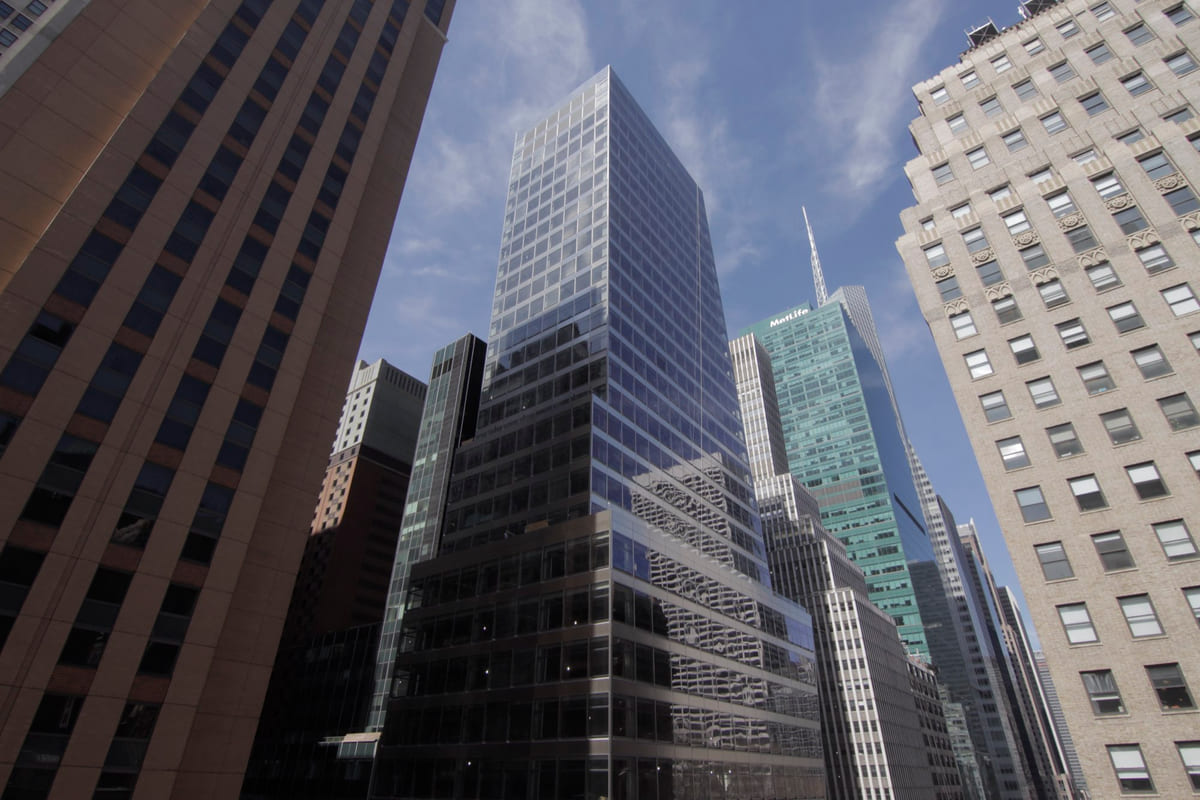
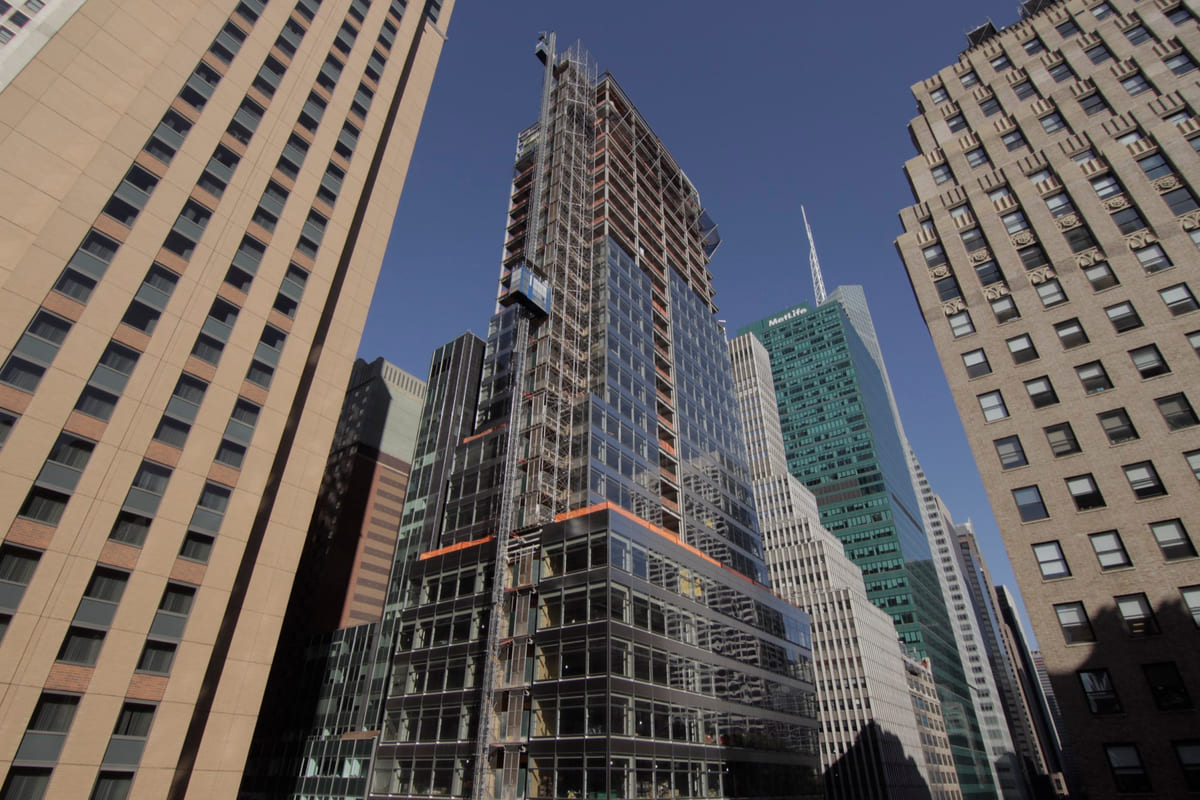
Compare any two dates across the frame, or drag a window across the image to reveal an earlier state beneath the present. Any two dates, side by side. The record speaks for itself.
Explore Time Portal in Sentinel OSPortal mode. Drag inside the window to move it, drag a corner to resize, or draw a new window anywhere on the frame.
 Now
Powered by Sentinel OS
The complete record of your site, from day one.
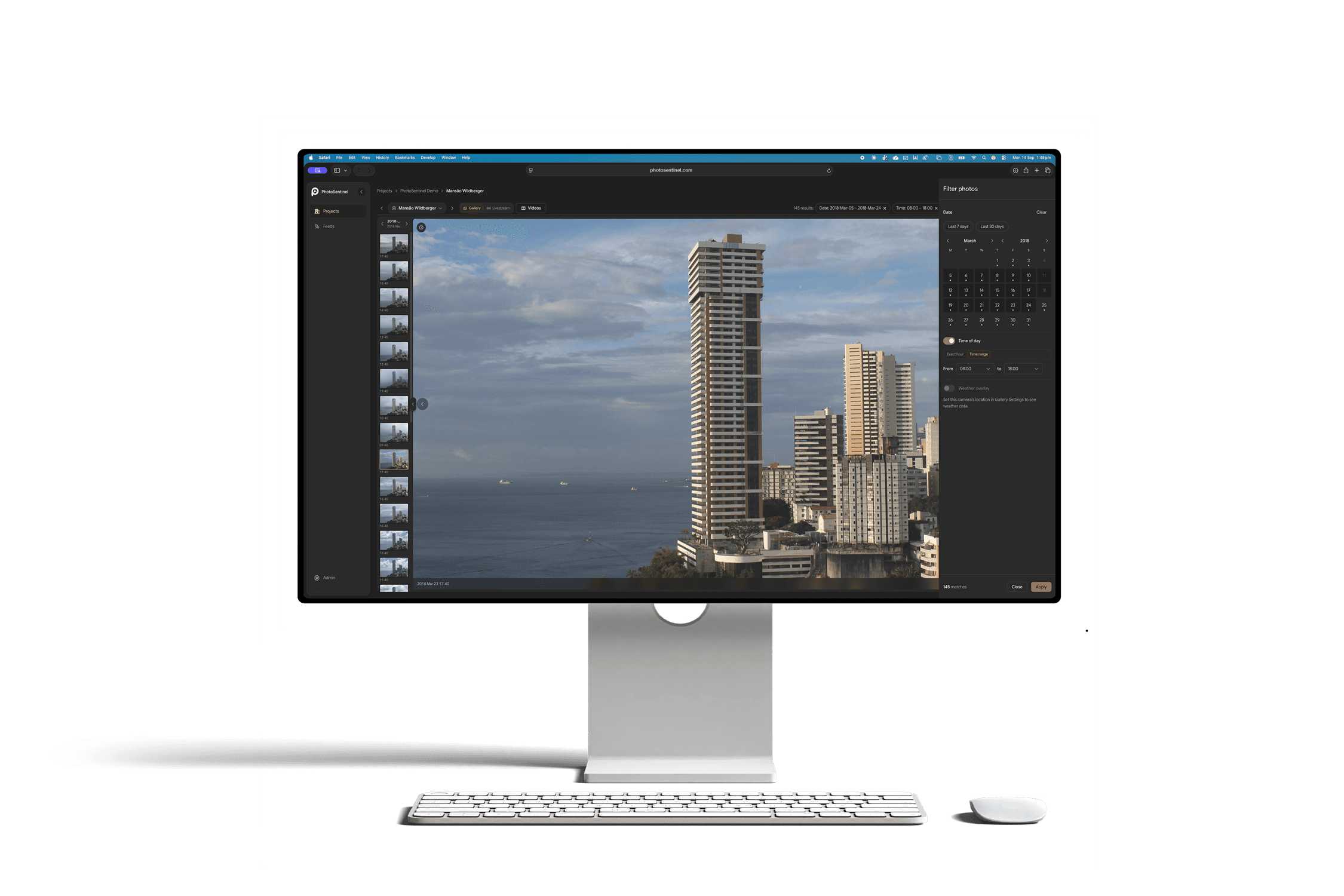
Every frame from every camera, kept in one place and time-stamped. Scrub the timeline, jump to any date, narrow to a single camera and pull exactly what you need, from one still to a whole phase.
- Every capture from day one, kept for the life of your subscription
- Capture-day markers show which days have footage
- Export any frame or range in full resolution
- Finished projects go read-only and stay retained
 Launching November 2026
Powered by
Sentinel OS
Sentinel OS, the intelligent software platform behind every Buildcam camera, turns your footage into searchable evidence, compliance, intel, and story.
Explore Sentinel OS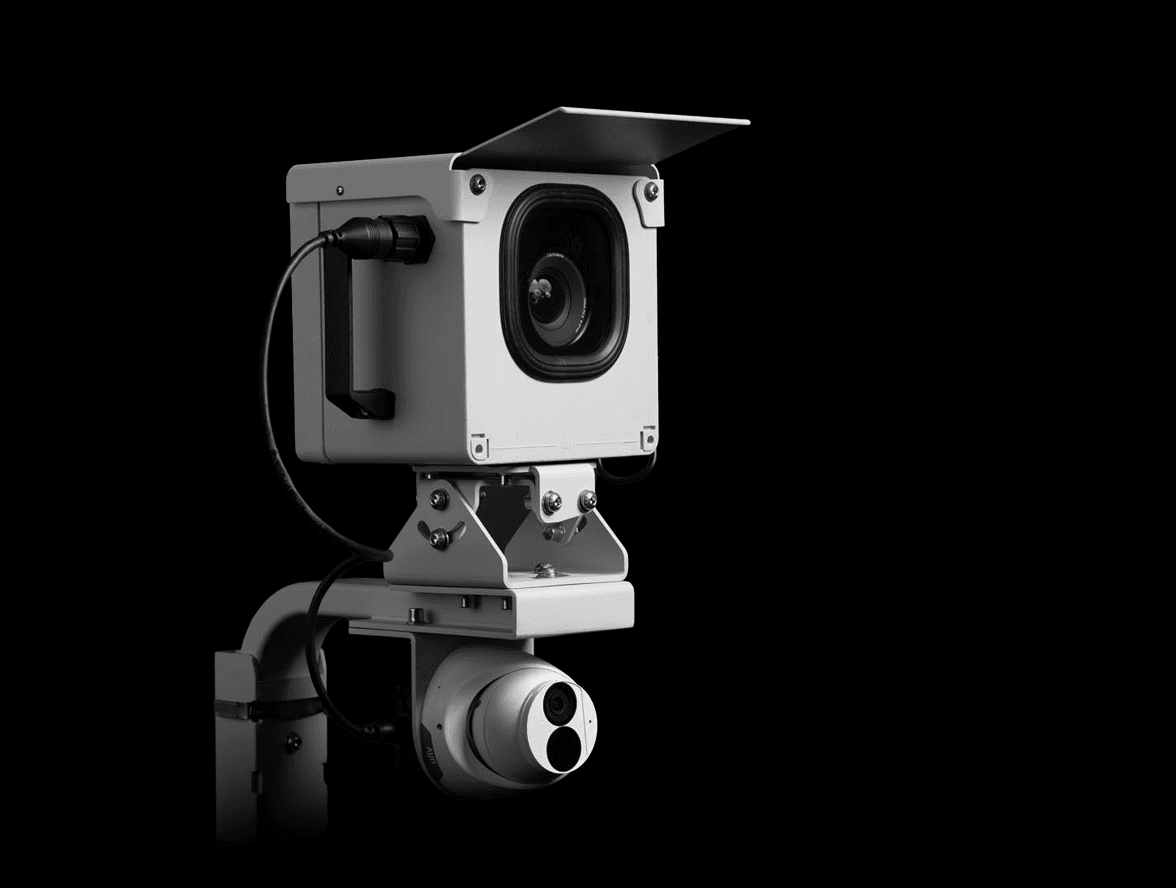
Recommended hardware
Buildcam Pro
A time-stamped, high-resolution record and a 4K livestream for public viewing, from one camera.
Industry: Government
Questions about cameras on public works.
The ones that come up most on publicly funded projects. The full FAQ lives in Resources.
Different question?
The full FAQ covers hardware, platform, security, and billing. Or skip the search: talk to a real person on the callback.
Give your next public project a record that lasts.
Tell us about the project and the stakeholders, and we'll plan the coverage.
We'll call you back within the hour.